
10 Best Apps for Poco F8 Ultra [Get Extraordinary Experience]
![10 Best Apps for Poco F8 Ultra [Get Extraordinary Experience]](https://www.techdemis.com/wp-content/uploads/2025/12/Best-Apps-Poco-F8-Ultra.webp)
Unlock your Xiaomi Poco F8 Ultra’s full potential with 10 best apps for its 50MP camera, 120Hz display, Bose audio, and Snapdragon 8 Elite Gen 5 chip.
Your new Poco F8 Ultra has many upgrades, boasting a top-tier processor, a brilliant display, and an incredible audio system. Specifically, we are talking about the powerful Snapdragon 8 Elite Gen 5 chip and sound professionally tuned by Bose. However, advanced hardware is only half the story. To truly unlock its potential, you need the right apps to get most out of your phone.
So, with that in mind, we have carefully curated a list of ten must-have apps for Xiaomi Poco F8 Ultra. These apps should significantly improve your photography, gaming, and elevate your overall audio experience. Simply, these apps should transform your powerful device into a truly personalized powerhouse.
Now, let’s go ahead, and start our list of top apps for Xiaomi Poco F8 Ultra:
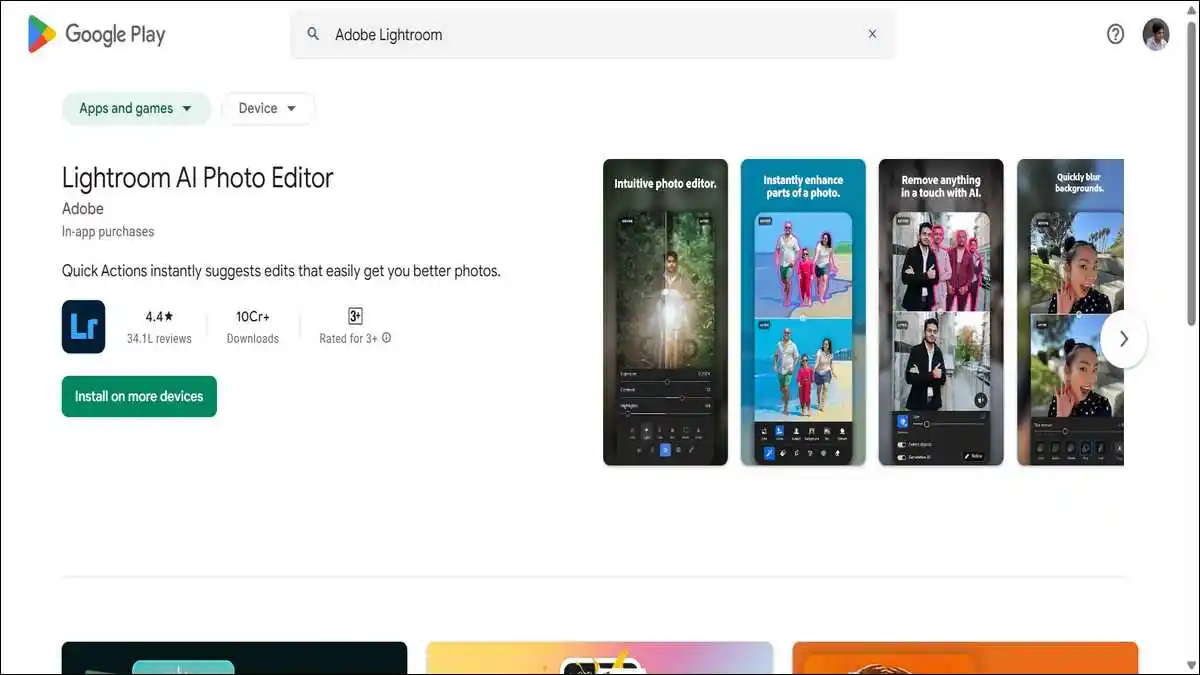
1. Adobe Lightroom: For the 50MP Camera Power
The Poco F8 Ultra features a good triple 50MP camera system. This impressive setup includes a 5x periscope telephoto lens for capturing stunning zoom shots. To professionally edit these high-resolution photos, we strongly recommend Adobe Lightroom.
This powerful app gives you precise, granular control over your images. You can easily adjust color, light, and clarity with its intuitive tools. Furthermore, it fully supports the high dynamic range that your camera’s sensor can capture. The advanced healing brush also allows you to remove unwanted objects from your photos seamlessly.
Additionally, you can create and save custom presets for your favorite looks. This feature makes batch editing your travel or portrait photos incredibly fast and consistent. The app is free to use with its robust basic tools, making it the perfect partner for your F8 Ultra’s pro-level camera hardware.
You can download this app → here.
2. GCam (Google Camera Port): For Enhanced Image Processing
The hardware in your F8 Ultra is undoubtedly good. However, you might want to experiment with different image processing styles. For photography enthusiasts, a ported version of Google’s Camera (GCam) app can be a fascinating experiment.
GCam is particularly famous for its exceptional computational photography. It especially excels in its HDR+ and Night Sight modes, which can bring out more detail in shadows and challenging low-light scenes. As a result, it often produces more natural and realistic colors compared to some stock camera apps.
Please note, you will need to find a stable APK version that is compatible with your specific device. We recommend looking for trusted developers on dedicated forums like XDA-Developers.
Remember, installation requires you to temporarily enable “Install from unknown sources.” Therefore, this app is best suited for users who genuinely love to tweak their photo output.
You can download this app → here.
Also read: How to Safely Remove Apps Downloaded via MoviesJoy
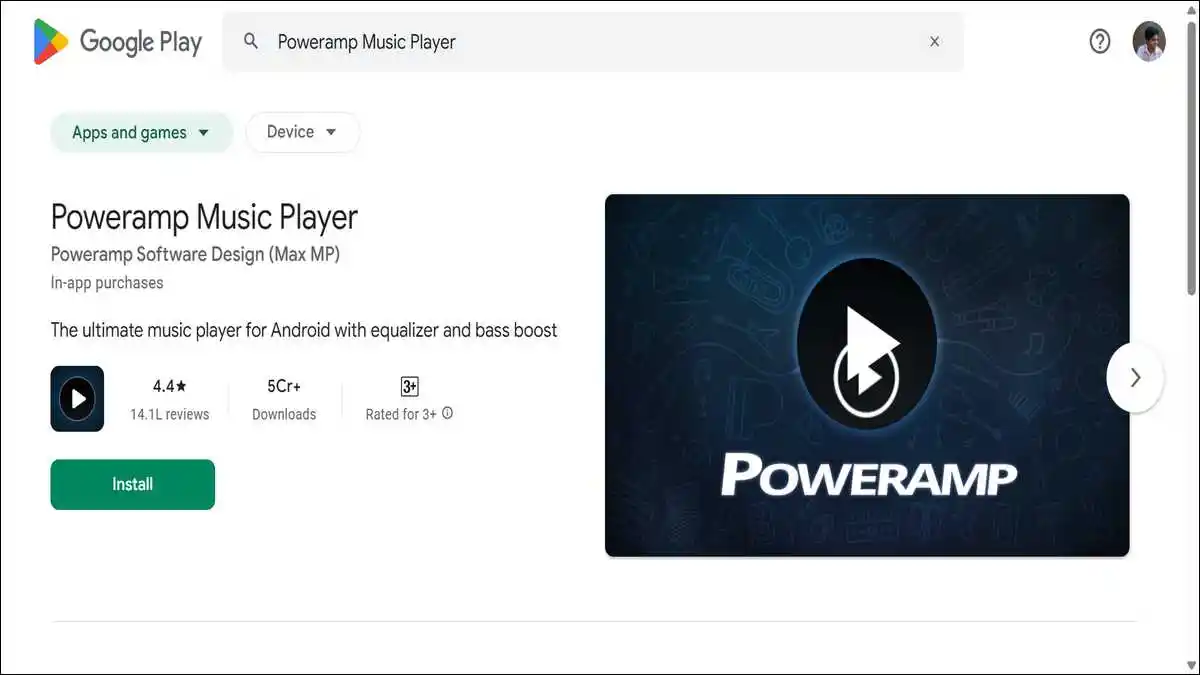
3. Poweramp Music Player: For the Bose Sound System
To add more, sound system that has been expertly tuned by Bose in this phone. This includes a 2.1 stereo setup with a dedicated subwoofer for rich bass. To truly do this hardware justice, you need an equally powerful music player, and Poweramp is our top choice for local audio files.
It offers comprehensive support for high-resolution audio formats like FLAC. This means you can hear every subtle detail and nuance in your music collection. The app also includes a sophisticated 32-band equalizer, allowing you to fine-tune the sound to perfectly match the Bose “Dynamic” or “Balanced” profiles.
Beyond that, its advanced audio engine provides deep tweaking options. You can adjust parameters like tone, stereo expansion, and compressor settings. Ultimately, it makes your entire music library sound incredibly rich and full through the phone’s phenomenal built-in speakers.
You can download this app → here.
Also read: How to Get Free Coins for House of Fun
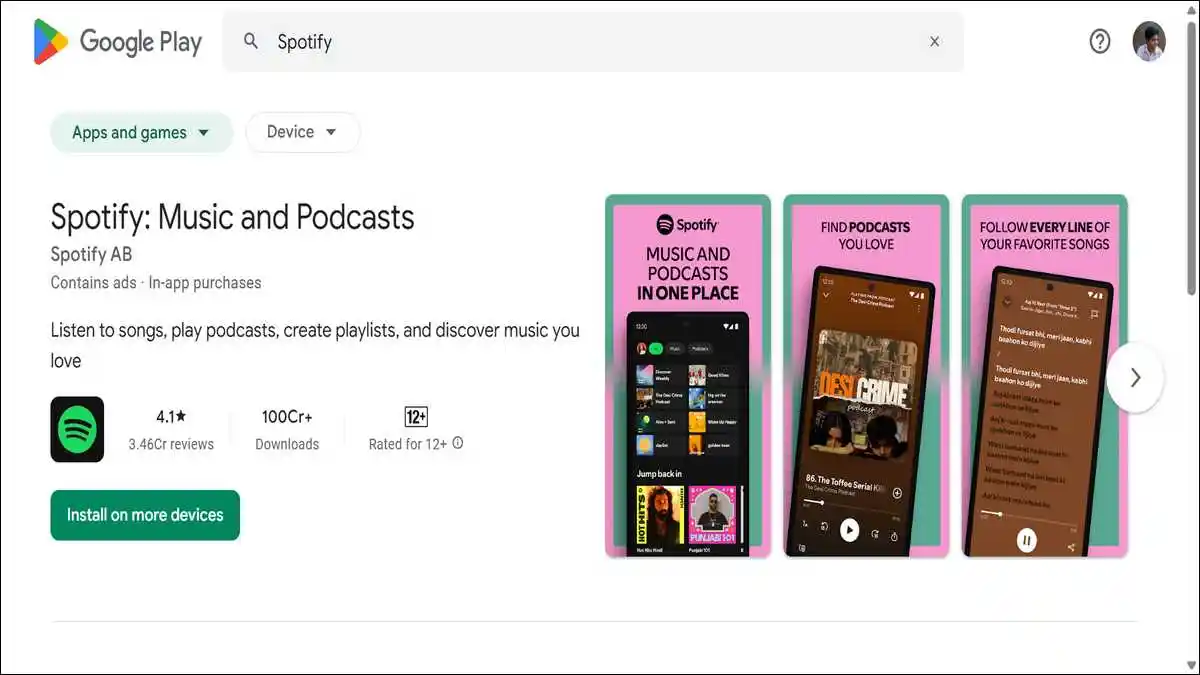
4. Spotify or YouTube Music: For High-Quality Streaming
For music streaming, the F8 Ultra’s premium audio hardware naturally demands high-quality sources. Services like Spotify and YouTube Music are perfect for this purpose, as they offer extensive libraries and high-bitrate streaming options.
For the best possible experience, be sure to enable the “Very High” quality setting in Spotify’s preferences. Meanwhile, YouTube Music provides the added benefit of background playback and access to official music videos. Importantly, both apps work seamlessly with the Bose-tuned speakers and Dolby Atmos support.
You can also download your favorite playlists for offline listening. This is a great feature for saving mobile data while on the go. With their expertly curated playlists and smart discovery algorithms, these services effectively turn your phone into a portable concert hall.
You can download this app → here.
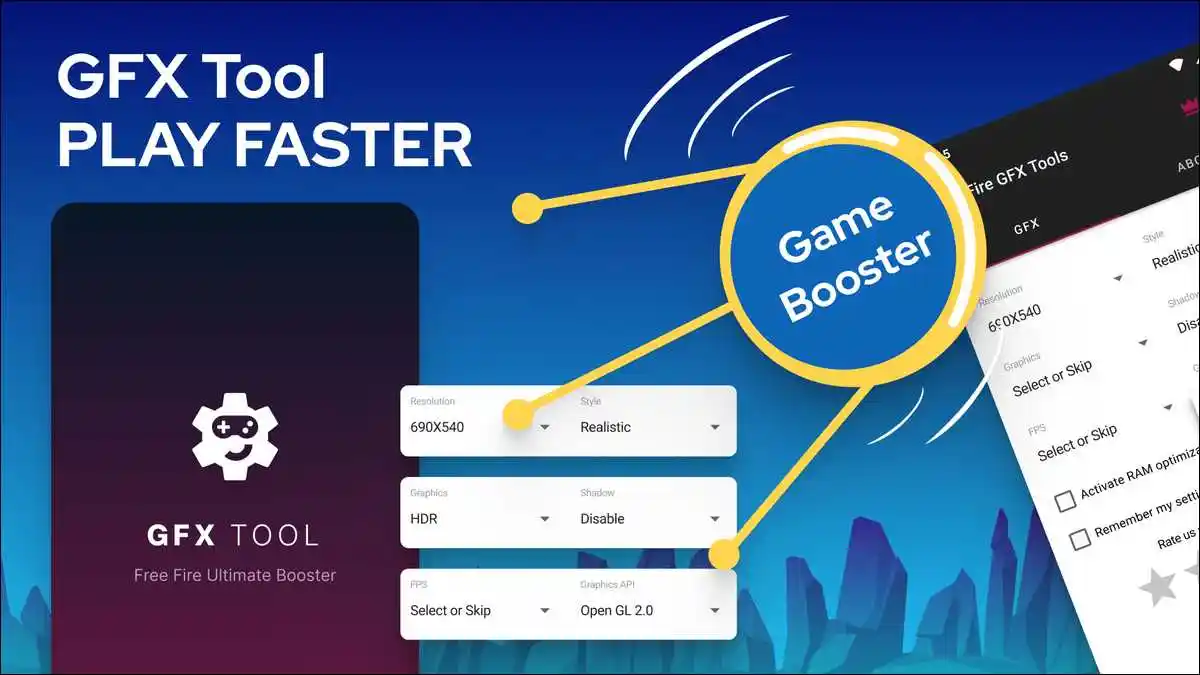
5. GFX Tool for Gaming: For the 120Hz HyperRGB Display
Your F8 Ultra boasts a super-smooth 120Hz AMOLED display , which is perfectly suited for competitive gaming. To optimize this experience, GFX Tool is an essential utility app for popular games like PUBG Mobile and Call of Duty: Mobile.
This handy tool lets you force higher frame rates and lower graphics settings. Consequently, you can achieve a noticeably smoother and more responsive gaming experience. This optimization reduces input lag and can give you a tangible competitive edge in fast-paced battles.
Moreover, you can unlock HD resolutions and customize the HDR settings to your preference. This further enhances visual clarity on your already stunning screen. The app also helps your phone maintain high performance by intelligently managing thermal throttling.
You can download this app → here.
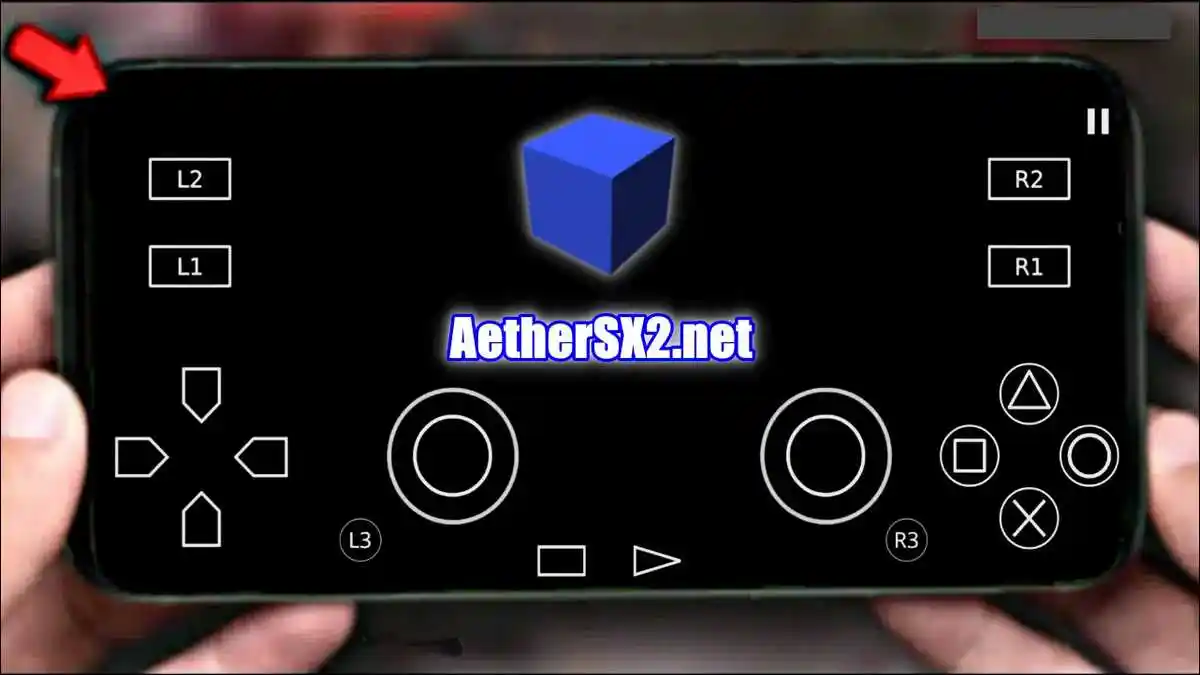
6. AetherSX2 or Dolphin Emulator: For the Snapdragon 8 Elite Gen 5
Since phone’s processor is quite powerful , so why not use it to play classic console games? Emulator apps like AetherSX2 (for PlayStation 2) and Dolphin (for GameCube & Wii) run flawlessly on the Snapdragon 8 Elite Gen 5 chipset.
This allows you to relive classic games from your childhood. The experience is not only smooth but can also be upscaled to high resolutions for a modern look. For an authentic feel, you can connect a Bluetooth controller. It effectively turns your phone into the ultimate portable retro gaming device.
It’s worth noting that these emulators are complex but very rewarding to set up. You will need to provide your own game files (ROMs/ISOs). Always ensure you own the original games you play. All in all, this is a fantastic way to explore gaming history on your powerful modern device.
You can download this app → here.
Also read: Wheon Subway Surfers For PC: How to Play
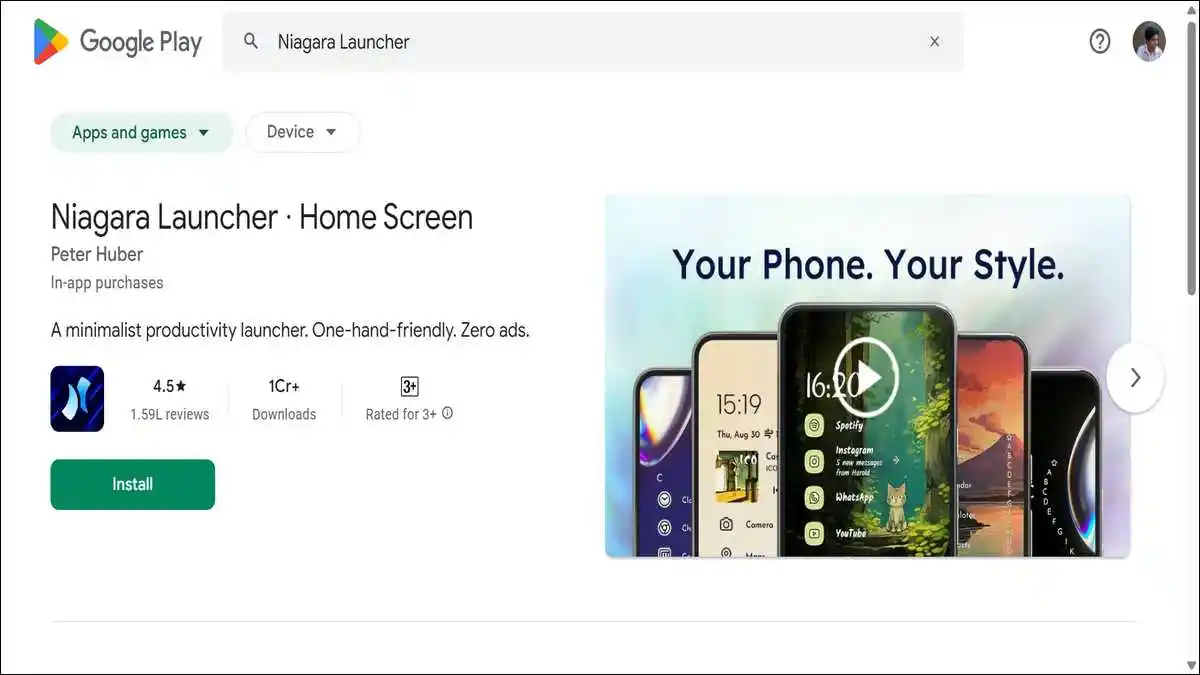
7. Niagara Launcher: For a Clean, One-Handed Experience
The F8 Ultra has a large and immersive 6.9-inch display. A clean, efficient launcher can significantly improve one-handed usability. Niagara Launcher offers a uniquely minimalist and streamlined interface that focuses on your essential apps and notifications.
It cleverly presents all your apps in a single, scrollable, alphabetical list. You can “favorite” your most-used apps for instant access right at the top. The overall design is sleek, fast, and remarkably easy to use with just one thumb, which helps reduce screen clutter and keeps you focused.
The launcher is also highly customizable to your taste. You can change its entire look with various icon packs and themes. It feels lightweight and snappy, perfectly complementing your phone’s powerful hardware. In short, it is a fresh and efficient alternative to the standard HyperOS launcher.
You can download this app → here.
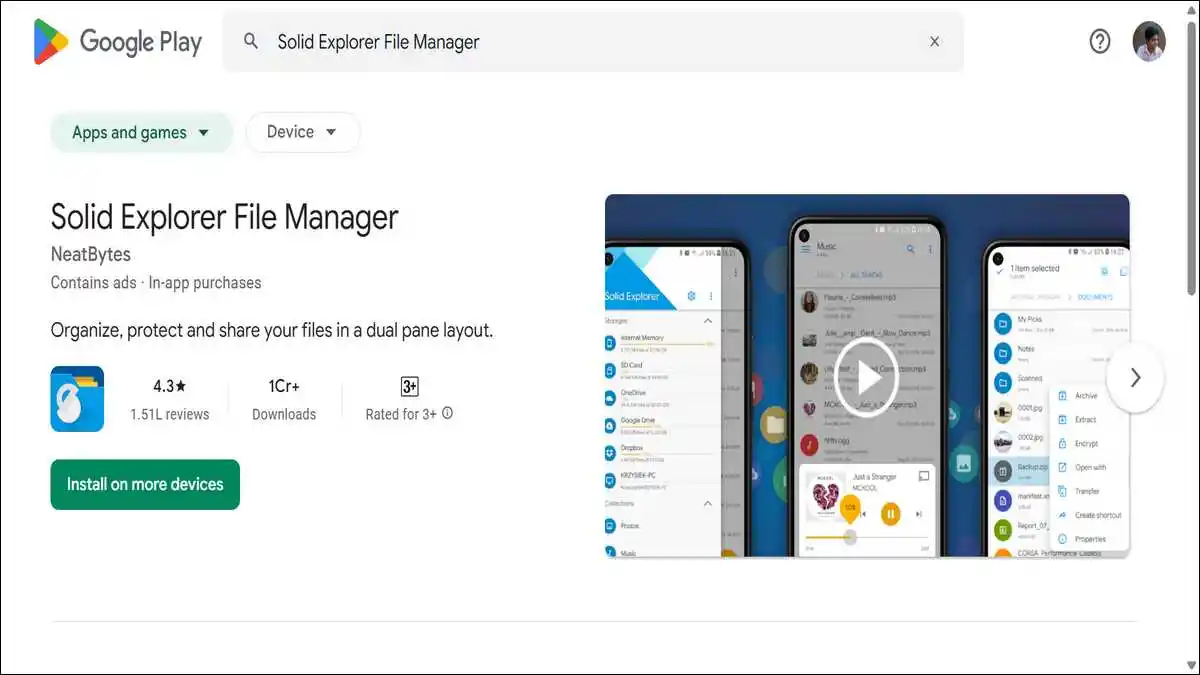
8. Solid Explorer File Manager: For UFS 4.1 Storage
This phone uses ultrafast UFS 4.1 storage. To manage this speed and your data efficiently, a powerful file manager like Solid Explorer is an excellent choice. It offers a clean, dual-pane interface that makes file operations simple and intuitive.
With it, you can easily move or copy files between your device’s internal storage and cloud services. It also supports various network protocols like FTP, SFTP, and WebDAV. The app includes a built-in media player and archive handler, and it can even hide your private files with encryption for security.
The app makes excellent use of the phone’s fast storage speeds. As a result, file transfers, searches, and compression tasks are incredibly quick. It is a comprehensive tool for anyone who wants full, masterful control over their phone’s storage system.
You can download this app → here.
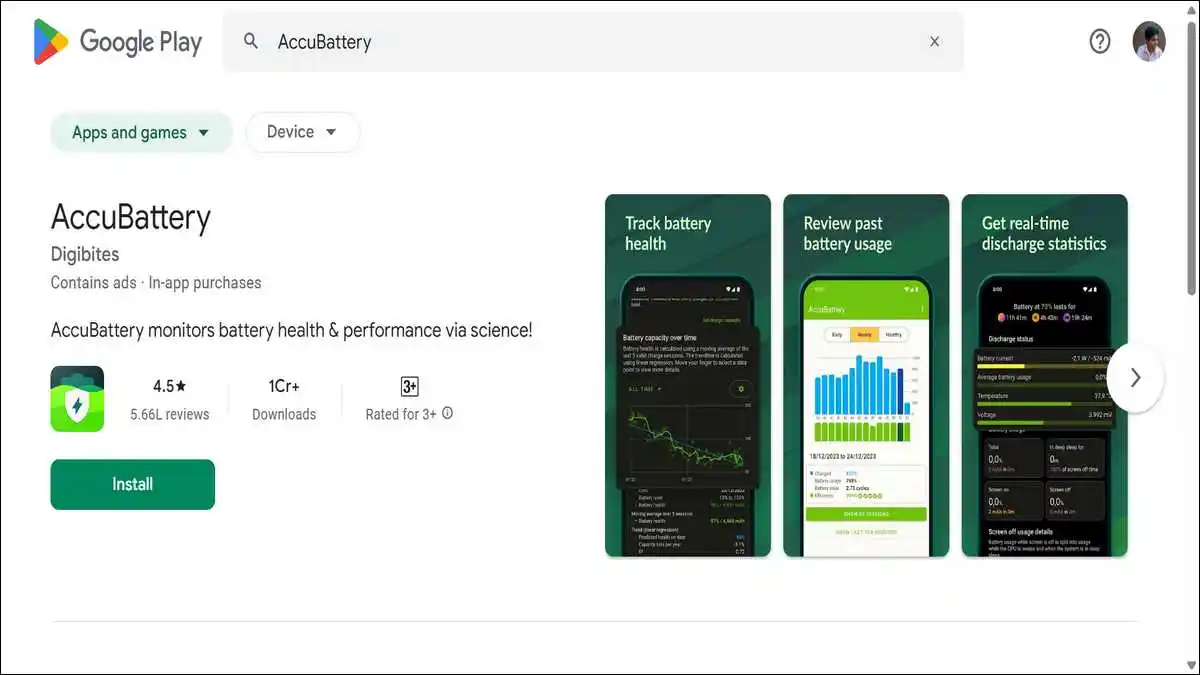
9. AccuBattery: For the Massive 6500mAh Battery
To understand battery’s long-term health and daily usage patterns, AccuBattery is a very helpful and informative tool. It provides detailed, data-driven insights into how your battery is performing over time.
The app shows key metrics like your battery’s current health percentage and real-time charging speed. It also estimates how much screen-on time you can expect from a full charge. You can even set charging alarms to help preserve long-term battery life by preventing overcharging.
It also breaks down battery usage by individual app. This valuable data helps you identify which apps are draining your power the most, allowing you to make informed decisions to extend your battery’s lifespan for years to come.
You can download this app → here.
Also read: Google Block Breaker
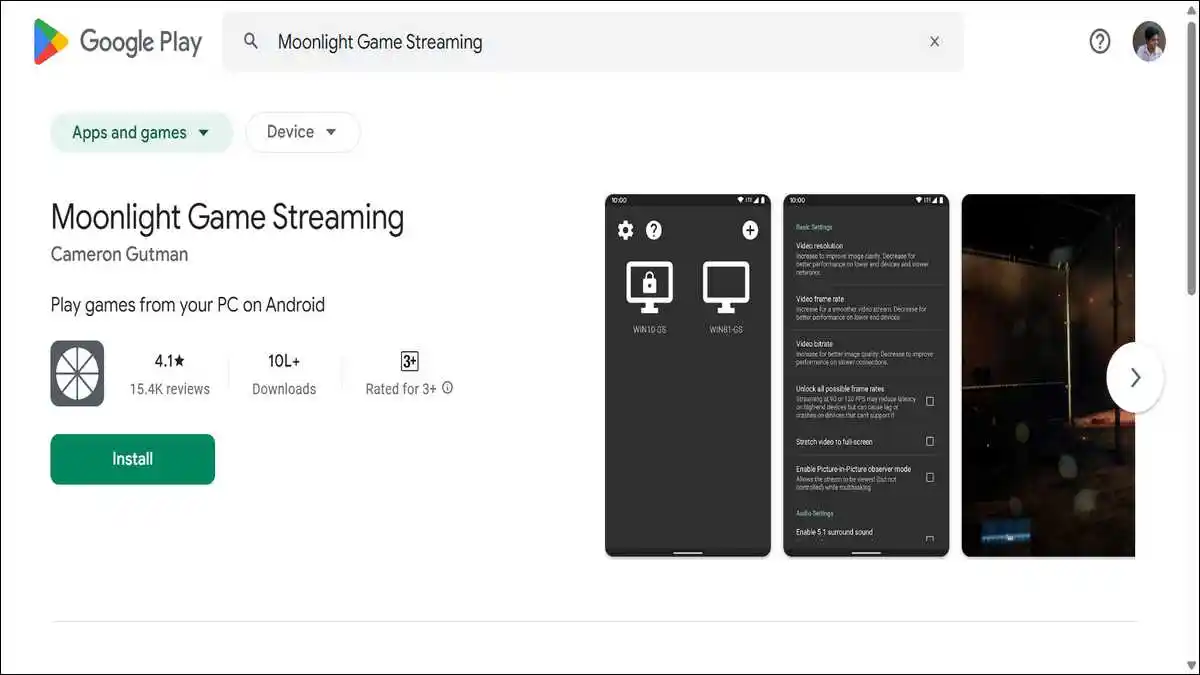
10. Moonlight Game Streaming: For Big-Screen Gaming
Why limit your gaming to the phone’s screen? Your F8 Ultra’s advanced Wi-Fi 7 connectivity and vibrant display make it an ideal device for game streaming. Moonlight is a superb app that lets you stream games directly from your powerful gaming PC to your phone.
This means you can play demanding AAA titles like Cyberpunk 2077 directly on your phone. The experience is surprisingly smooth and responsive thanks to low latency technology. You can even connect your phone to a TV or monitor for a big-screen experience and use a Bluetooth controller for the best gameplay.
This app fully utilizes the high-speed, low-latency connectivity of your phone. It provides a premium, console-like gaming experience anywhere you have a good network connection in your home. It is truly the ultimate app for gamers who want maximum flexibility.
You can download this app → here.
This table summarizes the core strengths of your Poco F8 Ultra and the apps that best complement them:
| Phone’s Hardware Strength | Recommended App | Primary Benefit |
|---|---|---|
| Triple 50MP Camera System | Adobe Lightroom | Professional-grade photo editing |
| Bose 2.1 Sound System | Poweramp Music Player | Hi-Res audio playback & advanced EQ |
| Snapdragon 8 Elite Gen 5 Chip | AetherSX2 / Dolphin Emulator | Play classic console games in HD |
| 120Hz AMOLED Display | GFX Tool | Optimize games for max frames & smoothness |
| 6500mAh Battery | AccuBattery | Monitor battery health & usage patterns |
Maximizing Your HyperOS 3 Experience
Your Poco F8 Ultra runs on the latest HyperOS 3, based on Android 16. This sophisticated software includes many built-in AI features and deep Google Gemini integration. You can confidently use these powerful built-in tools alongside the third-party apps we have recommended.
For instance, be sure to explore the HyperAI features for smart writing assistance and enhanced device interconnectivity. The dedicated VisionBoost D8 chip enhances HDR content and gaming visuals beyond standard rendering. Also, remember to use the Game Turbo mode to access the incredible 2560Hz instant touch sampling rate for a competitive edge in gaming.
The software is fundamentally designed to be efficient and smooth. Importantly, you are guaranteed 4 years of major OS updates and 6 years of security patches. This long-term support ensures your device and the apps you install will remain secure, modern, and up-to-date for many years to come.
![20 Most Essential iPhone 16 Settings [iOS 26 Easy Tweaks]](https://www.techdemis.com/wp-content/uploads/2026/06/Essential-iPhone-16-Settings-800x450.webp)

![vnROM Bypass Complete Guide [2026]: How It Works, Android Compatibility, Security Risks & Alternatives](https://www.techdemis.com/wp-content/uploads/2026/06/vnROM-Bypass-Complete-Guide-800x450.webp)


