
How to Choose a PC Case That Works for Your Build and Your Space
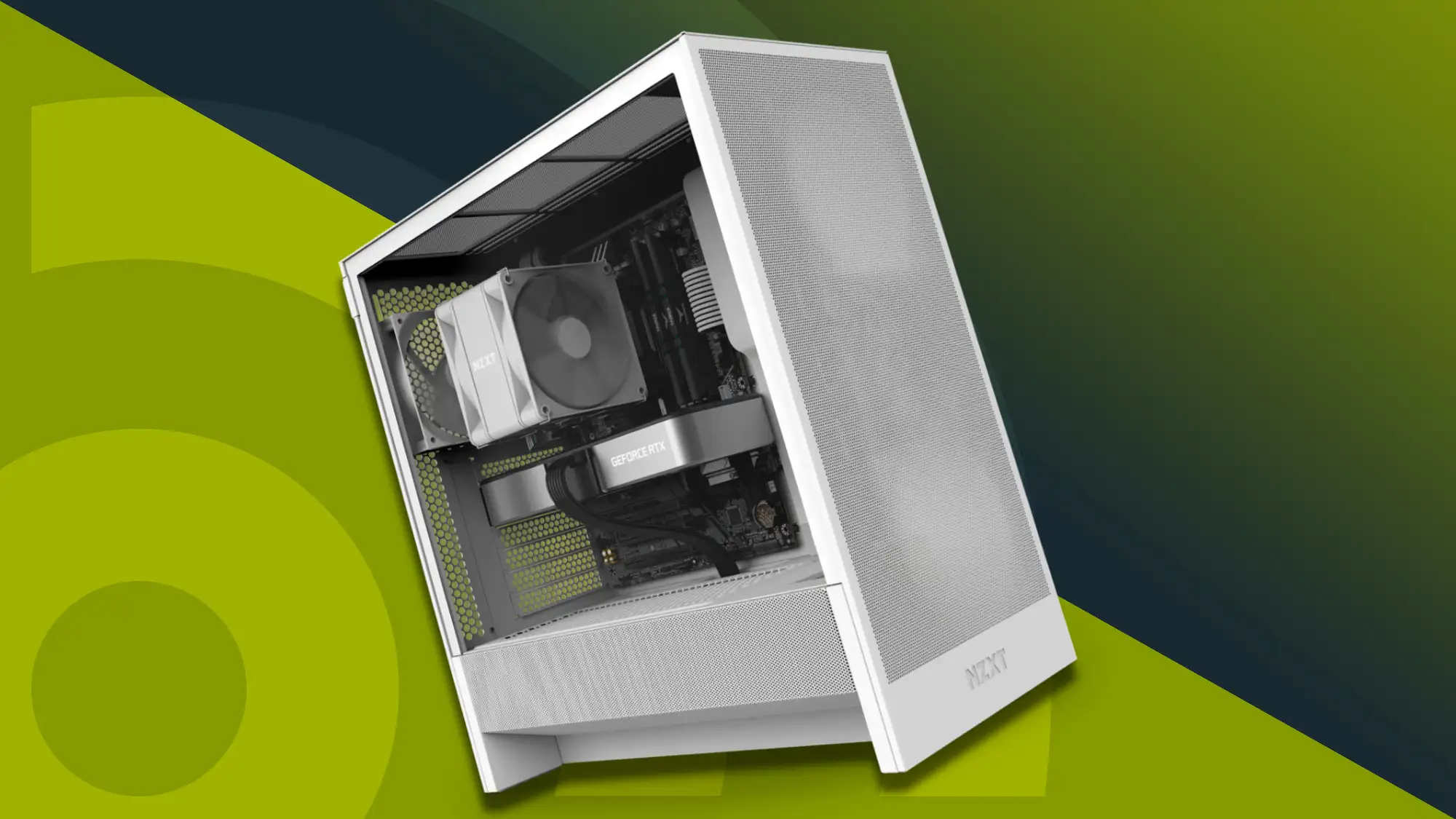
A PC case is not just a box that holds components. It is the structural foundation of the entire build, the primary determinant of which components are compatible, and the object that will sit on or beside your desk for the foreseeable future. The decision deserves more thought than most first-time builders give it, and even experienced builders sometimes underestimate how much the case choice shapes everything else. These are the things worth thinking through before you buy.
Size Category Sets the Boundaries
PC cases come in several size categories, and the category you choose determines which motherboard form factors fit inside, which in turn determines the expansion options, memory slots, and connectivity available for the build. Full towers are the largest category and accommodate everything from Mini-ITX through Extended ATX. Mid towers are the most popular category and comfortably fit ATX, Micro-ATX, and Mini-ITX boards. Compact cases are designed specifically for Micro-ATX or Mini-ITX builds and offer a significantly smaller footprint at the cost of fewer expansion options and tighter thermal management constraints.
The right size category depends on the intended use of the build, the space where it will live, and the components being used. A high-end workstation or gaming build with a full-size ATX motherboard, a large GPU, and a custom liquid cooling loop needs a mid or full tower with the internal volume to accommodate all of it without compromising airflow. A compact build for a small desk or living room setup points toward a small form factor case with the constraints that come with it.
Airflow Design Determines Thermal Performance
The thermal performance of a PC build is substantially determined by the case. A case with good airflow design, meaning a mesh front panel that allows unrestricted intake air, well-placed fan mounting positions that create an efficient air path through the system, and adequate exhaust locations that allow hot air to leave without recirculating, produces meaningfully lower component temperatures than a case with restrictive panel design and poor airflow planning.
HYTE’s pc cases are designed with airflow as a primary engineering consideration, combining panel designs and internal layouts that support both high-volume air cooling configurations and the large radiator installations that custom liquid cooling requires. The difference between a well-designed airflow case and a poorly designed one is visible in component temperatures under sustained load, which affects both performance and the long-term reliability of the components inside.
Compatibility Specifications to Verify Before Buying
Several specific compatibility specifications need to be checked for any case under consideration before committing to a purchase. GPU length clearance is the most frequently overlooked, and with modern high-performance graphics cards reaching 350mm or longer in some designs, not every mid tower that fits an ATX motherboard will accommodate the GPU without a clearance conflict at the front fans or radiator.
CPU cooler height clearance matters for air-cooled builds. Most mid towers allow coolers in the 160 to 170mm range, but compact cases often restrict clearance to 60 or 70mm, which limits the available cooler options significantly. Radiator support specifications, including which radiator sizes are supported and in which mounting positions, are critical for liquid cooling builds. Power supply length clearance is less commonly a constraint but worth confirming for high-wattage PSUs in compact cases where the PSU bay is tighter.
The Build Experience Inside the Case
Cases that are designed with the builder’s experience in mind make assembly significantly more straightforward and produce better results even for builders who do not invest significant effort in cable management. The practical features that make a real difference include a PSU shroud that conceals the power supply and cable mass below the motherboard tray, a motherboard tray with well-positioned cable routing cutouts that allow cables to run cleanly behind the tray, adequate clearance behind the tray to contain bundled cables without forcing the side panel, and tool-free or accessible drive and fan mounting that reduces the fiddling involved in assembly.
Cases without these features are not impossible to build in, but they produce messier results and take longer, particularly during the cable routing stage that follows component installation.
Panel Design and Visual Presentation
Tempered glass side panels that expose the components inside the case have become standard across most mid and full tower designs, and the internal presentation of the build has become a genuine design consideration for many builders. The placement and size of the glass panel determines which components are visible and from what angle, which affects decisions about component aesthetics, cable routing, and lighting.
Some cases take the visual design concept further. Full panoramic designs that use glass or transparent panels on multiple faces of the case treat the internal components as the primary visual feature of the build rather than a secondary consideration behind the case exterior. These designs reward careful cable management and component selection with a display-quality result that conventional case designs cannot match.

![How to Recover Deleted Files from the Recycle Bin on Windows 11? [Free Methods]](https://www.techdemis.com/wp-content/uploads/2026/06/How-to-Recover-Deleted-Files-from-the-Recycle-Bin-on-Windows-11-800x450.webp)

![Restart Bluetooth Service In Windows 11 & 10 [Full Guide]](https://www.techdemis.com/wp-content/uploads/2026/06/Restart-Bluetooth-Service-In-Windows-11-and-10-800x450.webp)

