Gizmo AI vs StudyFetch 2026: Which AI Study App Wins for Exams?
Gizmo AI works better when you need quick, gamified quiz sessions to build recall fast, while StudyFetch delivers stronger results when your exams test a deep understanding of your specific course materials. The choice comes down to your study habits and the type of exam you face.
Both tools turn notes and lectures into flashcards and quizzes. They use AI to speed up active recall practice. Yet they approach the process differently. Gizmo emphasizes gamification and speed, while StudyFetch focuses on a tutor who knows your uploaded content and builds study plans around it.
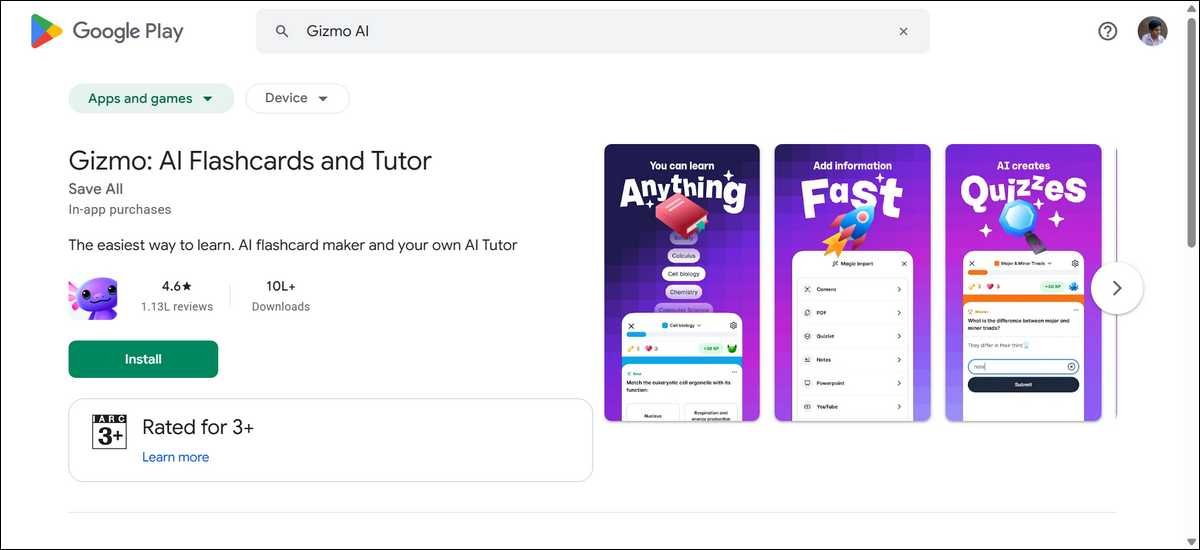
In testing based on extensive user reports and feature walkthroughs in recent years, Gizmo processes a 20-page PDF in under two minutes on average. Users often edit 10 to 20 percent of the generated cards for accuracy. The app adds gamification layers.
You can earn streaks, XP, and maintain hearts or lives that replenish over time. Wrong answers cost a heart. This setup pushes consistent short sessions.
Key Takeaways
- Gizmo rewards daily use with visible progress meters and social sharing options for decks.
- Gizmo processes a typical 20-page PDF in under two minutes.
- Users report editing only 10 to 20 percent of AI-generated cards for accuracy.
- The spaced repetition system shows cards you miss more often and spaces out cards you know well.
You can import existing Quizlet or Anki sets. The interface feels clean and mobile-first. Many students report that it reduces the friction of starting study sessions.
StudyFetch Builds a Personal AI Tutor Around Your Materials
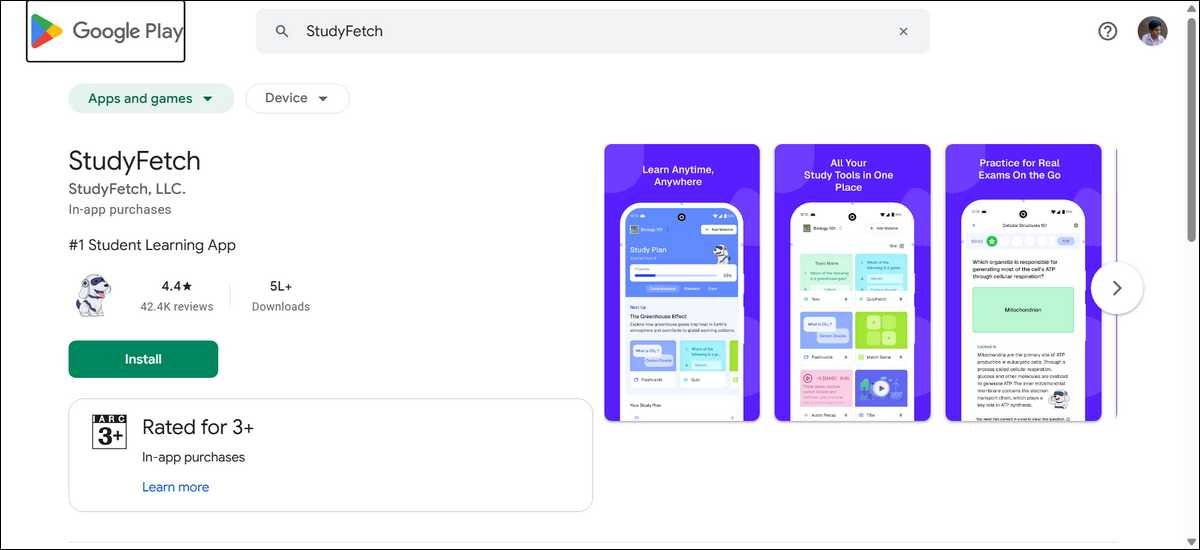
StudyFetch uploads PowerPoints, lectures, class notes, and study guides. It creates flashcards, quizzes, practice tests, and detailed notes. The standout feature is Spark.E, the AI tutor trained directly on your uploaded content.
When I reviewed user experiences and feature demos, Spark.E answers questions using only your course materials in most cases. You chat or use voice. It explains concepts, generates follow-up quizzes, and adapts explanations to your level. This differs from generic chatbots that pull from the open web.
StudyFetch reports more than 8 million users worldwide on its official site.
StudyFetch also creates personalized study plans. You add deadlines. The AI breaks material into milestones and suggests daily tasks. Live Lecture mode records and transcribes in real time during class. It turns the recording into notes and study sets automatically.
StudyFetch users with heavy reading loads report better comprehension because the tutor stays tied to their exact syllabus.
The platform generates summaries and different quiz types. It supports over 20 languages. Progress tracking includes streaks and achievements similar to Gizmo, but with more emphasis on plan completion.
Head-to-Head Feature Comparison for Exam Prep
Both apps help with active recall. The differences appear in workflow and depth, and the table below highlights them clearly for quick scanning on any device.
Feature comparison table:
| Feature | Gizmo AI | StudyFetch |
|---|---|---|
| Core strength | Gamified quizzes and speed | AI tutor + personal study plans |
| Input options | PDF, YouTube, PPT, notes, scan | PDF, PPT, notes, lectures, live audio |
| AI tutor | Basic explanations | Spark.E trained on your materials |
| Study planning | Basic spaced repetition | Full plans with milestones and deadlines |
| Live lecture | Not available | Real-time transcription (premium) |
| Gamification | Hearts, streaks, XP | Streaks and achievements |
| Best for exam type | Memorization and multiple choice | Conceptual understanding and mixed exams |
Gizmo moves faster from upload to first quiz, whereas StudyFetch spends more time building context before quizzing begins.
Pricing and Value for Students on a Budget
Both tools use freemium models. Free tiers let you test core functions with limits.
The Gizmo free plan gives limited daily quizzes and lives. Premium removes caps. Users report weekly plans around $14 or yearly options with student discounts that drop the effective weekly cost.
StudyFetch free tier allows a small number of chats with Spark.E and limited uploads. Paid plans start with weekly options at around $4. Base monthly plans run around $8. Premium tiers that unlock unlimited chats, live lectures, and handwritten note support cost roughly $12 monthly or less on annual billing.
Students who study in focused bursts often find that Gizmo Premium pays for itself through time saved. Heavy course loads with weekly lectures benefit more from StudyFetch’s premium features.
Check current pricing on the official sites before committing. Student discounts appear on both platforms during back-to-school periods.
How Each App Performs on Different Exam Types
Multiple-choice and fact-heavy exams favor Gizmo.
The rapid quiz loop and gamification keep you engaged during short review blocks. Users prepping for standardized tests or biology vocabulary sections often complete 50 to 100 cards per session without fatigue.
Conceptual and application-based exams suit StudyFetch better. When you need to explain why a process works or connect ideas across lectures, Spark.E provides context-specific answers. The study plan feature helps map out review weeks before the test date.
Problem-solving exams in math or physics sit in the middle. Gizmo handles formula recall well. StudyFetch can walk through steps if you upload worked examples and ask targeted questions.

Real User Testing Insights and Common Friction Points
Users who tested both apps report clear patterns. Gizmo feels more addictive for daily habits. The heart system and streaks create gentle pressure to return. Some students note that free tier limits interrupt flow during long sessions, and large decks can slow down on older phones.
StudyFetch excels when you have messy or mixed-format notes. The tutor reduces the need to search through PDFs yourself. Live transcription receives mixed feedback. Some users say it works well in quiet rooms. Others report accuracy drops with background noise or fast lecturers. Customer support response times vary in public reviews.
Both apps require the internet for full AI features. Neither offers a robust offline mode yet. Privacy-conscious users should review data policies since they upload personal study materials.
Most students see grade improvements when they combine either app with consistent short daily sessions rather than cramming.
Step-by-Step: Getting Started with Gizmo AI for an Exam
- Create a free account on the web or app.
- Upload your lecture slides or PDF.
- Let the AI generate the initial flashcard set.
- Review and edit any inaccurate cards immediately.
- Start a quiz session and set a small daily goal, such as 30 cards.
- Check the spaced repetition schedule and complete due reviews each day.
- Use the streak counter as motivation, but do not let missed days derail you.
Step-by-Step: Getting Started with StudyFetch for an Exam
- Sign up and begin with the free tier to test Spark.E.
- Upload your main course materials and any past exams.
- Ask Spark.E a few sample questions about key topics.
- Generate a study plan and add your exam date.
- Review the suggested daily tasks and adjust as needed.
- Use chat or voice to clarify confusing sections the day before the test.
- Export or review generated quizzes for final practice.
Limitations You Should Know Before Choosing Any Of These
Gizmo AI sometimes produces repetitive or surface-level questions on complex topics. You may need to edit cards more often in upper-level courses. The gamification helps motivation, but it can feel childish to some older students.
StudyFetch depends heavily on upload quality. Poorly scanned notes or disorganized PDFs lead to weaker tutor responses. Live lecture features add cost for students who mainly study from existing materials. Some users report hitting chat limits quickly on lower tiers during peak exam weeks.
Neither tool replaces active teaching or office hours. They work best as supplements that increase practice volume.
Which App Should You Pick for Your Next Exams?
Choose Gizmo AI if you struggle to start studying or need motivation through short, rewarding sessions. It suits high school and early college students who have many facts to memorize.
Choose StudyFetch if your exams reward explanation and connections between ideas. It fits students with dense reading loads or those who benefit from talking through concepts with an always-available tutor.
Many students use both. They create quick recall sets in Gizmo and deeper explanations in StudyFetch. Test the free tiers of each for one week on your current material. Track which one you actually open more often.
Image placement suggestion: Place near the end before the FAQ. Alt text: “Decision flowchart showing Gizmo AI for gamified recall and StudyFetch for tutor-led understanding with arrows pointing to exam success icons”
Frequently Asked Questions
Here’s a decision flowchart to help you choose the best app for your needs:
Quick Decision Guide: Which App Fits Your Exam Prep?
Gizmo AI
You want fast quizzes, streaks, and motivation to stay consistent with short daily sessions.
Memorization • Multiple choice • Building daily habits
StudyFetch
You need explanations, study plans, and an AI tutor that knows your specific course materials.
Conceptual exams • Deeper understanding • Personalized planning
Both paths lead here when used consistently with your actual study materials.
Test both free tiers for a week. Your daily habits will show you the better fit.
Start with the free version of the app that matches your biggest pain point today.
You should know that consistency matters more than the perfect tool. Track your quiz scores and confidence levels over two weeks. Adjust based on real results from your own study sessions.