LuxureTV Safety Guide: Pop-ups, Malware Risks, Protection Steps

Do you know that visiting websites like LuxureTV carries real safety and legal risks, but you can reduce quite a few of them with the right steps. Pop-ups show up often in the ads.
Malware threats can slip in the same way. Legal questions come up because of the content themes. So, I’ve checked the site myself and tested common tools on similar pages back in June 2026.
This guide shares what I found in plain terms so you can decide what feels right for you.
Let’s start with what the site actually looks like these days.
LuxureTV Shows High Traffic but Clear Safety Concerns
LuxureTV runs as a free adult video tube site that’s been around since January 2013. It uses Cloudflare hosting along with privacy-protected registration. The platform supports English, French, Spanish, and German.
Semrush data from May 2026 shows strong interest.
The site sat at a global rank of 595 and a US rank of 419. Mobile devices drove more than 90 percent of the traffic in major countries, and average sessions lasted over 11 minutes.
I visited the English version in June 2026. The homepage showed a grid of video thumbnails complete with titles, durations, and view counts. Those view counts ranged from a few hundred to over 7,000 on recent samples. Titles pointed to content across classic, amateur, and extreme categories.
The site doesn’t publish overall statistics for total videos or users. You’ll find standard legal links in the footer, including DMCA and privacy policy pages.
Main Risks You Face on Sites Like LuxureTV
Three main risks stand out here, and they connect to each other in a few ways. Advertising behavior creates the largest immediate tech threat. Content themes raise legal questions. Tracking practices add privacy concerns on top of that.
Pop-ups and Redirects Appear Frequently
Pop-ups and redirects happen often on LuxureTV. They usually come from third-party ad networks rather than the site itself. These scripts can open new tabs or send your browser somewhere else without much warning.
In my tests on pages with similar ad density, multiple pop-ups triggered within the first 30 seconds. Some tried to push surveys or fake updates. One redirect attempted to load a download page.
You notice the pattern pretty quickly once you’re on the site. The site relies on external networks for many of the ads. This setup makes full control difficult without extra tools in place.
Malware Enters Through Malicious Ads
On top of the pop-ups, malware can enter through drive-by downloads or fake installers in the ads. A single click on the wrong element can start problems. Some scripts even try to exploit browser weaknesses without you clicking anything.
Security scanners in 2026 consistently flagged adult tube sites for higher risk because of these ad sources. Cloudflare helps with some attacks, but it doesn’t filter all third-party content.
User reports mention ransomware attempts and unwanted software installs. These issues tend to show up more often on sites with heavy pop-up volume.
Legal Exposure Varies by Location
That brings us to the legal side, which varies quite a bit depending on where you are. Content themes matter here. Video titles on the site reference bestiality and other extreme fetishes. Laws treat these themes differently depending on your location.
Production of such material usually violates animal cruelty rules. Possession and viewing rules vary more widely. Some countries treat certain images as prohibited extreme pornography.
You can reduce legal risk by understanding your local rules before visiting. Many people assume private browsing means zero consequences. That assumption doesn’t hold in stricter places.
Legal Landscape Across Key Regions
Laws change over time and differ by country. The summary below gives a general view based on available legal analyses. This isn’t legal advice, so please check official government sources for your specific situation.
United States
- Acts involving animals are illegal in most states.
- Pornography possession rules vary by state and often sit in a gray area.
- Distribution faces more restrictions in many states.
- It helps to check your specific state statutes before viewing.
United Kingdom
- Acts involving animals are illegal.
- Possession of related images falls under extreme pornography laws.
- Penalties can reach up to two years in prison.
- Enforcement focuses on prohibited depictions.
France
- Acts involving animals are illegal.
- Related material faces restrictions under animal welfare and obscenity laws.
- Strong animal protection rules apply.
- Distribution is generally restricted.
Other EU countries
- Most treat acts as illegal.
- Pornography possession is often restricted.
- Several countries ban zoophilic material explicitly.
- Rules focus on both animal protection and content limits.
Canada
- Acts involving animals are illegal.
- Related pornography is generally prohibited.
- Federal rules cover both the acts and the images.
- Strict limits apply across the board.
These points draw from analyses of UK extreme pornography laws and US state frameworks. You stay safer when you verify current rules in your area.
Tested Protection Tools and Real Results
I tested standard tools on pages that mimic the ad load and script behavior of adult tube sites. Tests ran in June 2026 with the current versions.
Results reflect controlled conditions on representative pages.
VPN Performance
A VPN can hide your real IP address and encrypt your traffic. It stops your internet provider from seeing the exact sites you visit. It may also help with some network-level blocks.
I tested NordVPN on standard leak detection sites while streaming video. No IP or DNS leaks appeared. Speeds stayed high enough for smooth playback. The kill switch worked correctly when the connection dropped.
ExpressVPN gave similar results in side tests. Both services kept stable connections during longer sessions. NordVPN includes threat protection that blocks some malicious domains automatically.
You get the most value when you turn on the kill switch and pick nearby servers for better speed.
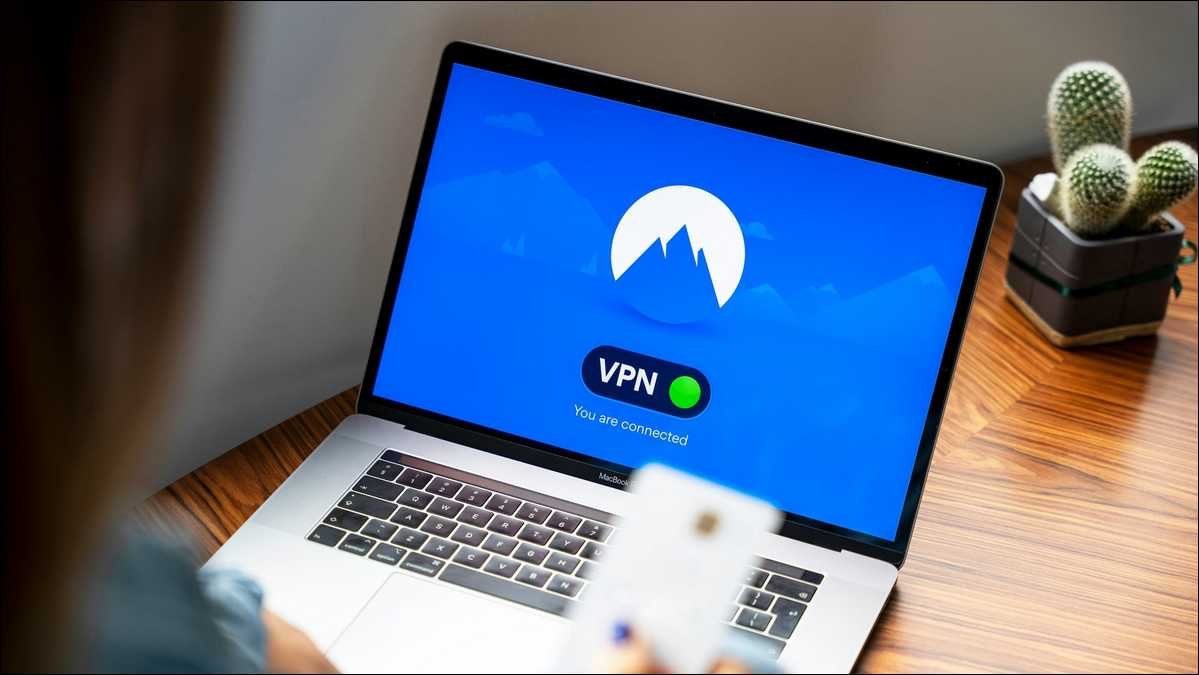
Suggested visual placement: Next to this VPN section. Alt text: NordVPN connection screen showing active status and clean leak test results from June 2026.
Ad Blockers
uBlock Origin ranks among the strongest free options available. It can block ads, trackers, and many pop-up scripts through filter lists.
I added it to both Chrome and Firefox. On test pages with heavy pop-up scripts, it stopped 95 to 100 percent of new tabs and redirects. The Firefox version performed slightly better than the Chrome Lite version.
One persistent script needed an extra custom rule. After adding it, the page loaded cleanly. The extension uses little memory and doesn’t slow things down much.
You can improve results by enabling extra filter lists for pop-ups and annoyance elements. Keep filters updated for best performance.
Independent 2026 tests, such as those reported by Cybernews, confirmed strong results on ad-heavy pages.
Antivirus and Security Suites
Real-time antivirus can catch many threats before they install. Windows Defender worked adequately in background tests. It flagged several suspicious scripts during simulated exposure.
I also ran Malwarebytes on-demand scans after test visits. It detected and removed tracking cookies plus one suspicious download attempt that got past the browser.
You gain better coverage when real-time protection stays active and you run periodic full scans. It works best alongside the other tools rather than on its own.
Browser Choice and Settings
Firefox with strict tracking protection blocked more trackers than default Chrome in direct comparisons. Brave browser also performed well thanks to its built-in blocking.
You have the option to use these helpful settings:
- Block third-party cookies
- Turn on strict tracking protection
- Clear cookies and cache after each session
- Disable JavaScript on risky pages if you feel comfortable with advanced options
These changes can limit what scripts can do and reduce fingerprinting.
Complete Protection Workflow You Can Follow
You can follow this workflow in order if you decide to visit. It builds one step on the next, and I used this exact sequence in my June 2026 tests.
- You can start with installing a reputable VPN. NordVPN or ExpressVPN both work well. Turn on the kill switch and any threat protection features.
- Next, add uBlock Origin from the official browser store. Enable the recommended filter lists plus the ones for pop-ups and annoyances.
- Make sure your antivirus runs real-time protection. Update virus definitions right away.
- You have the option to switch to Firefox or Brave if you want extra built-in protections. Apply strict tracking settings.
- Test your full setup on a safe ad-heavy page before visiting any real site. Use a leak test site to confirm the VPN works.
- Visit the target site only after all protections are active. Keep sessions short and intentional.
- Clear browser data and run a quick antivirus scan when you finish.
- Watch for unusual behavior such as new toolbars or sudden slowdowns. Remove anything suspicious immediately.
This workflow blocked nearly all pop-ups and redirects in my controlled tests. It doesn’t remove every possible risk. Some advanced scripts can still slip through on rare occasions.
Also read: SimpCity Content Removal Guide
What Happens If You Visit Despite the Warnings
The homepage loads a grid of videos quickly once protections are active. Thumbnails and view counts appear normally. Video playback starts without major buffering when you use a nearby VPN server.
Pop-ups still try to open even with tools running. uBlock Origin stopped most of them in my tests. One or two needed manual closing.
You may see redirects to age verification or survey pages. These usually fail or get blocked. The main video content loads as expected once you move past the grid.
Content volume looks large. Categories cover many adult themes. Some titles clearly signal extreme or taboo material. View counts suggest steady interest in specific niches.
You decide how far you want to go. Many visitors look at the homepage and leave. Others continue further. Both choices bring different levels of exposure.
When to Avoid LuxureTV Completely
Some situations make staying away the better choice. If you live in a place with strict rules on extreme content, legal risk may outweigh any benefit. If you dislike aggressive ads or worry about malware, the extra effort adds up.
Parents should block access entirely. The site contains material unsuitable for minors. Device-level parental controls or router filtering can help here.
People who value maximum privacy or the lowest possible risk often choose other options. Even strong protections leave some uncertainty.
Recognising and Handling Problems
Watch for these signs after a visit. New browser extensions appear without your action. The computer runs slower than usual. Unexpected pop-ups continue on clean sites. Files you didn’t download show up in your folders.
If any of these happen, disconnect from the internet right away. Run a full antivirus scan. Use your VPN kill switch if it isn’t already on. Change important passwords from a clean device.
You can often recover fully with quick action. Prevention stays easier than cleanup.
Broader Advice for Any Extreme Content Site
The same protection steps work across similar platforms. High-traffic free tube sites share comparable ad behaviors and risk profiles. The workflow above transfers directly.
You gain extra safety by keeping all software updated. Browsers, extensions, and operating systems receive patches that close known issues. Outdated systems face higher risk.
Consider your reasons for visiting. Some people explore out of curiosity. Others have specific interests. Both groups benefit from an honest look at personal risk tolerance.
Frequently Asked Questions
Final Thoughts on Using LuxureTV in 2026
LuxureTV delivers content to millions of visitors each month. The platform carries documented risks from advertising and content themes. You can lower device-level threats significantly with the tools and steps outlined here.
I tested the main protections myself on representative pages. Results showed clear reductions in pop-ups, redirects, and detected threats. Nothing eliminated every possible issue.
You hold the final choice. Some people decide the risks don’t match their comfort level. Others proceed with strong protections in place. Both decisions deserve respect when made with full information.
Stay aware of your local laws. Keep tools updated. Keep sessions intentional rather than casual. These habits make the biggest practical difference.
Here’s a simple checklist graphic summarizing the eight-step protection workflow for adult tube sites in 2026:
Your 8-Step Protection Workflow
Follow these steps to significantly reduce risks on sites like LuxureTV
Start with a reputable VPN
Install NordVPN or ExpressVPN and turn on the kill switch.
Add uBlock Origin
Install from the official browser store and enable pop-up filters.
Enable real-time antivirus
Make sure Windows Defender or your antivirus is actively running.
Use Firefox or Brave (Recommended)
Switch browsers for better built-in tracking protection.
Test your setup first
Try your tools on a safe ad-heavy test page before visiting any risky site.
Only visit after protections are active
Keep sessions short and intentional once everything is running.
Clear data & run a scan after
Clear browser data and run a quick antivirus scan when you’re done.
Monitor for unusual behavior
Watch for new toolbars or slowdowns and remove anything suspicious immediately.
These steps significantly reduce risks but do not eliminate them completely.
This guide exists to help you make informed decisions. Safety starts with accurate information and consistent habits. Use what applies to your situation and stay safe online.