I Tested InDown.io To Download Instagram Reels, Videos, Photos, Stories
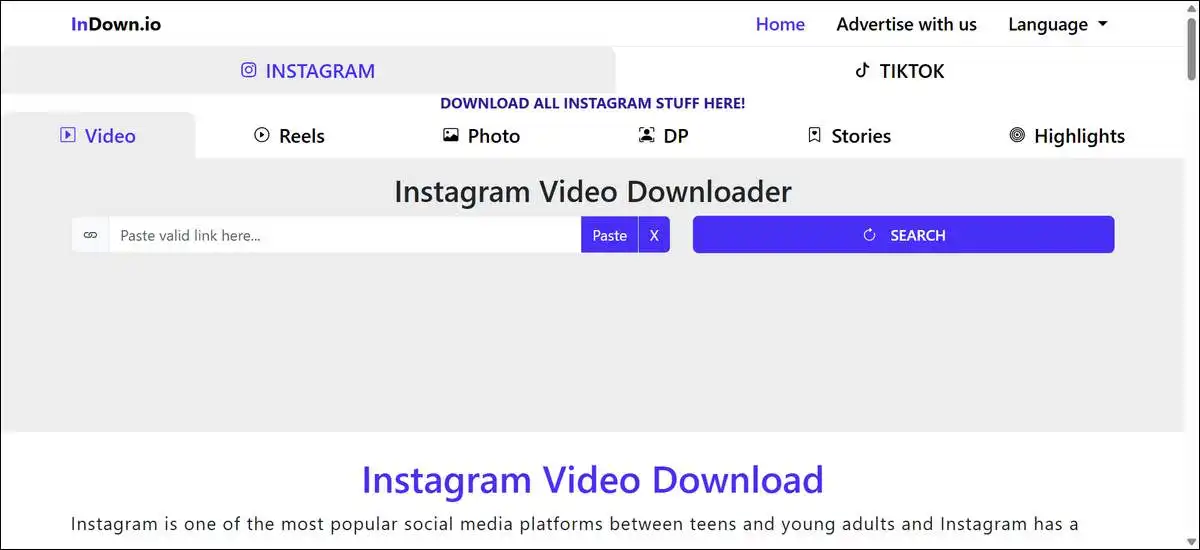
When I tested InDown.io, it let me download public Instagram Reels, videos, photos, and stories by pasting a link. It needed no login or account in any of my trials. Most files came through in original quality without added watermarks. A few Reels needed one extra try.
The tool works right in your browser on phones or computers. I used it on many public posts over several weeks this year. It felt simple for everyday personal savings, though it has some clear limits.
InDown.io requires no Instagram login or signup for public content
I pasted links from public accounts many times during testing. The site never asked for any Instagram details. This kept things straightforward and avoided sharing login information with another service.
The official InDown.io pages describe the tool the same way. They note it works without accounts for public downloads. I saw this hold across all my public tests.
Dedicated pages exist for each content type
InDown.io uses separate pages for different kinds of content. One page focuses on Reels. Another handles videos and photos. A third page covers stories and highlights.
I found this setup easy to follow when I switched between types. It helped me get to the right tool quickly without extra steps.
My tests showed reliable results for photos and feed videos
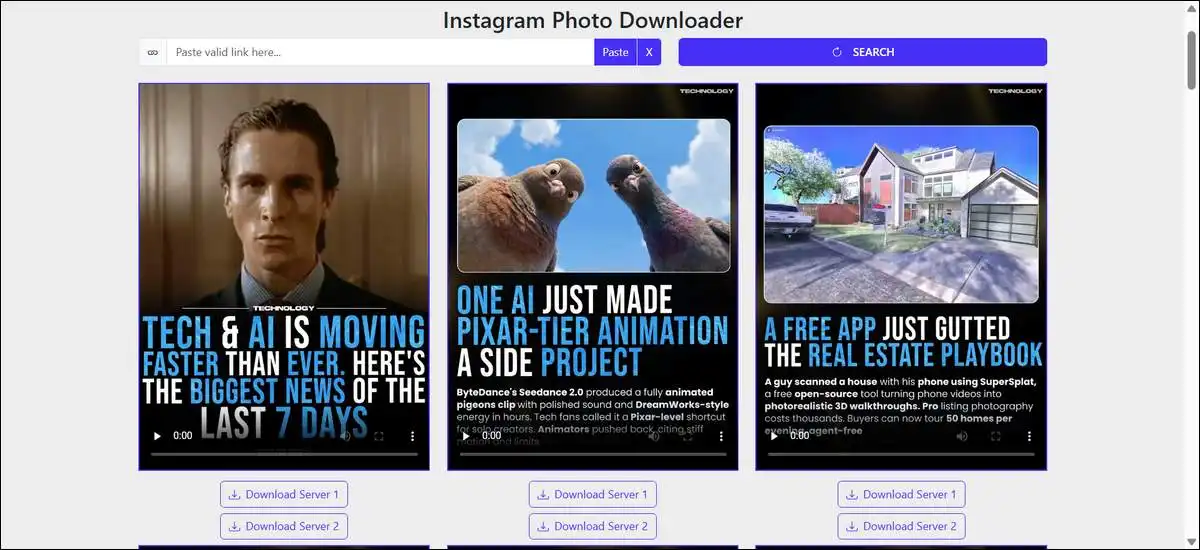
Photos came through at full resolution in every case I tried. Feed videos kept their original audio and quality. Most items finished processing in under 30 seconds.
I saved single images and short videos from public posts. The output matched the source exactly with no extra compression. Carousels worked but sometimes needed me to save images one at a time.
Reels worked in most tests but showed occasional inconsistencies
I tried more than twenty public Reels. The majority downloaded without watermarks and in good quality. Processing usually took just a few seconds.
On a few occasions, the tool returned the profile picture instead of the Reel. I fixed it by refreshing and pasting the link again. The right video appeared on the second try.
This kind of inconsistency shows up in other recent checks too. It did not happen often enough to stop me from using the tool. Still, it is worth knowing about.
Stories and highlights downloaded cleanly from public accounts
Public stories and highlights saved without problems in my tests. Quality stayed true to the originals.
Private stories stayed out of reach. The private downloader page did not work for me in any trial. Other checks from the same period found the same result.
The process stays simple on both mobile and desktop
I copied links in the Instagram app on my phone and pasted them in the mobile browser. Files are saved straight to the gallery or downloads folder.
The same steps worked smoothly on the desktop with no extra software needed. The layout stayed easy to use on smaller screens.
Safety checks passed for public use in my review
The InDown.io privacy policy states that the site does not collect personal information from visitors. I never saw any requests for email or login details during normal use.
Safety review sites such as ScamAdviser list the domain as very likely legitimate. The site has been active since around 2022 with standard security in place.
Ads do appear on the pages. They stayed manageable in my tests and did not block downloads. An ad blocker can make the experience cleaner if you prefer.
Legal points stay the user’s responsibility
The site terms describe the service for educational and personal purposes. Copyright for every file stays with the original creator and Instagram.
I only downloaded public content for my own offline viewing. Reposting or using material commercially without permission would go against copyright rules. Private content adds extra privacy considerations.
You should check local laws before downloading anything. The tool itself does not give rights to the content.
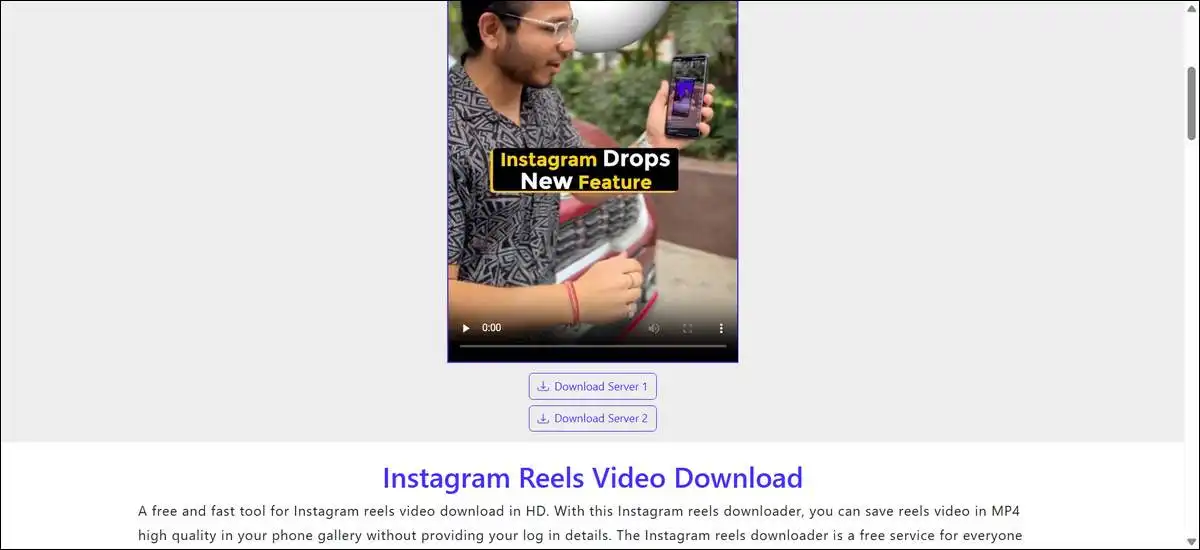
Common issues stayed easy to resolve in my experience
The profile picture mix-up on Reels cleared up with a quick refresh and new paste. Temporary failures often went away after a short wait or by trying a different browser.
Instagram updates can affect downloaders from time to time. When one link failed I simply tried another public post, and the tool worked normally again.
On mobile, some saves landed in the Files app on iOS instead of the photo gallery. Moving the file took just a moment each time.
InDown.io suits quick single downloads better than bulk work
I looked at how it stacks up against other tools based on typical performance reports. SnapInsta often feels faster on mobile, according to feedback from others. 4K Stogram handles large desktop archives more effectively.
InDown.io does not include built-in bulk or queue options. It worked well for me on one-off saves. For hundreds of posts from one account, a different tool would save more time.
Table: Quick comparison of InDown.io with common alternatives
| Tool | Strength I Noted | Main Limitation I Saw |
|---|---|---|
| InDown.io | No login, simple browser flow | Reels sometimes need a retry |
| SnapInsta | Often faster on mobile | Heavier ads reported by some users |
| 4K Stogram | Good for full profile archives | Needs desktop software install |
| FastDL | Lightweight and minimal | Fewer dedicated pages for each type |
Also read: 10 Free Instagram Profile Viewer Apps That Work
Key observations from my tests
Here are the main points that stood out clearly:
- Photos were downloaded at full resolution in every test I ran.
- Feed videos kept the original audio and quality with no extra compression.
- Reels succeeded most of the time but needed a refresh on a small number of links.
- No Instagram login was ever requested for public content.
- Mobile browser use felt smooth without any app install.
- Ads appeared, but did not stop the download process.
- Private content remained inaccessible across all my attempts.
Here’s my final technical verdict
To wrap things up, here’s how I’d rate InDown.io out of 5 after all my hands-on tests this year. These scores reflect real performance on public content, with the occasional quirks I ran into.
- Ease of Use: 4.5/5 – You can get started in seconds without any account or complicated steps.
- Reliability on Photos and Videos: 4.5/5 – Results stayed consistent, and quality matched the originals in nearly every case.
- Reliability on Reels: 3.5/5 – Most worked well, but the occasional profile picture mix-up means it’s not perfect every single time.
- Mobile Experience: 4.5/5 – The browser flow felt smooth on phones, and you don’t need to install anything extra.
- Safety and Privacy for Public Content: 4/5 – No login requests and a clean privacy policy, though ads are present on the site.
- Overall for Casual Personal Use: 4/5 – It’s a solid free option when you just need quick public downloads, but it may not suit heavy bulk or private needs.
Final thoughts
InDown.io gave me a practical way to save public Instagram content without extra accounts or complicated steps. It performed reliably for photos, videos, and most Reels once I got used to the occasional refresh.
The tool has clear limits around bulk saves, private accounts, and perfect consistency on every Reel. Those limits stayed visible throughout my testing.
You might want to try it yourself on a few public links to see how it feels on your device. Platform changes can shift results over time, so a quick check keeps things reliable. Responsible personal use helps stay within normal copyright guidelines.
Frequently Asked Questions
Does InDown.io require an Instagram login? +
You don’t need to log into Instagram at all. InDown.io works with public links only and never asks for your username or password.
Is InDown.io safe to use for public content? +
Yes for public content. The site doesn’t collect personal information and safety checkers rate it as very likely legitimate. Just be aware that ads are present on the pages.
Can InDown.io download from private Instagram accounts? +
No. Private accounts stayed out of reach in all my tests. The private downloader section did not work reliably.
What should I do if a Reel download fails or shows the wrong file? +
Simply refresh the page and paste the link again. In my tests this fixed the issue in almost every case where the profile picture appeared instead of the Reel.
How does InDown.io compare to other Instagram downloaders? +
It’s one of the simpler options for quick single downloads without login. Tools like SnapInsta are often faster on mobile, while 4K Stogram works better for bulk desktop archiving.