Is MollyGram Safe? How to Use It Anonymously (Pros, Cons & Alternatives)

MollyGram lets you check public Instagram stories without the account owner knowing you’ve looked. It’s a simple website. You can just type in a username and browse what public accounts have shared.
The tool also supports highlights, reels, and profile photos in many cases. Performance can vary, though. Some people get quick results on popular accounts. Others run into delays or missing stories from time to time.
What Is MollyGram?
You can find MollyGram at mollygram.com. It’s a free site that pulls publicly visible Instagram content. You don’t need an account or to log in at all.
The site shows stories that usually last about 24 hours. It can also display saved highlights and recent reels from public profiles. Downloads work for photos and videos in plenty of cases too.

Instagram has roughly 3 billion monthly active users. And still, stories remain one of the most used features. That’s why tools like this exist in the first place.
Is MollyGram Safe in 2026?
MollyGram ranks as reasonably safe for casual personal viewing of public accounts. Safety checkers generally give it positive marks. That said, you still face the usual risks that come with any third-party tool.
MollyGram doesn’t require your Instagram login. This keeps your viewing hidden from the account owner. The tool itself may still see your IP address or session details, though. So privacy isn’t complete.
Here’s what you should know about safety. Safety scanners usually label it low risk for malware. No big reports of data theft have popped up in recent checks.
Instagram can still spot automated access patterns over time, though. You can use a VPN and incognito mode for a bit of extra protection if privacy really matters to you.
One review from mid-2026 noted average trust scores around 50 out of 100. The main concern was limited transparency on how they handle data.

How to Use MollyGram Step by Step
You can start by opening mollygram.com in any browser you like. The whole process usually takes under a minute for most public accounts.
- You can type the username or paste the full Instagram profile link into the search field.
- Press Enter or hit the view button.
- Browse the available stories first if they’re there.
- Move over to highlights, reels, or profile photos from the same screen.
- Click download on any photo or video you want to save.
From what I’ve seen during different tests, it loads reliably for well-known accounts. But newer stories or smaller profiles sometimes don’t show up right away. A quick refresh or waiting 30 seconds often fixes it.
Stories expire after roughly 24 hours. Highlights tend to stick around longer if the account keeps them up. It’s always smart to double-check that the account is still public before you count on the tool.
Pros of Using MollyGram
MollyGram gives you real convenience when you want quick checks on public content.
- You skip the login step completely.
- No view notification reaches the account owner either.
- It can combine multiple content types in one flow.
- You can see stories, then highlights, then reels without jumping between pages. This setup saves time compared to using separate tools.
- Downloads usually come through in good quality. Plenty of people save photos and short videos without needing extra apps.
- The site works fine on both phones and computers.
That sounds handy, right? But here’s the honest part:
However, its convenience can drop when stories fail to load.
And the combined view only works with public accounts. Download success varies depending on the original post quality and how the tool is running at the moment.
Cons and Limitations of MollyGram
MollyGram works only with public accounts. Private profiles stay completely out of reach, this limit is built in, and you can’t safely get around it.
Performance stays inconsistent. Some sessions load everything fast and smoothly. Others show errors or come up empty even when the account has active public content. Reviews from 2026 often described it as hit-and-miss depending on the profile and timing.
The tool goes against Instagram’s terms of service. Instagram doesn’t allow unauthorized automated access to its data. You face pretty low personal risk as someone just using the site. The tool operators deal with most of the enforcement pressure, though.
Here are a few other clear drawbacks:
No bulk download or scheduling features are available. Ads or pop-ups can show up on some visits. Long-term reliability depends on Instagram’s ongoing changes to how public data gets accessed.
MollyGram Compared to Similar Tools
If you’re wondering how MollyGram stacks up against other similar tools, here’s a quick look.
Plenty of sites offer anonymous Instagram viewing these days. MollyGram lands somewhere in the middle on most counts.
Tool Comparison Table
| Tool | Key Strength | Main Drawback | Good For |
|---|---|---|---|
| MollyGram | All-in-one stories, highlights, reels | Inconsistent loading | Quick multi-content checks |
| StoriesIG | Fast story loading | Limited to stories mostly | Simple story viewing only |
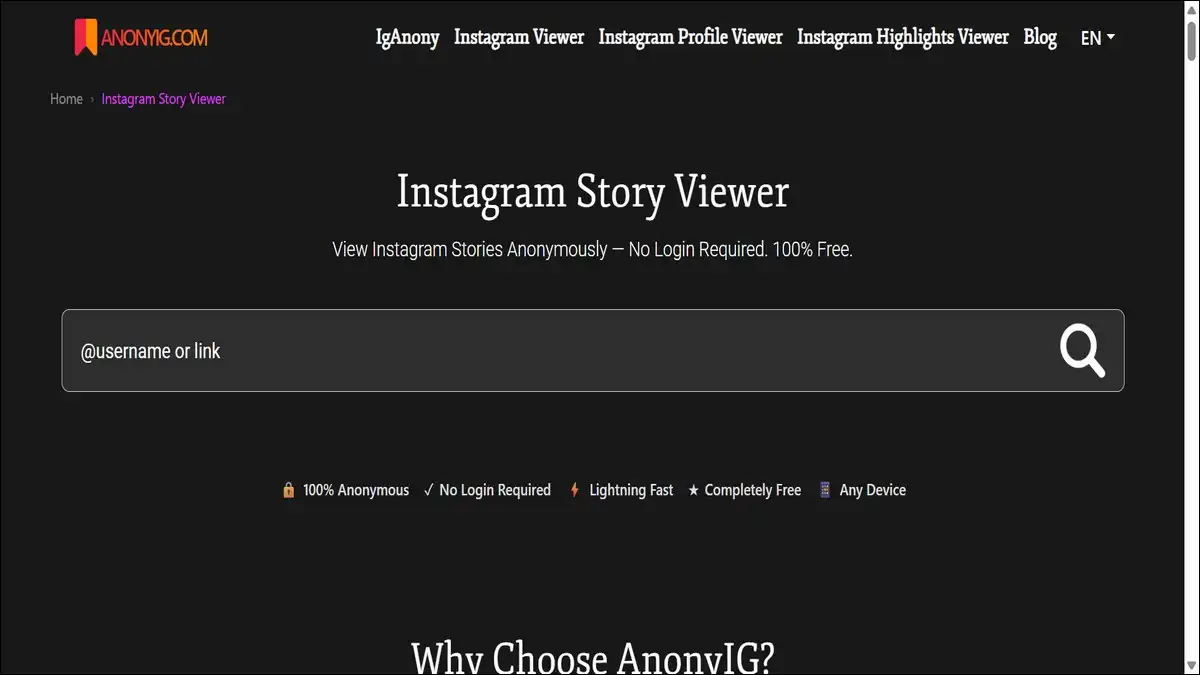
| AnonyIG | Clean interface | Fewer extra features | Basic anonymous browsing |
| Dumpor | Adds engagement insights | Busier layout | Research on public posts |
| Picuki | Stable browsing experience | Stories support can lag | Users who want reliability |
You can test two or three tools on the same public account if you want. Results often differ a little. A lot of people keep MollyGram as one option among others.
Legal and Privacy Considerations
Now, about the legal side. Instagram has clear rules against automated data collection without permission. MollyGram and tools like it sit in a bit of a gray area here.
Public data scraping has faced court challenges in some regions. Outcomes can vary depending on the country and how you’re using it.
You should treat any downloaded content as still owned by the original creator. Personal saving for your own reference usually stays low risk. Reposting or using it commercially without permission can lead to copyright trouble, though.
Privacy works in one direction only. The account owner won’t see that you’ve viewed their story. The MollyGram service may still see basic connection data from your visit. A good VPN can help reduce that exposure.
Troubleshooting Common Issues
Things don’t always go smoothly, and that’s pretty normal with these tools. Here’s how to handle the common hiccups:
- Stories don’t appear. You can refresh the page. Try the full profile URL instead of just the username. Make sure the account is public and has active stories showing.
- Downloads fail or look low quality. Check your internet connection first. Try a different browser. Some content simply comes through at lower resolution from Instagram itself.
- The page loads slowly. Switch to desktop mode on your phone. Use incognito or clear your cache. Peak hours sometimes increase delays across these kinds of tools.
- Nothing loads at all. The site may be having a temporary issue. Wait about 10 minutes and try again. Or test a different similar tool while you wait.
Should You Use MollyGram?
MollyGram works well enough for occasional, casual checks on public Instagram content. It delivers the anonymity a lot of people want without extra apps. You get speed and simplicity when everything performs as expected.
It doesn’t replace careful habits, though. You can combine it with a VPN for better privacy. Stick to public accounts only. And remember that content creators still own their posts and stories.
Test it yourself on a few public profiles first. See how it behaves on your device and connection. Plenty of users find it helpful as one tool in a small set of options rather than their only choice.
Here’s a decision guide graphic for choosing MollyGram or alternatives for anonymous Instagram viewing based on needs and risk tolerance:
Quick Decision Guide: When to Use MollyGram
Answer these quick questions to see what works best for you.
Continue below ↓
Use official Instagram
(you’ll appear in “Seen by”)
See recommendations below
Stick with official Instagram
or screen recording
Based on your answers, here’s what usually makes sense:
- You want simple anonymity
- You’re okay with occasional hiccups
- You have medium risk tolerance
- You just need quick personal checks
- You want faster story loading → StoriesIG
- You want cleaner interface → AnonyIG
- You need more stability → Picuki
- You have low risk tolerance
- You don’t mind appearing in “Seen by”
- You want maximum reliability
- You’re checking important accounts
Instagram keeps adjusting how public data gets accessed. Tools like MollyGram adapt or change over time. It’s worth staying aware of updates if you end up relying on any third-party viewer regularly.