Best AI Tools for Social Media Captions in 2026: 31% Engagement Lift and Pro Reviews
If you’re posting regularly, you’ve probably noticed how much the opening line can change how people respond. A Hootsuite study of 9.7 million posts found AI-assisted content earns about 31 percent more engagement on average. Video captions often showed even stronger results in that same analysis.
In this guide, we look at ten tools that actually help with real posts. You’ll find testing notes, honest ratings out of five, current pricing, and clear examples.
I’ve kept everything straightforward so you can quickly see what might fit your workflow. So, let’s get started with the top insights about AI caption tools!
Key Data on AI Captions and Results
Recent reports put the AI social media market near 3 billion dollars, and it’s growing between 28 and 36 percent each year. Here’s what stands out right now:
- Time savings: Many teams report saving about five hours each week on content tasks.
- Engagement lift: Automation often cuts creation time by roughly 30 percent while improving performance.
- Market trend: These gains show up most clearly for accounts that post several times per week across platforms.
But numbers only tell part of the story. Here’s why captions still drive real results for most people.
Why Captions Still Matter for Reach
The first line of a post often decides whether people stop scrolling or keep moving. Strong captions can add context, emotion, or a simple next step. AI tools can speed up that first draft and let you test several versions without much extra effort.
That said, raw AI text usually needs a quick human pass for brand voice and platform fit. Audience expectations shift, and so do the little details that help posts perform. The tools below can help with speed while still leaving room for your own judgment.
How These Tools Were Checked
I tested them using the same prompt for a new eco-friendly water bottle aimed at busy professionals. The prompt asked for Instagram and LinkedIn versions. Each tool got identical conditions on current plans or free tiers where available.
Ratings reflect caption quality plus how well the tool fits into a normal day. You’ll see scores based on speed, variety after one edit, and overall ease of use in 2026 conditions.
Top AI Tools for Social Media Captions in 2026
1. ChatGPT
ChatGPT can create caption ideas and full posts very quickly when you give it a short brief about the product, audience, and platform. You’ll usually get several hook options with emoji ideas in under a minute.
In my checks, it produced five Instagram Reel variations from one product description. The strongest version needed only light changes for length and flow. It earned a 4.2 out of 5 rating for speed and idea volume. The free tier handles most basic needs without any cost.
- Main strength: Fast variety and an easy starting point.
- Honest caveat: Outputs can feel generic if you don’t include clear brand examples in the prompt.
- Pricing: Free tier works well for most people. Paid plans run about 20 dollars per month for stronger models and custom instructions.
- Best use: You can pair it with a scheduler when you want low cost and quick drafts across platforms.
You can visit this tool here.
2. Claude
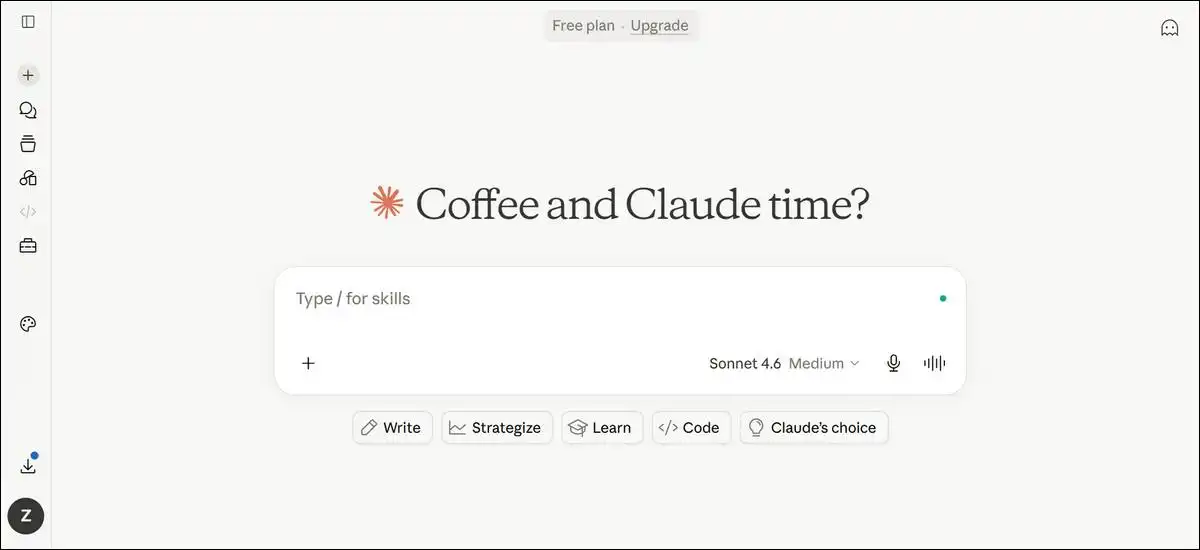
Claude can write captions that feel more natural and thoughtful than many general models. It handles longer context well, which means you can often keep tone consistent across a thread or series.
When I tested it with the same brief, it produced captions that read more human after minimal edits. It received a 4.5 out of 5 rating for writing quality and nuance. The Pro plan costs around 20 dollars per month.
- Main strength: Better flow and professional tone with less rewriting.
- Honest caveat: It still needs specific prompts for platform length or current trends.
- Best use: You might choose it when you want polished LinkedIn posts or storytelling captions.
You can visit this tool here.
3. Hootsuite OwlyWriter AI and Free Caption Generator
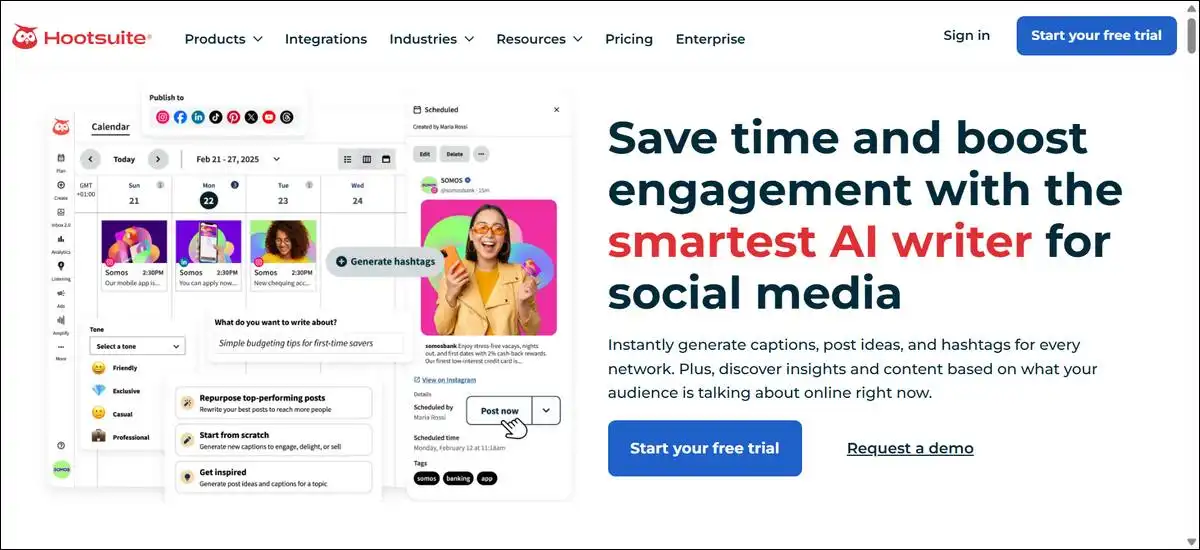
Hootsuite combines caption writing with scheduling and analytics in one place. The free caption generator can create platform-specific options with simple tone choices. OwlyWriter lets you turn existing content into fresh posts.
In checks, the free tool gave solid LinkedIn and Instagram versions from a short brief. Full access scored 4.0 out of 5 for workflow fit. Complete plans start near 199 dollars per month for teams.
- Main strength: Everything stays in one place when you already schedule posts here.
- Honest caveat: Writing quality is reliable but not always the most creative on its own.
- Best use: It’s a good fit for teams that value integration over standalone writing power.
You can visit this tool here.
4. Copy.ai
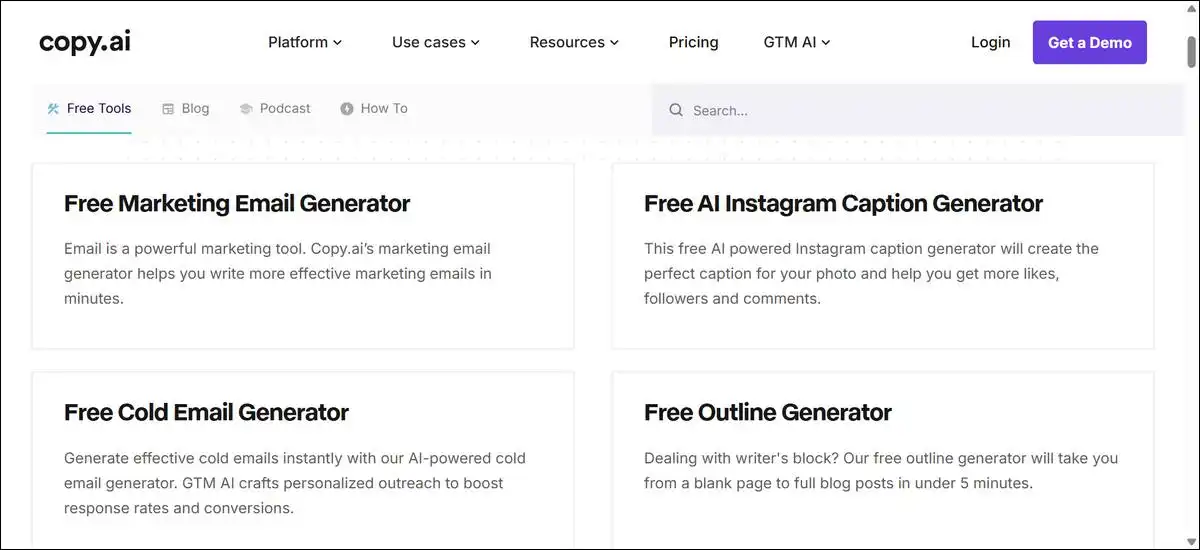
Copy.ai focuses on short marketing copy and social captions. It includes templates, brand voice settings, and tools that let you create many variations at once.
Testing showed that Instagram and Facebook captions were reliable once brand details were added. It earned a 4.1 out of 5 rating for volume and template support. Pricing usually starts at around $ 49 per month.
- Main strength: Useful when you need many caption versions quickly.
- Honest caveat: Results can repeat unless you train it on several past posts.
- Best use: It works well when bulk testing matters more than one perfect caption.
You can visit this tool here.
5. Jasper
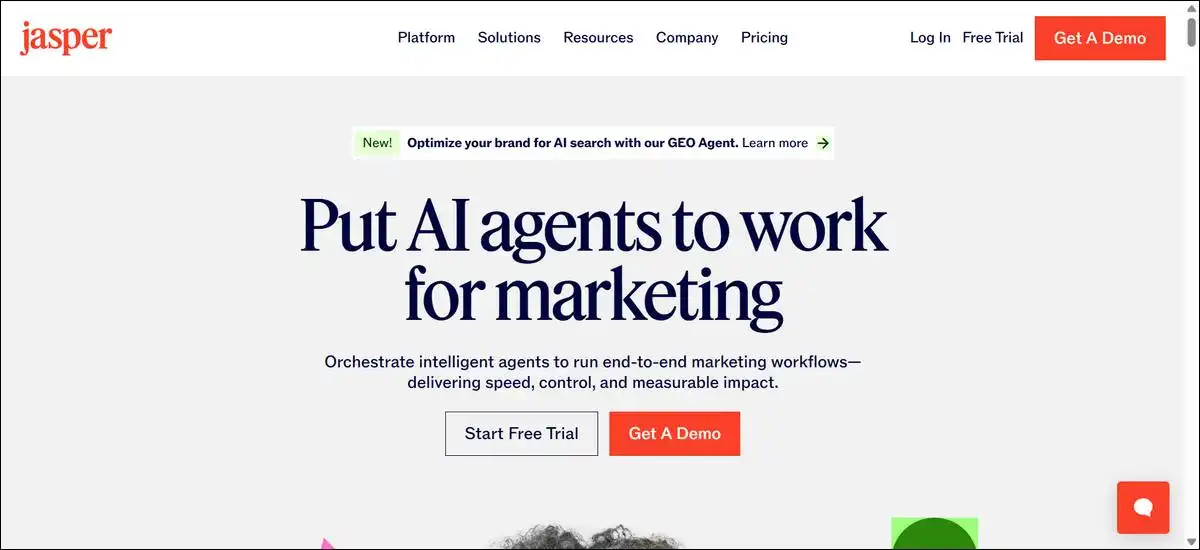
Jasper puts strong focus on brand voice training and marketing templates. It includes features that can turn longer content into social posts while keeping tone consistent.
Hands-on use showed it held a professional tone across LinkedIn captions with little extra prompting. It received a 4.3 out of 5 rating for brand control. Plans start near 49 dollars per month.
- Main strength: Consistent voice across many posts once you’ve set it up.
- Honest caveat: It takes more upfront time to train for simple one-off captions.
- Best use: You can choose it for agency work or brands that publish across several voices.
You can visit this tool here.
6. Predis.ai
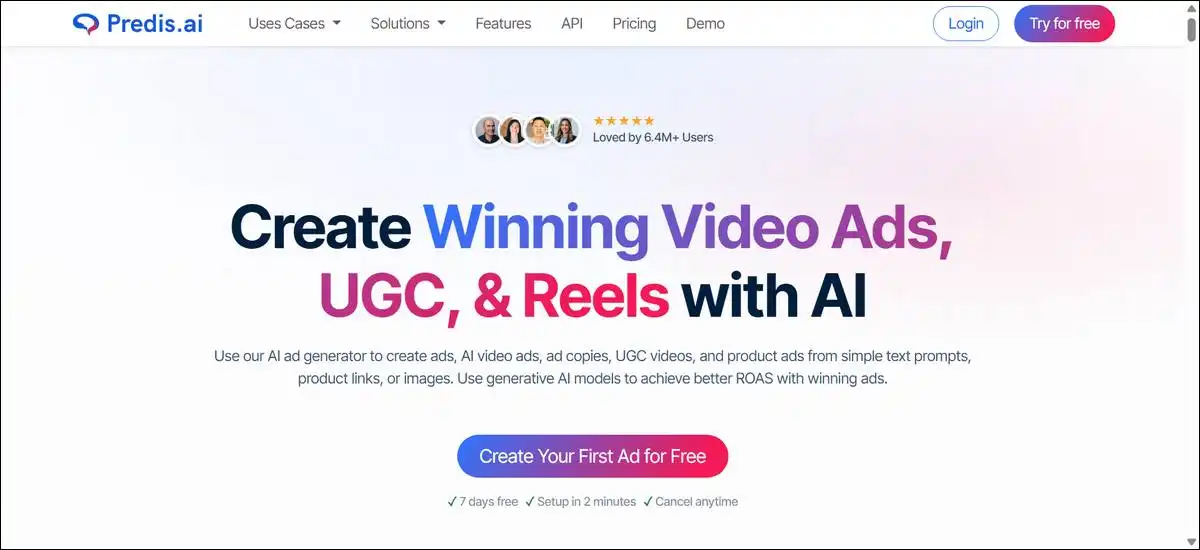
Predis.ai can create full posts with captions, images or short videos, and hashtags from one prompt. It supports carousels and scheduling, which helps visual-first accounts.
Testing produced a complete carousel set with matching captions in one step. It scored 4.3 out of 5 for end-to-end speed. The Core plan starts at 19 dollars per month with credit limits.
- Main strength: It saves time when visuals and copy need to match.
- Honest caveat: Credit use adds up quickly with video or many images.
- Best use: It’s a strong choice for product-focused accounts that post carousels often.
You can visit this tool here.
Also read: Autodraft AI Tutorial: Make Moral Stories & Animated Videos
7. Buffer
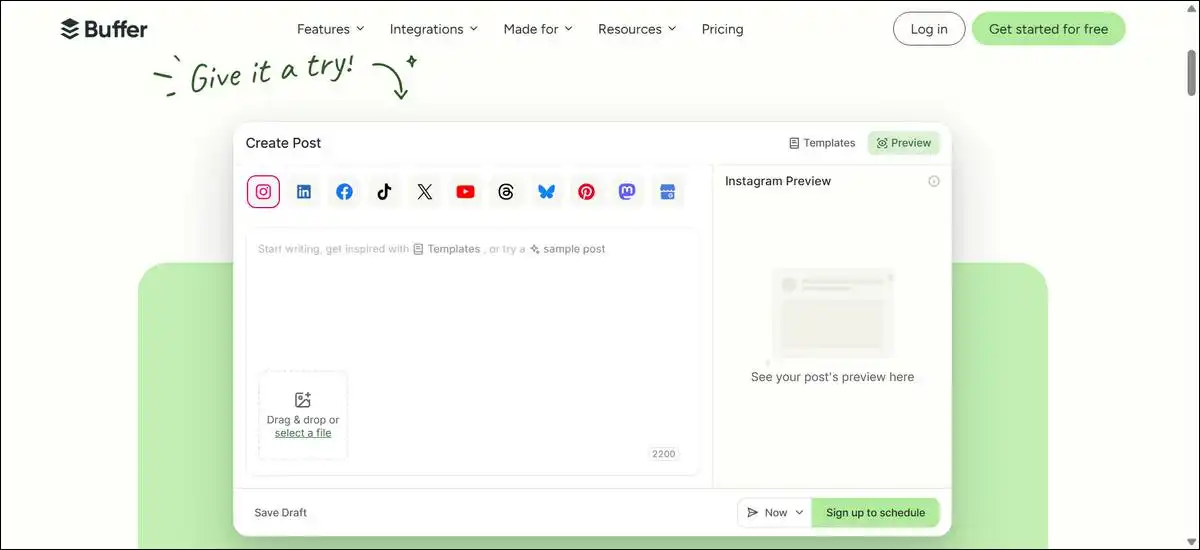
Buffer keeps caption creation simple and connects it directly to scheduling. The AI assistant can suggest ideas, rewrite in different tones, and prepare platform versions. Many plans include unlimited AI credits.
Checks showed clean, usable captions for several channels with little editing. It earned a 4.0 out of 5 rating for ease and low cost. Pricing starts free for three channels and moves to about 6 dollars per channel per month.
- Main strength: Straightforward workflow that doesn’t overwhelm new users.
- Honest caveat: It lacks advanced brand memory or performance scoring.
- Best use: It’s a good starting point for small teams or solo creators.
You can visit this tool here.

8. Canva Magic Write and Magic Studio
Canva lets you write captions while you design visuals in the same screen. Magic Write handles text, and Magic Studio can add image edits or backgrounds.
Testing produced captions that matched the visual style quickly. It received a 3.9 out of 5 rating for integrated design and writing. Pro plans cost about 15 dollars per month.
- Main strength: It saves switching between apps when visuals drive the post.
- Honest caveat: Writing stays fairly general unless you add strong prompts.
- Best use: It works best for accounts where design and text happen together.
You can visit this tool here.
9. Flick
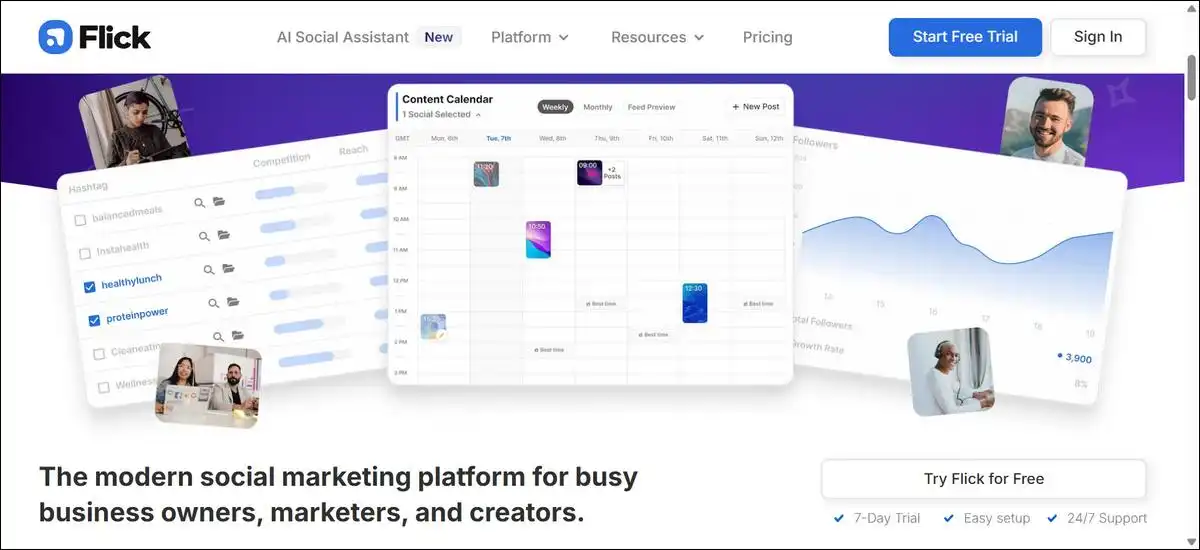
Flick focuses on Instagram with AI captions plus detailed hashtag research. It shows competition levels and potential reach for tags, along with planning tools.
Instagram-focused tests gave captions paired with useful hashtag suggestions. It earned a 4.4 out of 5 rating for platform-specific help. Pricing starts around 14 dollars per month.
- Main strength: It adds real discovery value through hashtag data.
- Honest caveat: It offers limited help outside Instagram.
- Best use: You can pick it when Instagram reach and hashtag performance matter most.
You can visit this tool here.
10. Anyword
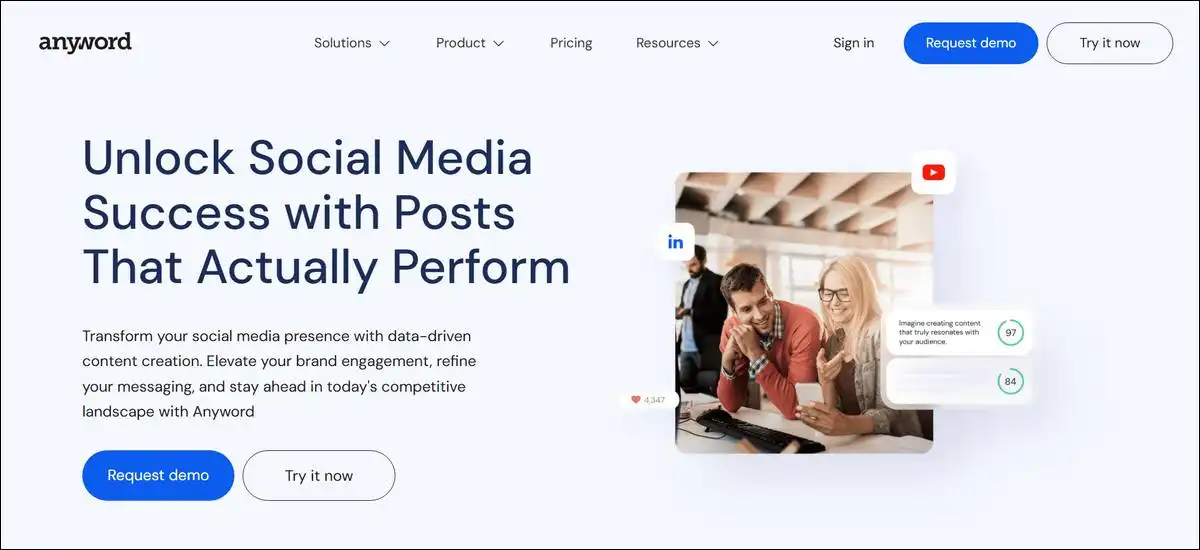
Anyword can predict performance scores for different caption versions. It trains on your brand voice and shows estimated engagement or conversion impact before you post.
Testing ranked caption options by predicted lift with helpful accuracy. It received a 4.2 out of 5 rating for data-driven choices. Starter plans begin near 39 to 49 dollars per month.
- Main strength: It helps teams pick stronger versions using numbers.
- Honest caveat: It works better as a scoring layer than a full generation tool.
- Best use: It’s useful when you want data to support caption decisions.
You can visit this tool here.
Comparison of Top AI Caption Tools
If you’re trying to decide between them, this table can help you compare the basics at a glance. I’ve kept the labels short so it stays readable on phones. You can scroll sideways on very small screens if needed.
| Tool | Starting Price | Rating | Best For | Main Limitation |
|---|---|---|---|---|
| ChatGPT | Free (20 dollars) | 4.2 | Quick ideas and variations | Needs detailed prompts for tone |
| Claude | 20 dollars | 4.5 | Natural, thoughtful writing | Less built-in visual support |
| Hootsuite | Free generator | 4.0 | Scheduling plus writing | Full features cost more |
| Copy.ai | 49 dollars | 4.1 | Many short-form variations | Can repeat without extra training |
| Jasper | 49 dollars | 4.3 | Brand voice consistency | Takes time to set up |
| Predis.ai | 19 dollars | 4.3 | Full posts with visuals | Credit limits on heavy use |
| Buffer | Free to 6 dollars/channel | 4.0 | Simple affordable flow | Fewer advanced scoring features |
| Canva | Free (15 dollars) | 3.9 | Design and caption together | Writing stays fairly general |
| Flick | 14 dollars | 4.4 | Instagram reach and tags | Limited value outside Instagram |
| Anyword | 39 dollars | 4.2 | Performance prediction | Better as add-on than standalone |
Platform Strategies That Work Well
Once you’ve picked a tool, you can adapt captions for each platform without much extra work. Instagram and Reels reward clear hooks in the first line. You can use any tool with a prompt that asks for short length and emoji options. Test two versions and watch saves or shares after one day.
LinkedIn performs better with thoughtful or data-backed captions. Claude or Jasper respond well when the prompt includes industry context. Keep sentences short and end with one clear takeaway.
TikTok and short video captions work best when they match current audio or text style. Predis.ai or ChatGPT can handle quick variations. You can add platform slang only after you confirm what performs now.
X and Facebook gain from a conversational tone and questions that invite replies. Buffer or Copy.ai support fast testing here. Review every caption for clarity before you schedule it.
Simple Tips for Stronger AI Captions
That brings us to a few practical habits that make a difference:
- Write prompts that name the audience, goal, tone examples from your past posts, and target length.
- Generate several options, then edit the best one by hand for authenticity.
- Track results for one week and note which prompts or tools gave higher saves or clicks.
- Combine tools when it helps. You can use one for ideas and another for visuals or scoring.
How to Pick the Right Tool
Match the tool to your main platform and team size. Solo creators or small accounts often start with ChatGPT or Buffer free tiers. Instagram-focused users gain extra value from Flick’s hashtag tools.
Teams that post with visuals can benefit from Predis.ai or Canva. Brands that need strict voice consistency should plan time for Jasper or Anyword training.
Test two tools with the same prompt for one week. Compare time saved and actual engagement. Most people settle on one main tool plus a backup for specific tasks.
Wrapping Up!
There’s no doubt that AI caption tools can reduce drafting time and let you test more ideas. The 31 percent average engagement lift shows up in large studies when teams use them with clear prompts and quick edits. Results still depend on your platform knowledge and that final human review.
Start with one tool that fits your current workflow and budget. Run a simple test this week. Small improvements add up over months of consistent posting.