A Beginner’s Roadmap to Build Your Own PC Without Costly Mistakes
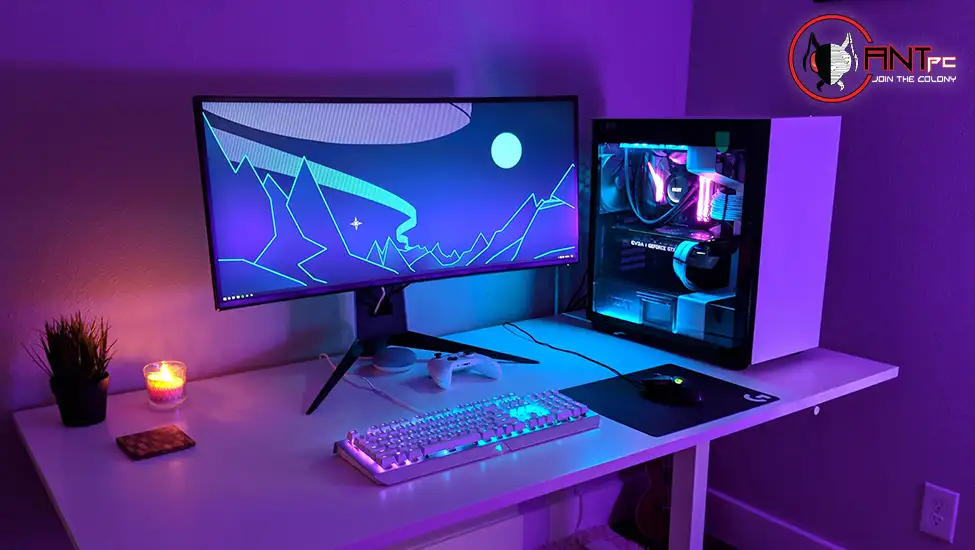
Building a computer sounds intimidating until you realize that modern parts are designed to fit together in only so many ways. With a bit of preparation, a quiet afternoon and a methodical approach, most people can assemble a working system on their first attempt. The real challenge is choosing parts that work well together.
That is where most beginners get stuck. Questions about compatibility, power requirements and cooling can feel overwhelming, and mistakes can be expensive. A little structure makes the process much easier, and it turns a risky project into something you can enjoy.
If you want to build your own pc, it helps to follow a clear sequence. iBUYPOWER offers an online builder tool for configuring a system, and the steps below will help you plan, choose and assemble with confidence.
Define Your Purpose and Budget
Decide what the machine will do. Gaming, video editing and general productivity have different needs. Set a total budget before you start, and decide how much to allocate to the graphics card, processor, memory and storage. Writing it down keeps you from drifting upward as you browse.
Choose the Processor and Motherboard Together
The processor and motherboard must be compatible, which means matching the socket and chipset. Check the specifications on both, and look for features you want, such as Wi-Fi, USB ports and room for storage. Picking the right motherboard now makes future upgrades much easier.
Select Memory, Storage and a Graphics Card
Choose memory that your motherboard supports, and consider two matched modules for dual channel performance. Pick a fast solid-state drive for the operating system and games. For the graphics card, check that it fits your case and that your power supply provides the right connectors.
Do Not Skimp on the Power Supply
A quality power supply protects every other component. Calculate your approximate power draw, add headroom for upgrades and choose a reliable brand with the right efficiency rating. ENERGY STAR explains how efficient computers reduce waste, and an efficient power supply is part of that equation.
Plan Cooling and Airflow
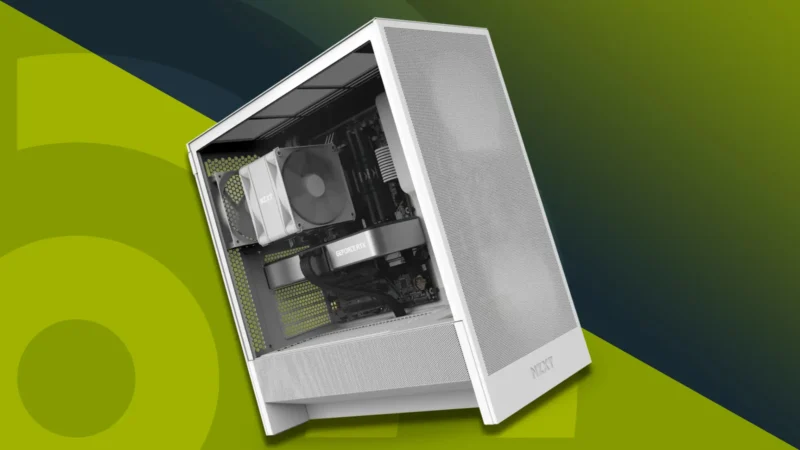
Heat is the enemy of performance. Make sure your case has space for fans and that the processor cooler is compatible with your motherboard and case. Good airflow keeps temperatures down and noise low, which makes the machine pleasant to use.
Assemble Carefully
Work on a clean, well-lit surface and ground yourself to avoid static. Follow the manuals, install the processor and memory first, then mount the motherboard and connect power and data cables. Take your time with each step, and double-check connections before turning the system on. If you want more detail, iBUYPOWER’s page on build your own pc is a useful companion.
Test and Maintain
After the first boot, update drivers, install the operating system and run stress tests to confirm stability. Keep dust filters clean, and review the Department of Energy’s tips for efficient computer use so you can reduce unnecessary power consumption.
Check Compatibility Twice
Compatibility errors are the most common beginner mistake. Verify that the processor socket matches the motherboard, that the memory type is supported and that the graphics card physically fits in your case. Check cooler height, power connectors and the number of storage slots. Many parts lists and online tools flag conflicts, but a manual double-check before ordering catches problems that tools can miss.
Prepare Your Workspace and Tools
You do not need much equipment, usually just a screwdriver, a clear table and good lighting. Organize screws in small containers, keep manuals within reach and avoid building over thick carpet that can build static. Take photos at each step so you can retrace your work if needed. A calm, organized setup makes assembly feel manageable and reduces mistakes.
Troubleshooting Common Issues
If the system does not turn on, check power cables and the switch on the power supply. If there is no display, confirm the monitor cable is connected to the graphics card, not the motherboard. Reseat memory and listen for beep codes. Most first-build issues come down to a loose connection, and patience usually solves them.
Budget for the Extras
Remember that a working PC needs more than the main components. Plan for an operating system license, a monitor, a keyboard and mouse, and possibly extra fans or cable ties. Adding these costs to your plan avoids unpleasant surprises, and leaves you with a complete, usable setup on day one. If funds are limited, build the core system first and add extras over time.
Keep Learning
The best builders keep learning after the first project. Read manuals, watch reliable tutorials and follow reputable reviews to understand how parts behave. Each build teaches you something about cooling, cable routing and troubleshooting, and the knowledge makes the next upgrade faster and cheaper than the first. Over time, you will build a mental map of how every piece fits together.
You Can Do This
Building a PC is a satisfying project, and a good plan removes most of the risk. Choose compatible parts, respect the power and cooling needs and go step by step. Even if you run into a hiccup, you will learn something useful, and the result is a system that is truly your own.