Best YouTube 1080p Video Downloader 2026: Safe & Reliable Picks
Many people want to save YouTube videos in 1080p for offline viewing, archiving, or editing. The options range from simple apps to powerful command-line tools. But success depends on reliability, safety, and how well each handles YouTube’s frequent changes.
Through this guide, we cut through the noise and focus on tools that download 1080p video from YouTube when the source supports it. It also covers real risks and practical steps.
Key Findings
- yt-dlp stands out as the most reliable long-term option because the open-source community updates it quickly.
- Desktop GUI tools like 4K Video Downloader Plus work well for most casual users who want simplicity.
- Websites and many Android APKs pose high malware and ad risks.
- 1080p usually gives the best balance of quality and file size for phones, tablets, and most monitors.
- YouTube’s terms prohibit unauthorised downloads, yet personal offline use stays in a grey area with low enforcement for light activity.
- File sizes for 1080p content typically output between 300 and 600 MB per hour depending on motion and codec.
That said, the legal picture sets the foundation for every other choice.

Legal Reality & Safety in 2026
Downloading YouTube videos in 1080p through third-party tools violates the platform’s terms of service. YouTube states clearly that users may not reproduce or download content except through officially permitted features or with explicit permission.
Personal, non-commercial use of public videos rarely leads to legal action under copyright law in most places. PCMag’s May 2026 guide notes that such downloads are “probably OK” for strictly personal offline viewing. Still, the terms violation remains.
YouTube Premium offers the only fully authorised offline path. It lets you save videos inside the app for later viewing. Quality usually caps around 1080p. Files stay encrypted and tied to the device and active subscription. They can disappear if you cancel or after a period of inactivity.
Creative Commons videos and public domain content sit on safer legal ground. You can download those without the same concerns.
Risks go beyond terms. Shady websites and unverified Android apps often bundle malware or aggressive ads. Some past popular download sites faced domain seizures after complaints from rights holders.
We’ve found that sticking to official sources and open-source projects reduces exposure dramatically. Always download desktop software from the developer’s verified site. Verify checksums for command-line tools when available.
Why take chances with random sites when cleaner options exist?
Understand 1080p Quality, File Sizes & Storage Trade-offs
YouTube recommends upload bitrates of 8 Mbps for 1080p at 30 frames per second and 12 Mbps for higher-motion 60 fps content, according to their official encoding settings page. Actual streamed or downloaded files often use slightly lower effective bitrates due to adaptive delivery.
Real-world 1080p downloads usually fall in the 300 to 600 MB per hour range. High-motion videos like sports or action push toward the higher end. Slower content with efficient codecs such as VP9 or AV1 can land closer to 300 MB.
4K files grow much larger, often 2 GB or more per hour. That extra detail matters on big screens but quickly fills phone storage or external drives.
Choose 1080p when you want sharp playback on phones, laptops, or 1080p TVs without wasting space. It also works well for light editing projects. Drop to 720p only if storage is extremely tight or you mainly watch on small screens. Go 4K only when the source actually offers it and you have the space plus a capable display.
Tools cannot invent quality that the original upload lacks. If a video maxes at 720p, every downloader will reflect that limit.
Storage planning helps. A 10-hour playlist at average 1080p settings consumes roughly 4 GB. Keep that in mind before starting large batch jobs.
Does the space savings with 1080p change how you plan your downloads? It often does for phone users.
Head-to-Head Comparison of the Best Options
No single tool wins for everyone. The right choice depends on how often you download, whether you need batch support, and how comfortable you feel with technical steps.
Here is a clear comparison based on 2026 testing patterns and feature sets.
| Tool | Type | Max Quality | Platforms | Pricing | Reliability | Safety Notes | Best For |
|---|---|---|---|---|---|---|---|
| yt-dlp + GUI wrapper | CLI with optional interface | True 8K + subtitles & metadata | Windows, Mac, Linux | Free, unlimited | Highest long-term | Excellent when installed from official GitHub | Power users and archivists |
| 4K Video Downloader Plus | Desktop GUI | Up to 8K | Windows, Mac, Linux, some Android | Free tier with limits; paid removes caps | Strong with regular updates | Good desktop safety profile | Everyday users wanting ease |
| SnapDownloader / VideoProc | Desktop GUI + editing | Up to 8K | Windows, Mac | Paid after trial | High in recent tests | Solid when downloaded officially | Users who also edit or convert files |
| Online websites | Browser only | Often unreliable above 1080p | Any browser | Free but ad-supported | Low and inconsistent | High risk of ads and malware | One-off quick saves only (avoid when possible) |
| Android apps (NewPipe, Seal forks) | Mobile app | Up to source max | Android | Free | Varies widely | Sideloading carries malware risk | Android users comfortable with verification steps |
Desktop applications generally outperform browser extensions and websites in consistency. What this means is the strongest options sit in the desktop category for most people.
The main tools deserve a closer look. I have numbered the top options below with more detail on how they work in practice.
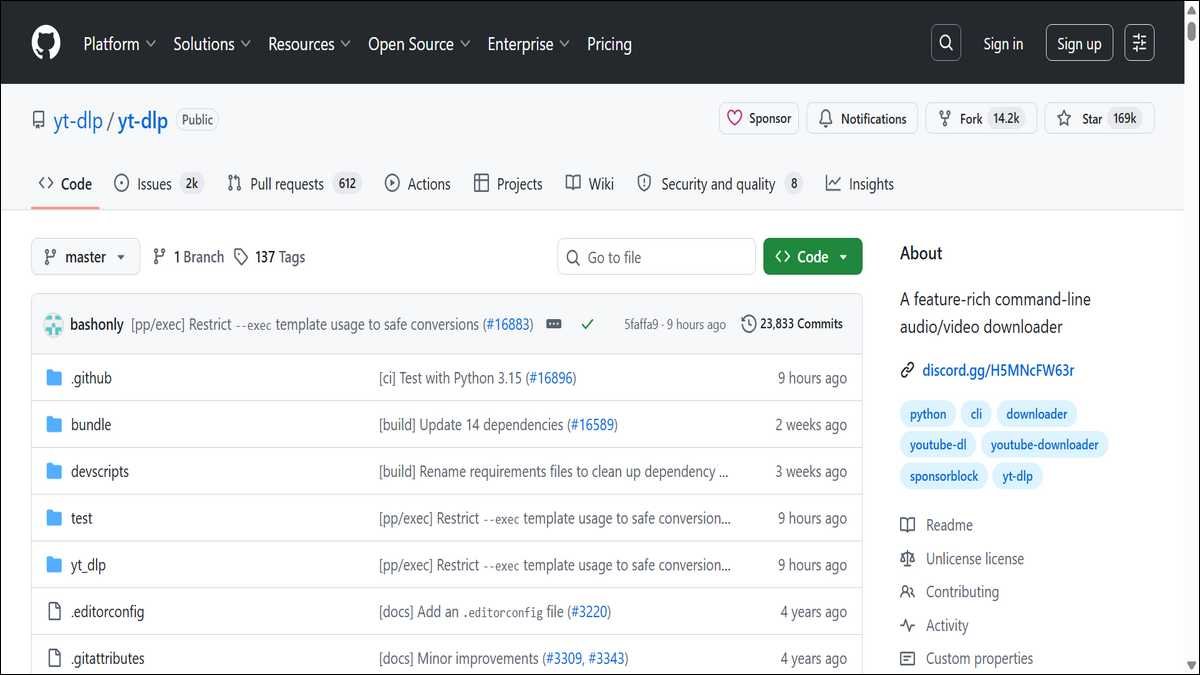
1. yt-dlp
yt-dlp is the open-source fork that keeps pace with YouTube changes better than most closed tools. The community releases updates often, which explains the high success rate in tests. You can select specific formats to lock in 1080p when available, or let it pick the best.
It pulls subtitles in SRT, embeds metadata, and even skips sponsor segments if you enable that. Batch downloads from playlists or channels happen with one command. Installation is straightforward from the GitHub releases page for Windows or through package managers on Mac and Linux. A simple command grabs the video and merges audio.
For easier use, wrappers like Stacher give you a graphical window while using the same powerful engine underneath. It handles age-restricted content once you feed it browser cookies from a logged-in session. Because everything runs locally, privacy stays strong, and there is no account risk from shady servers.
The only real hurdle is getting comfortable with the terminal or a wrapper, yet most users pick it up fast. We’ve found that it adapts fastest when YouTube tweaks its systems. This makes it the go-to choice for anyone who downloads regularly or needs reliable access to restricted personal content.

2. 4K Video Downloader Plus
4K Video Downloader Plus gives most people an easy graphical way to grab 1080p videos without touching code. You paste the link, pick the quality you want, and the app handles the rest. The free tier works fine for occasional downloads, though it includes daily limits and smaller playlist support.
Paid one-time unlocks remove those caps, add simultaneous downloads, and bring newer AI features like noise cleanup. It runs on Windows, Mac, Linux, and has an Android version for on-device use. Recent 2026 updates improved how it handles YouTube rate limits and protocol shifts, keeping success rates competitive in tests.
The interface feels clean and modern, with clear options for subtitles and format choices like MP3, MP4, etc. Safety stays solid when you download straight from the official site, and it avoids the ad traps common on websites. Many users choose it because they can start saving videos in minutes without learning commands.
It works especially well if you want playlists or channels saved in one go and do not mind a small payment for heavy use. The main limit is that free accounts sometimes hit caps during busy periods, which pushes power users toward the paid plan or yt-dlp instead.
Mobile & Browser Options — What Works and What to Avoid
Mobile presents the toughest trade-offs. Here the main app options break down as follows.
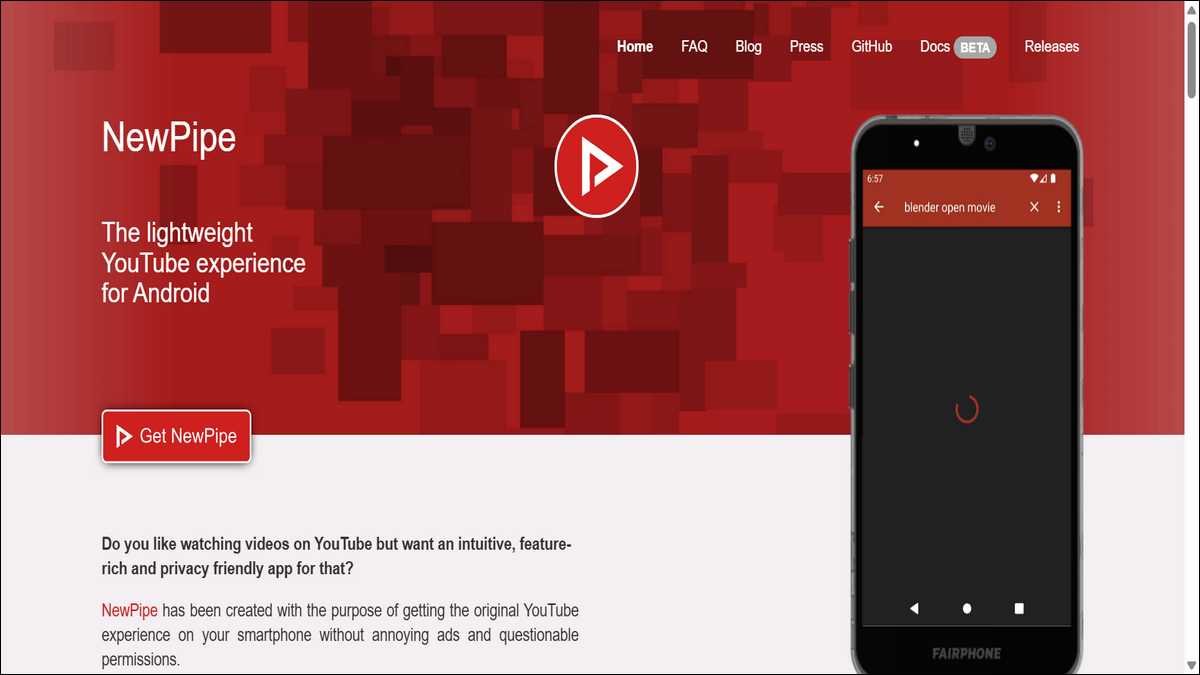
3. NewPipe
NewPipe is a free, open-source Android app that pulls YouTube videos without Google services or tracking. It supports 1080p downloads when the source allows, plus background playback and playlist saving. Users like it because it feels lightweight and respects privacy.
Sideloading is required since it is not on the Play Store, so you must verify the APK from the official site each time. It handles most public videos well but can struggle with heavy age-restricted content compared to desktop tools. Many people pair it with a VPN for extra safety during downloads.
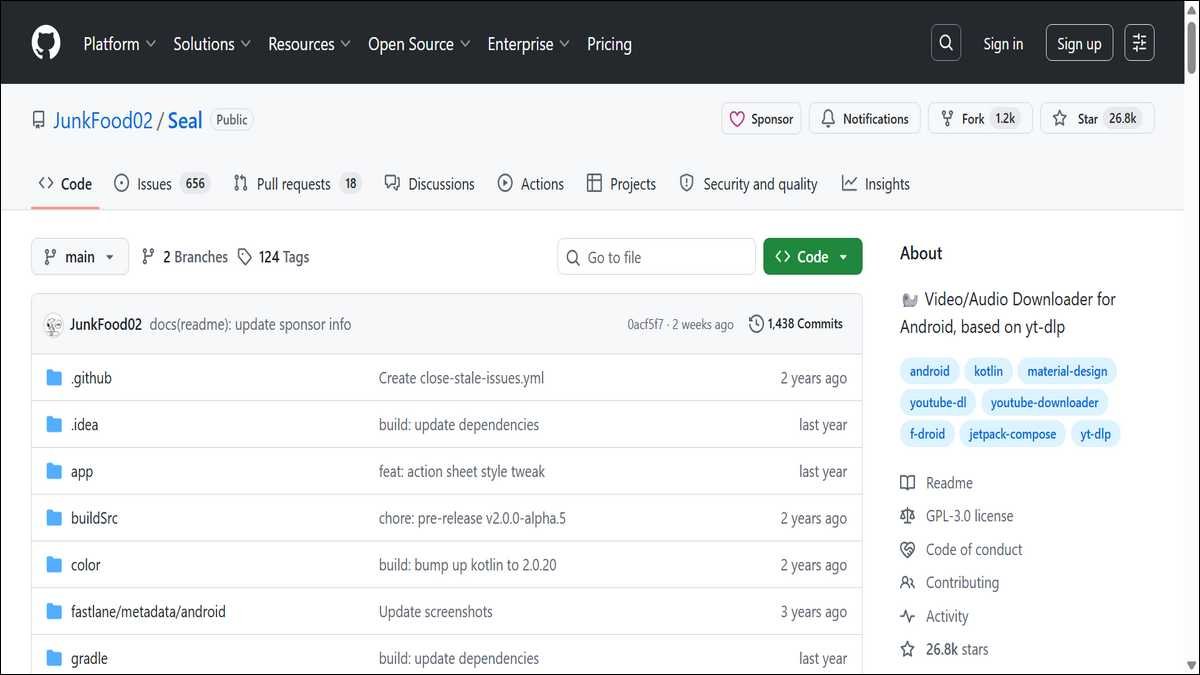
4. Seal
Seal acts as a simple front end for yt-dlp on Android. It gives you the full power of the command-line tool inside a clean app interface. You paste links, choose 1080p or other qualities, and it downloads with subtitle and metadata options.
The app stays updated alongside yt-dlp, so reliability stays high. Like NewPipe, it requires sideloading and careful APK checks to avoid fakes. It suits users who already like yt-dlp on desktop and want the same features on their phone without extra complexity.
Browser extensions provide quick access inside Chrome or Firefox. Options like Video DownloadHelper or Tubly work for many videos. Chrome’s Manifest V3 changes have reduced reliability for some extensions, however.
We strongly recommend avoiding random online converter websites. They frequently serve intrusive ads, redirect to malware, or fail on higher-quality streams. Past popular domains have disappeared after legal pressure.
If you must use a website for a single urgent download, do it inside a sandboxed browser profile and scan the file afterwards.
Troubleshooting Common Problems in 2026
Still, even solid tools hit snags now and then. YouTube changes its systems often. When a tool suddenly stops working, the first step is always to update it.
Parse errors usually mean the tool needs a fresh version or you must supply cookies for restricted videos. Age-restricted content often requires a logged-in session from the same account that can view it.
Quality not available? Check the original video on YouTube first. Many uploads never receive a true 1080p stream. The tool can only offer what exists.
Rate limiting appears during heavy batch jobs. Spread downloads over time or add delays between items. yt-dlp supports –sleep-interval for this purpose.
Account flags remain rare for modest personal use. Heavy automated downloading from one IP raises flags faster. A VPN or secondary account reduces that exposure when you need high volume.
Files that play with no sound usually need the audio (MP3) merge step. Most modern tools handle this automatically, but older versions sometimes require FFmpeg installed separately.
Privacy, Security & Future-Proofing Best Practices
Privacy and security deserve attention too. Privacy starts with tool choice. Open-source projects like yt-dlp run entirely locally and send nothing to third-party servers by default. GUI apps from reputable developers collect minimal telemetry when you opt in.
Never log into your main YouTube account inside a downloader unless necessary for restricted content. Use a secondary account or browser cookies instead.
Scan every downloaded file with up-to-date antivirus software. This step catches the occasional bad actor even from seemingly clean sources.
Future-proofing means expecting change. YouTube will continue adjusting its delivery methods. Tools with active communities adapt fastest. Bookmark the official GitHub page for yt-dlp and the developer sites for your chosen GUI app. Check for updates monthly or set automatic checks where available.
Consider external storage for large archives. Cloud backups add another layer but introduce their own privacy questions.
In our experience, local tools keep data under your control more consistently.
Which Downloader Should You Choose?
Matching a tool to your needs makes the difference. Casual viewers who save a few videos per week do well with 4K Video Downloader Plus. The interface stays friendly and the free tier covers most light use.
Students or educators who need subtitles and clean metadata should start with yt-dlp or a wrapper. The extra control over formats and captions saves hours later.
Content creators archiving their own channels benefit from yt-dlp’s playlist and channel features plus metadata preservation.
Android-only users comfortable verifying APKs can try NewPipe or Seal forks. Everyone else should consider a desktop workflow or YouTube Premium for simplicity.
Power users who script workflows or download hundreds of videos will find yt-dlp unmatched in flexibility and cost.
People who value maximum legal simplicity should compare YouTube Premium features against their actual offline needs before choosing any third-party route.
Final Thoughts
Whatever path you pick, the field keeps moving. You now have a clear map of what works for 1080p YouTube downloads in 2026. Reliability favours actively maintained tools. Safety favours desktop applications from known sources over random websites or unverified apps.
File size awareness prevents storage surprises. Legal understanding helps you make informed decisions rather than assumptions.
Start small. Test one tool on a single public video. Verify the output quality and file integrity. Then scale to larger jobs once you feel comfortable.
The will shift again. Regular updates and a habit of verifying sources will keep your workflow smooth.