10 Free Instagram Profile Viewer Apps That Work In 2026

Let’s be honest. While searching for Instagram profile viewer apps, the articles we find usually, they either list tools that stopped working two years ago, push you into buying something expensive, or waste your time with five paragraphs of nothing before getting to the point.
Therefore, I’ve spent time researching tools that actually work in 2026 — tools with helpful features, clear limitations, and honest use cases. Whether you’re a marketer doing competitor research, a parent keeping an eye on things, or just someone who wants to browse Instagram without an account, this guide is for you.
Let’s get go ahead, and get the details!
First, What Even Is an Instagram Profile Viewer?
An Instagram profile viewer is a third-party tool — usually web-based — that lets you browse Instagram content without logging into your account. Some also let you view content without showing up in the “seen by” list on stories.
These tools are not magic. They don’t hack accounts. The good ones pull publicly available content through Instagram’s data systems and display it to you in a clean interface. Think of it like reading a public webpage — just through a different window.
Here’s what most of these tools can actually do:
- Let you browse public profiles without an Instagram account
- Show posts, reels, stories, and highlights anonymously
- Let you download public photos and videos
- Show basic profile stats like follower count and bio
And here’s what they can’t reliably do, no matter what they promise:
- Instantly unlock every private profile
- Bypass Instagram’s latest security layers without any limitations
- Guarantee results on newly created private accounts
Instagram has significantly tightened its privacy controls in 2026. So if a tool is promising you full access to any private account in one click — walk away. That’s not how it works.
Also read: Learn How To Gain 5K Real Instagram Followers Easily
Why People Use Such Tools?
People use Instagram profile viewers for a lot of different reasons. And most of them are completely reasonable.
- Marketers and researchers use them to study competitor accounts, analyze post performance, and track engagement — without tipping the competitor off by following them.
- Parents use them to quietly check in on what their kids are sharing online, especially when the account is set to private.
- Journalists and investigators use them to gather public information on profiles without revealing their identity.
- Regular users use them because they don’t want to create an Instagram account just to see a few posts from a public page.
None of these are bad reasons. The tools themselves are neutral. How you use them is what matters.
The 10 Free Instagram Profile Viewers Apps And Tools That Work in 2026
Here’s the full breakdown. I’ve organized each tool with its key features, what devices it works on, and where you can find it.
1. DolphinRadar
Website: dolphinradar.com
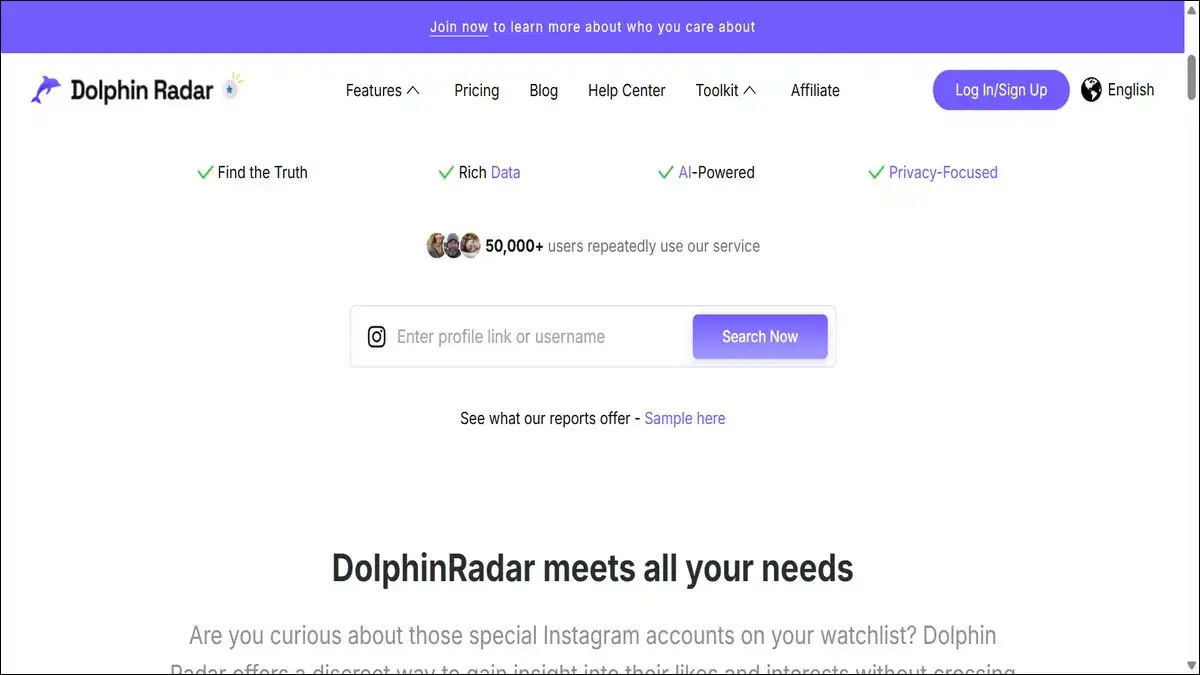
DolphinRadar is one of the most capable free tools on this list. It’s fully browser-based, which means no app download and no installation.
You just go to the website, type in a public Instagram username, and you can start browsing that profile’s posts, reels, stories, highlights, and even reposts. Everything loads inside the browser — cleanly and quickly.
What makes DolphinRadar stand out is its story viewer. When you watch someone’s story through DolphinRadar, your name doesn’t show up in their viewer list. The profile owner has no idea you watched. Stories load almost instantly.
It also lets you download public stories, highlights, and other content anonymously. No view count gets triggered, and no notification goes to the account owner.
The free version is solid for most use cases. If you need continuous story tracking or access to highlights history, that’s behind a paid plan starting at $6.99/month. But for casual, one-off profile checking, the free tier is more than enough.
- Works on: Desktop, Mobile, Tablet (any browser)
- No Instagram login needed: Yes
- Best for: Browsing posts, reels, and anonymous story viewing
Also read: Instagram Story: Put a Picture on Top of Another Picture
2. Inflact Instagram Viewer
Website: inflact.com/instagram-viewer
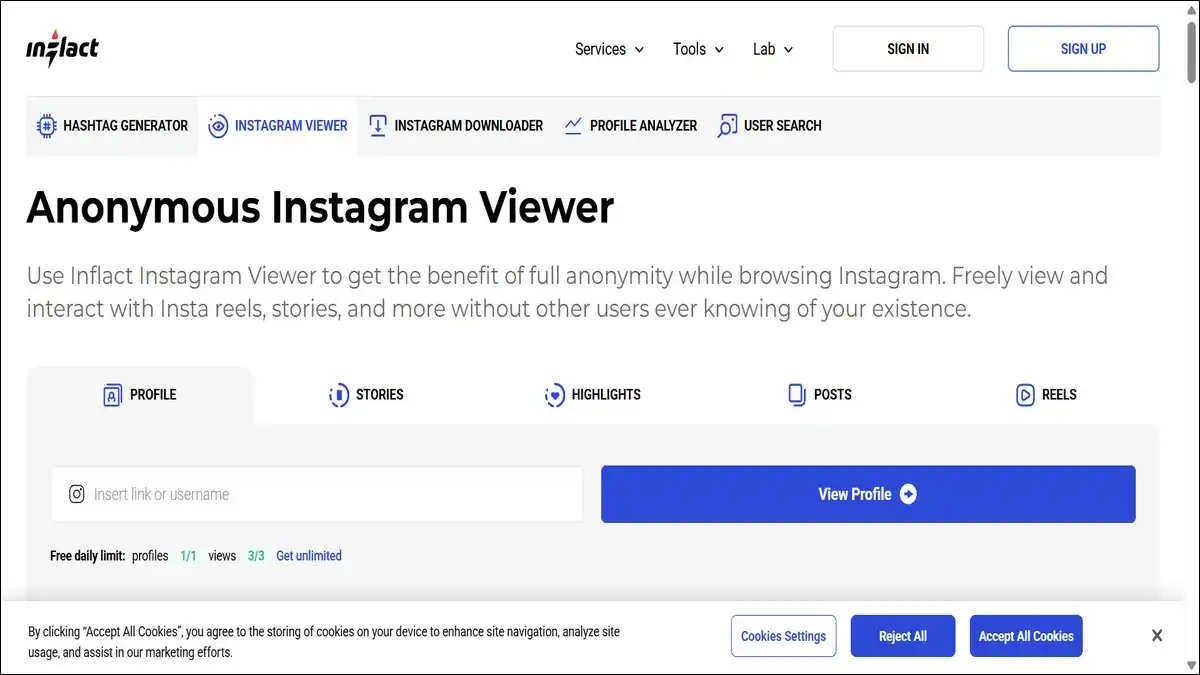
Inflact has been around for a while, and it’s one of the more polished tools in this space. It works entirely through your browser — no software, no app, no account needed.
Type a public Instagram handle into the search bar, and you get access to that profile’s posts, reels, stories, and highlights. The viewing is completely anonymous. Instagram won’t show your name anywhere on the account’s analytics.
What sets Inflact apart from simpler tools is its light analytics layer. It can show you a profile’s engagement rate, their best-performing content, and which hashtags they use most. That’s genuinely useful if you’re doing market research or competitor analysis.
The catch is that the free version gives you a limited number of daily views. Once you hit that limit, you’ll need to sign up with an email address to continue. For heavier use, there’s a premium tier.
One thing worth noting: Inflact works best on desktop. Some users have mentioned it’s not as smooth on mobile, which is a minor limitation if you prefer browsing on your phone.
- Works on: Desktop (best), Mobile (functional)
- No Instagram login needed: Yes (email sign-up for extended use)
- Best for: Market research, anonymous browsing, profile analytics

3. PeekViewer
Website: peekviewer.com
PeekViewer is one of the strongest tools for anonymous story viewing. In testing, it consistently delivered fast story load times with no trace left in the account’s viewer list.
It works across all devices — iPhone, Android, Mac, PC. You just open it in a browser, enter a username, and start viewing. No installations, no account connection, no risk to your own Instagram profile.
Beyond stories, PeekViewer lets you browse posts, check tagged photos, and view likes. It also has a feature that stores your viewing history for up to three months, so you can go back and revisit content even after it’s been deleted from the original profile.
The free version includes a demo so you can test the interface before committing. Full access requires a subscription, but the demo gives you a genuine feel for how the tool works.
- Works on: iPhone, Android, Mac, PC (all browsers)
- No Instagram login needed: Yes
- Best for: Anonymous story viewing, content history tracking
4. ProfileViewer
Website: profileviewer.in
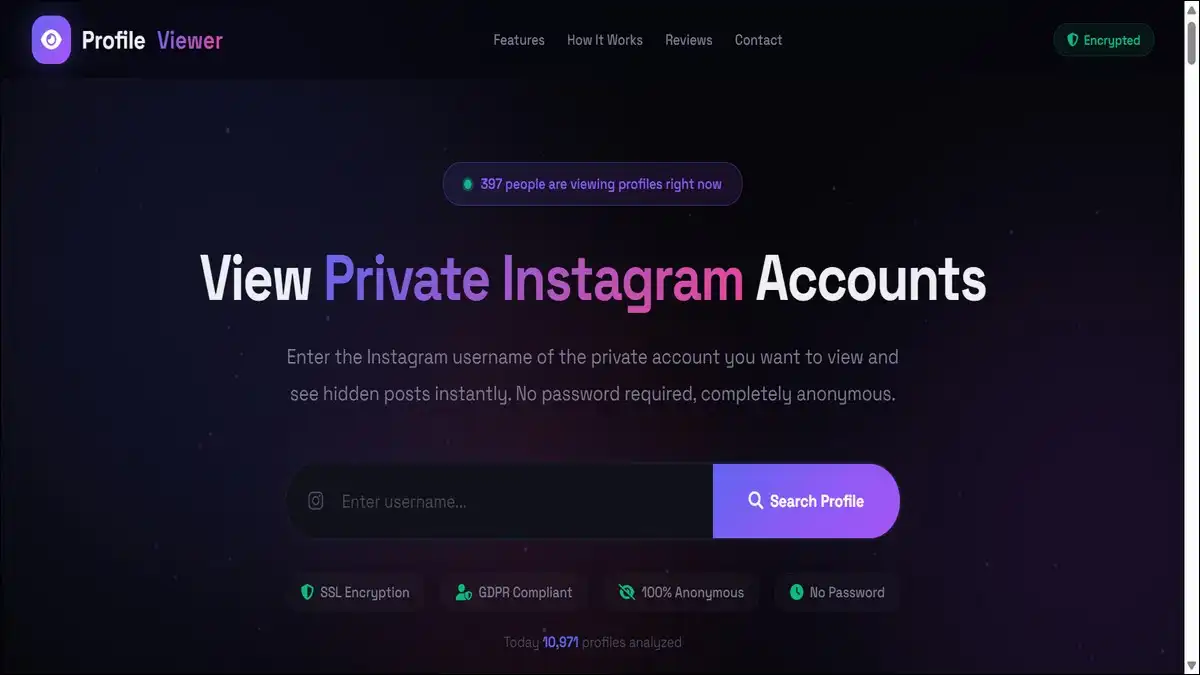
ProfileViewer is a straightforward, browser-based tool updated for 2026. The user experience has been refined considerably compared to older versions.
You create a free account on the site, then use the search feature to find any Instagram profile by username. From there, you can view posts, stories, and other profile content. The tool automates the viewing process, so you don’t have to navigate Instagram’s own interface at all.
It works on desktop, tablet, and mobile — so you’re covered regardless of what device you’re using.
The main thing to know here: you do need to create a free account on ProfileViewer itself. That’s not a big deal, but it’s worth knowing upfront since most other tools on this list don’t even require that.
- Works on: Desktop, Tablet, Mobile
- No Instagram login needed: Yes (requires free ProfileViewer account)
- Best for: General profile viewing across devices
5. InAnalyze
Download: Google Play Store
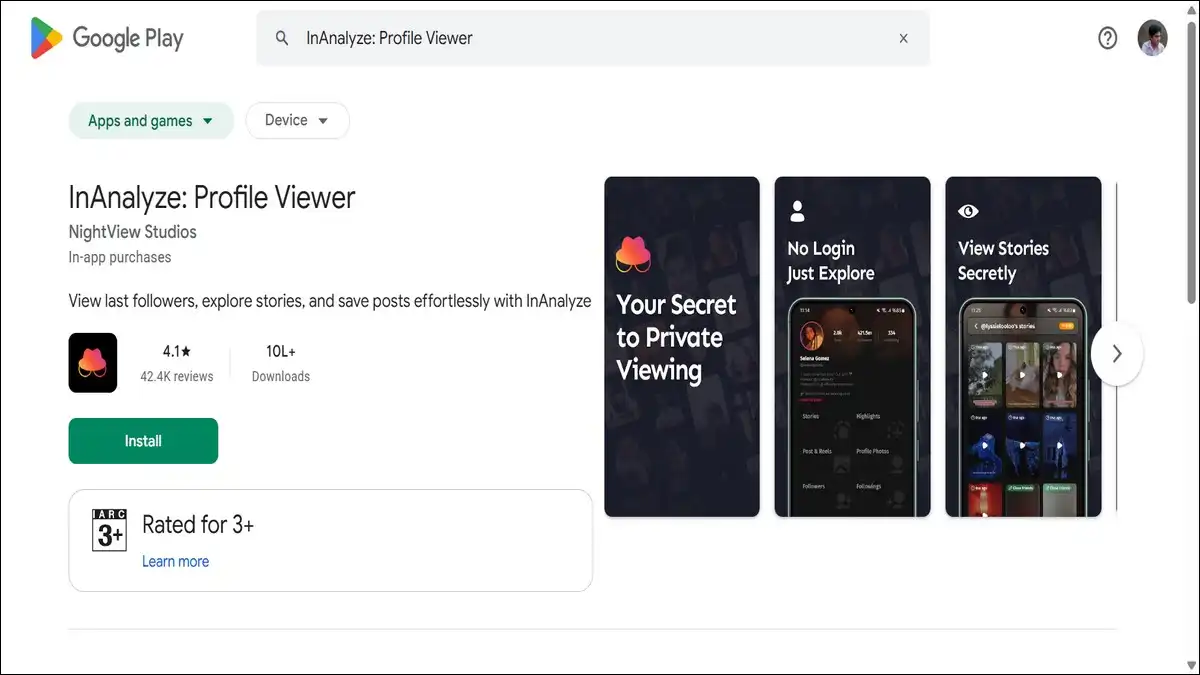
InAnalyze is the only dedicated mobile app on this list, and it’s specifically for Android. If you prefer a native app experience over a browser tool, this is your best option.
It has a profile photo viewer that lets you see and save profile pictures in HD — which is actually something Instagram’s own app makes difficult. You also get follower and following analysis, a story viewer, a story downloader, and a post downloader.
The app was last updated in February 2026, so it’s current and actively maintained. It’s privacy-focused and has no affiliation with Instagram or Meta.
One thing to be aware of: InAnalyze requires you to connect your own Instagram account to pull data. It’s analyzing your account’s network, not letting you browse completely anonymously. So it’s more of an analytics and downloader tool than a stealth viewer.
- Works on: Android smartphones and tablets
- No Instagram login needed: No (your own account required)
- Best for: Mobile users who want analytics, HD photo saving, and story downloads
6. BoostFluence Instagram Profile Viewer
Website: boostfluence.com/free-tools/instagram-profile-viewer
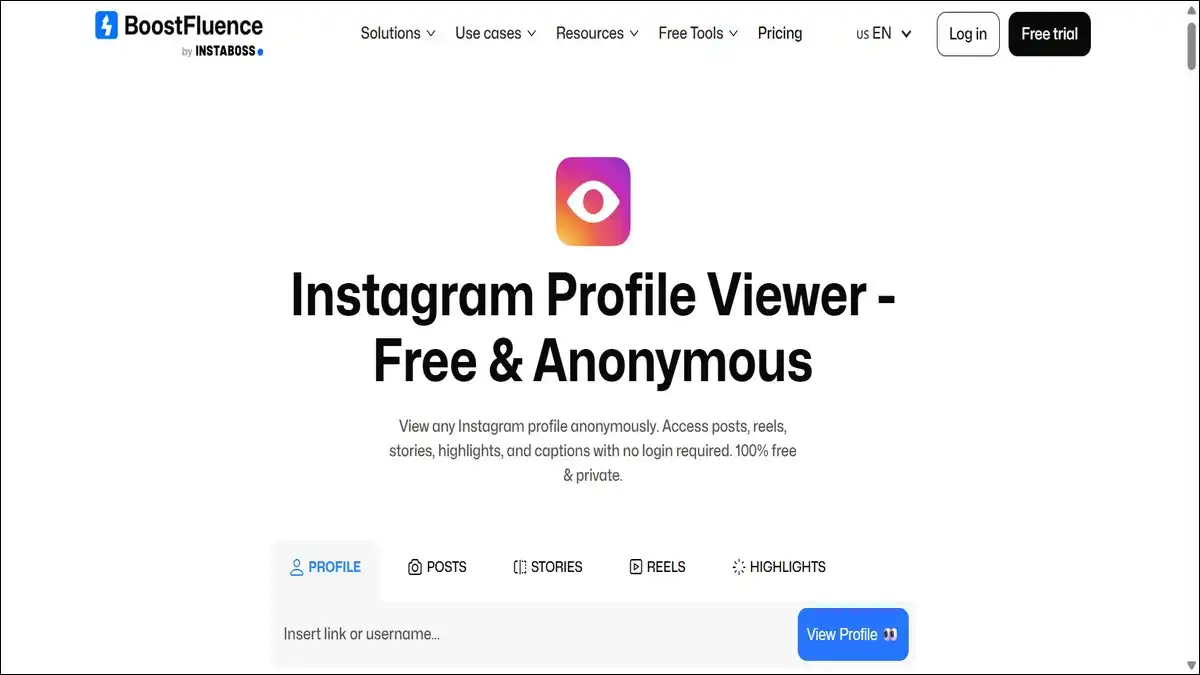
BoostFluence has built a genuinely useful free tool here. It lets you explore any public Instagram profile completely anonymously — no login, no app, no hidden fees.
You can view posts, reels, stories, highlights, captions, like counts, view counts, and comments — all without the account owner knowing. It works on desktop, mobile, and all browsers, so you don’t need to worry about compatibility.
Where BoostFluence goes further than most tools is in its extras. Alongside profile viewing, you get a real-time follower counter for any public account, a full-size HD profile picture downloader, a video/reel downloader, a story downloader, and a highlights downloader.
It’s one of the most complete free tools available right now for public profiles specifically.
- Works on: Desktop, Mobile, Tablet (all browsers)
- No Instagram login needed: Yes
- Best for: Complete public profile browsing, content downloading
7. EasyComment Instagram Profile Viewer
Website: easycomment.ai/instagram-profile-viewer
EasyComment keeps things simple, and that’s actually its best feature.
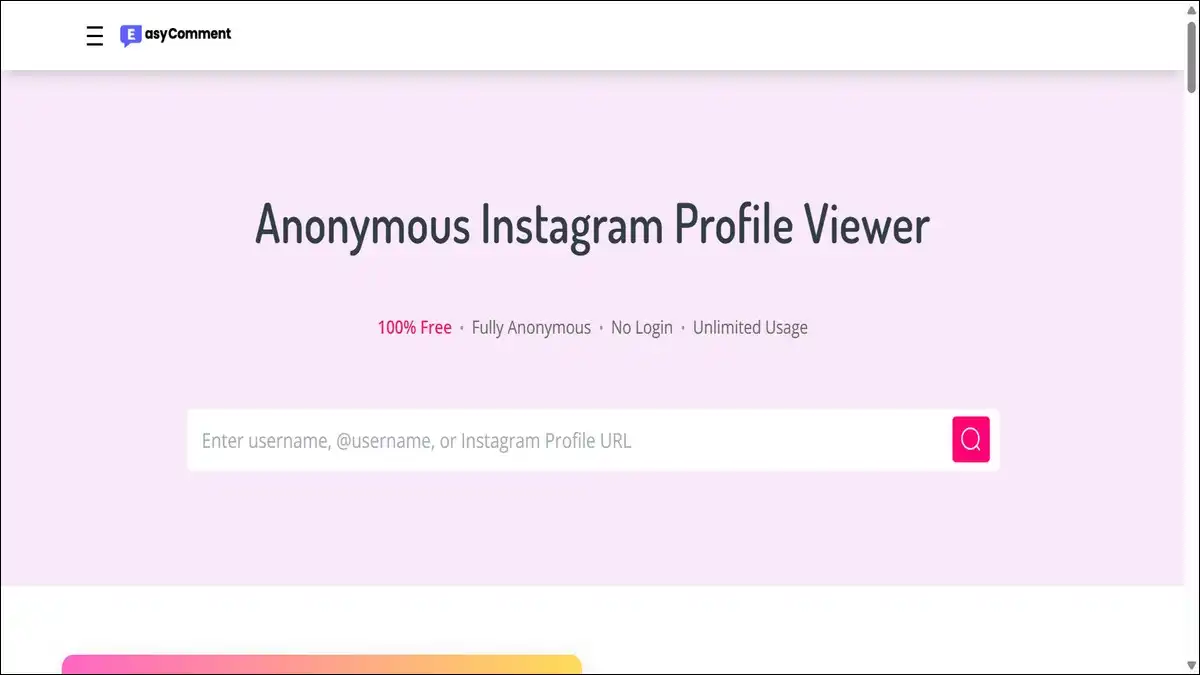
You enter a username, and you immediately get the profile’s bio, profile photo, posts grid, and basic stats — all anonymously. No account needed, no registration, no fee. You can check as many public profiles as you want without any limits.
One feature that stands out is the follower/following extractor. You can pull a list of followers and following from any public account directly through the tool. That’s useful for network research or understanding an account’s audience.
EasyComment also offers an HD profile picture save option, which lets you view and download profile photos in full resolution. Again, Instagram’s app doesn’t make this easy, so it’s a welcome addition.
It also has a giveaway winner picker, which is a niche but genuinely useful tool if you run Instagram contests.
- Works on: Desktop, Mobile
- No Instagram login needed: Yes
- Best for: Quick public profile checks, follower extraction, HD profile pics
8. Goonview
Website: https://goonview.com
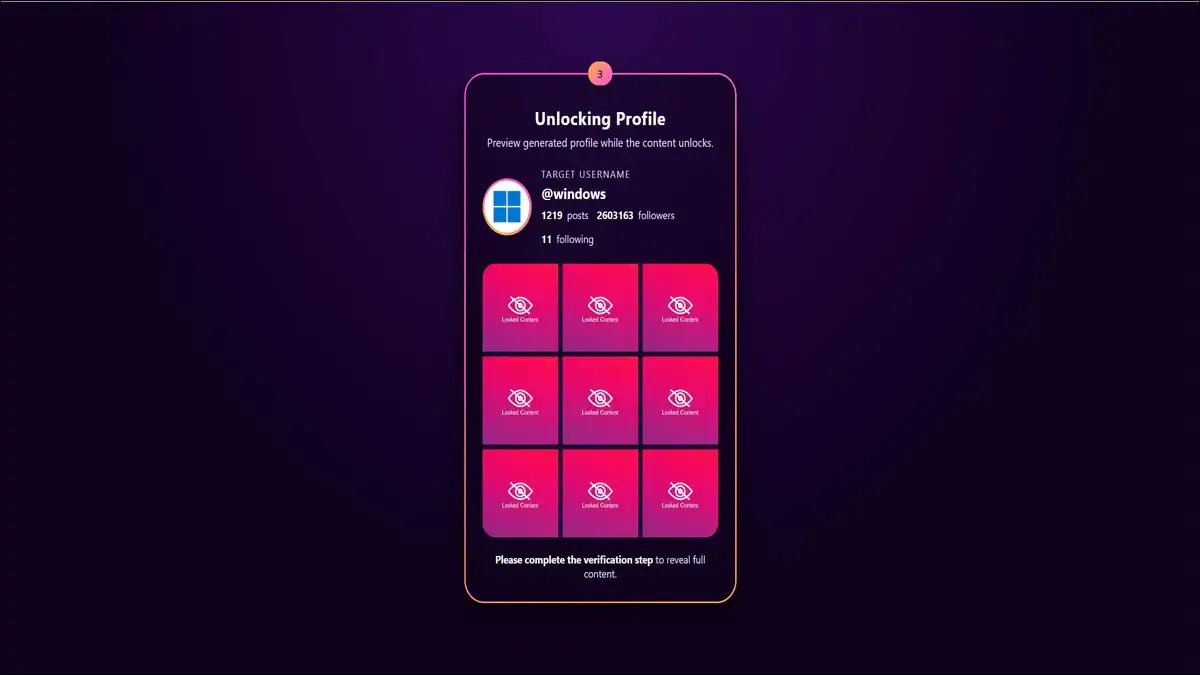
Goonview is a browser-based tool that’s built for speed and simplicity. You go to the site, enter an Instagram username, and it pulls whatever publicly cached data it can find for that profile — posts, stories, highlights, follower and following stats, bio text.
It supports Chrome, Safari, Edge, Firefox, and any other standard browser. The anonymous viewing is consistent — users are never notified, and no view receipts are triggered.
It also supports HD media downloads, so you can save images and videos directly from the results page. Profile caching means that if you’ve viewed a profile recently, it loads even faster the second time around.
Sessions automatically reset after 10 minutes of inactivity, which is a privacy-friendly design choice. No local storage means your viewing data doesn’t get saved on the device either.
- Works on: All browsers (Chrome, Safari, Edge, Firefox)
- No Instagram login needed: Yes
- Best for: Fast, no-fuss anonymous profile checks with HD downloads
9. AnonyIG
Website: https://anonyig.com
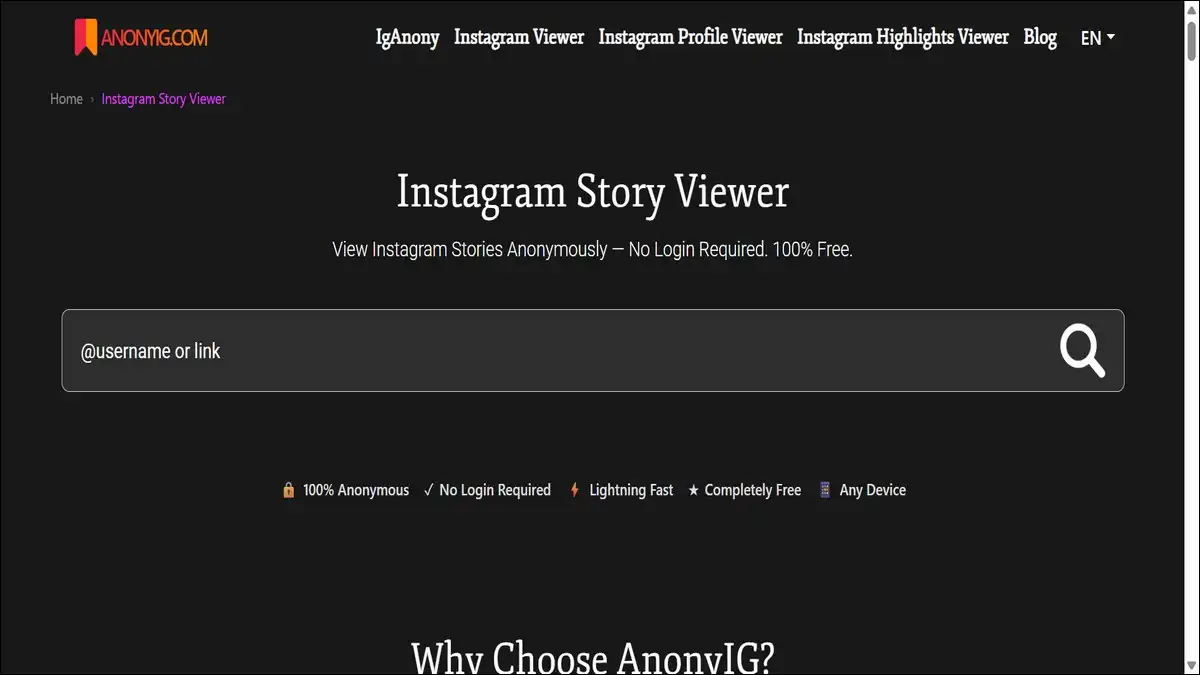
AnonyIG takes the opposite approach from data-heavy tools like Inflact. There’s no analytics, no dashboard, no extra features. It does one thing: lets you quickly view and download Instagram stories and profile content, completely anonymously.
The interface is minimal by design. You type in a username and get instant access. One-click story saving means you don’t have to fiddle with settings or menus. It’s the tool you use when you just want to quickly check something without any friction.
There’s no registration, no login, and it works across desktop and mobile browsers. If you’re someone who finds most Instagram viewers over-engineered for what you actually need, AnonyIG is worth bookmarking.
- Works on: Web browser (Desktop, Mobile)
- No Instagram login needed: Yes
- Best for: Quick story checks, one-click downloads, minimalist users
10. Gwaa
Website: https://gwaa.net
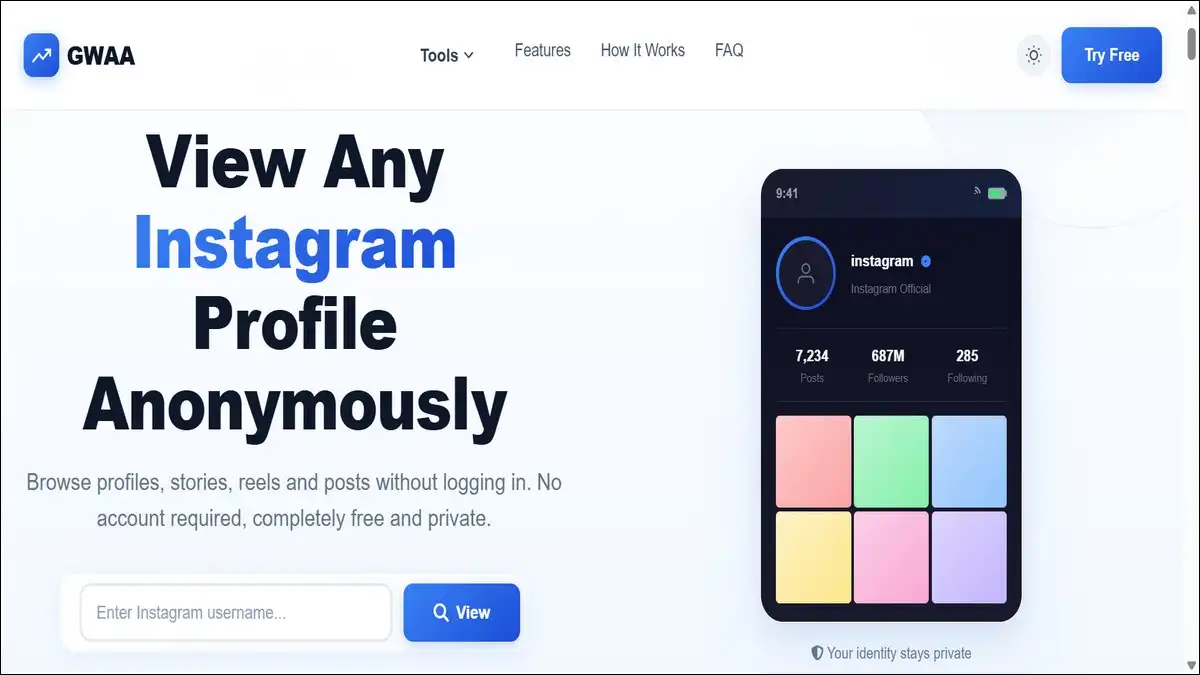
Gwaa is the most privacy-forward free tool on this list. It requires no credit card, no registration, and no personal information of any kind. You just use it.
It focuses on anonymous viewing of photos and stories and is specifically designed to maintain high anonymity throughout your session. It’s one of the few truly free tools that doesn’t nag you to upgrade constantly.
The tradeoff is that it can show ads and may occasionally ask for a simple bot-verification step — like clicking a checkbox. That’s a minor inconvenience compared to what you get in return. Load times can also vary depending on the account you’re viewing.
- Works on: Desktop, Mobile, Tablet (browser-based)
- No Instagram login needed: Yes
- Best for: High-anonymity free viewing with no account or payment required
Side-by-Side Comparison Of These Instagram Profile Viewer Apps
Here’s a quick overview of all 10 tools so you can decide which one fits your situation:
| Tool | Platform | Free? | Login Required? | Best Use Case |
|---|---|---|---|---|
| DolphinRadar | Web (all browsers) | ✅ Free tier | ❌ No | Posts, Reels, Stories |
| Inflact | Web (desktop best) | ✅ Limited free | ❌ No (email for more) | Analytics + Viewing |
| PeekViewer | Web (all devices) | ✅ Free demo | ❌ No | Anonymous story viewing |
| ProfileViewer | Web (all devices) | ✅ Free account | ⚠️ Free sign-up | Full profile access |
| InAnalyze | Android app | ✅ Free | ✅ Own IG account | Mobile analytics, downloads |
| BoostFluence | Web (all browsers) | ✅ Fully free | ❌ No | Public profiles + downloads |
| EasyComment | Web | ✅ Fully free | ❌ No | Quick checks, follower lists |
| Goonview | Web (all browsers) | ✅ Free | ❌ No | Speed + cached profile data |
| AnonyIG | Web | ✅ Free | ❌ No | Minimalist story viewer |
| Gwaa | Web (all browsers) | ✅ Free | ❌ No | High-anonymity free use |
What You Should Know Before Using Any of These Tools
A few things are worth understanding before you dive in.
- These tools only work reliably on public profiles. Instagram’s privacy system is server-side, not just app-side. That means even the most sophisticated browser tool can’t simply “unlock” a private account on demand. Tools that promise otherwise are almost always exaggerating.
- Never enter your Instagram password into a third-party site. Legitimate tools don’t ask for it. If a site is requesting your Instagram credentials, close the tab. That’s a phishing attempt, not a viewer tool.
- Free tools come with trade-offs. Ads, daily view limits, occasional bot verification steps — these are the costs of using free tools. They’re manageable, but you should expect them going in.
- Your data stays safer with browser-based tools. Downloading unknown APK files from random sites is a genuine risk. Almost every reliable tool on this list runs in your browser, which means no installation and no exposure to malware.
How to Choose the Right Tool for You
The best tool depends entirely on what you need it for.
- If you just want to quickly check a public profile or story without logging in, DolphinRadar, BoostFluence, or AnonyIG will get the job done in under a minute.
- If you’re doing competitor or market research, Inflact gives you the most analytical value with its engagement metrics and hashtag data.
- If anonymous story viewing is your main goal, PeekViewer and DolphinRadar are your strongest options based on performance and reliability.
- If you’re on Android and prefer an app, InAnalyze is the most current and actively maintained option available on the Play Store.
- If you want something completely free with zero friction, EasyComment and Gwaa are the cleanest choices — no payment, no account, no fuss.
End Note
Instagram profile viewers aren’t going anywhere. The demand for anonymous, login-free browsing is real, and the tools listed here exist because there’s a legitimate need for them.
The key is knowing what these tools can and can’t do. They’re great for browsing public content discreetly. They’re not magic keys to every private profile on the internet.
Use them for research, content analysis, or just casual browsing — and use them responsibly. Respecting other people’s privacy while protecting your own is the whole point.
If you’ve been relying on outdated tools that stopped working, any of the options on this list should serve you much better in 2026.