Firefox 153 Beta Adds HDR Support on Windows; Mozilla Delays Transparency for ‘Nova’ Redesign
Mozilla released Firefox 153 in beta this week, bringing HDR video support to Windows machines and a set of built-in productivity tools while confirming that a visual transparency feature tied to its upcoming “Nova” interface overhaul will not ship at launch.
The beta channel, which updates three times a week, means the feature set could still shift before a stable release.
HDR Video Arrives — With Conditions
HDR support — which allows compatible displays to render a wider range of brightness and color — lands in Firefox 153 beta, but only for a narrow hardware configuration.
Users need a Windows 10 or Windows 11 machine equipped with an AMD or NVIDIA discrete graphics card. Intel laptops that pair onboard graphics with an NVIDIA card do not qualify yet, though Mozilla says that support is coming.
Users must also enable HDR mode manually through Windows display settings before the feature takes effect.
Mozilla’s own release notes flag a known issue: HDR video may appear brighter in Firefox than in competing browsers. The company plans to address the brightness discrepancy alongside performance optimizations in a future update.
New Tools Built Into the Browser
Beyond HDR, the beta adds a QR code generator directly into the tab interface. Right-clicking any tab surfaces a Share option that produces a scannable code — a practical tool for moving a URL to a phone or printed material. On macOS, the same option appears in the Address Bar menu.
A new quick action also lets users type “pick color” into the address bar to activate a built-in eyedropper, pulling the hex or RGB value of any pixel on screen without a third-party extension.
PDF handling gains two new capabilities: Users Can now insert images directly into a PDF or drag a second PDF file into the sidebar to merge documents. Both functions work natively without an add-on.
Mozilla also updated the location permission indicator. The icon now glows red whenever a website actively accesses a user’s coordinates — including on search results pages where the indicator previously did not appear.
Transparency Feature Pushed Back in Nova Rollout
A Mozilla team member confirmed in a public Reddit thread that window transparency — a frequently requested visual feature — is part of the Nova project but will not ship with its initial release.
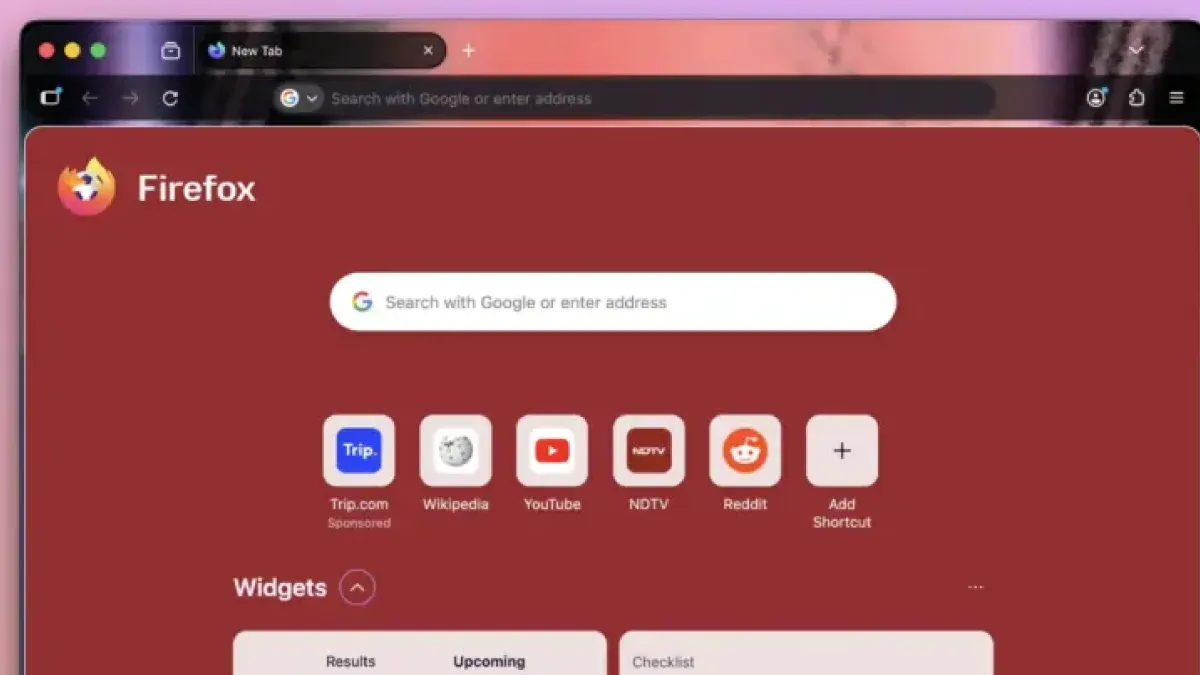
Nova is Mozilla’s forthcoming full redesign of the Firefox interface. The team member cited the complexity of how transparency interacts with custom user themes as the primary reason for the delay, saying the team chose to stabilize the core redesign before tackling it.
Still, some Windows 11 users can approximate the effect today. Setting the hidden preference `widget.windows.mica` to enabled under an Auto theme produces a soft blur behind the browser window. Adjusting `widget.windows.mica.toplevel-backdrop` to a value of 2 deepens that blur. The result is not true transparency, but it produces a similar aesthetic.
Mozilla has indicated that Nova will include a broader set of built-in themes, though per-tab color customization — another popular request — remains unconfirmed for the first release. Third-party extensions such as Adaptive Tab Bar Colour currently handle per-domain tab coloring.
Security Patches Run Parallel to Beta Work
Separate from the beta, Mozilla issued patches for critical vulnerabilities in its latest Extended Support Release (ESR) builds, which serve enterprise and legacy system deployments.
A distinct security flaw in Firefox’s AI chatbot integration also recently surfaced, allowing malicious web pages to manipulate the assistant into exposing user login codes.
Firefox’s ESR track exists to give organizations and users on older hardware access to security fixes without requiring them to adopt the latest feature releases.