15+ Best Free Paylocity Alternatives in 2026: Reviews, Pricing & Real Trade-Offs

If you’re running a small business and Paylocity’s costs feel like they’re adding up too fast, you’re not alone. Plenty of teams look for free alternatives that still handle the basics of HR without the big price tag. The good news is that several solid options exist.
They come with some clear limits on payroll and support, but you can match one to your team’s size and needs once you see the details.
Here’s what stands out from the 2026 research
Most free tiers do a decent job with employee records and leave tracking. Full automated multi-state payroll tax filing usually needs a paid plan or an integration, though.
Open-source tools give you real control, but they often ask for some technical setup. A lot of low-cost options show up in free searches because they offer simple starting points. It helps to double-check the latest details on each official site before you decide.
Top Paylocity alternatives Overview
Best for teams of 5 or fewer
✓ Easy self-service
✗ Limited reporting
Best for hourly shift teams
✓ Great mobile app
✗ Payroll is paid add-on
Best easy payroll starter
✓ Excellent tax filing
✗ Paid after first run
Pro Tip: Most teams do best with Zoho People (under 5 people) or Homebase (hourly teams).
Mobile-friendly comparison overview of free Paylocity alternatives with key ratings and best-use cases for small teams in 2026.
Paylocity Quick Overview
Paylocity works as a unified platform for payroll, core HR, time tracking, benefits, and analytics. It serves a lot of mid-market teams, especially in healthcare.
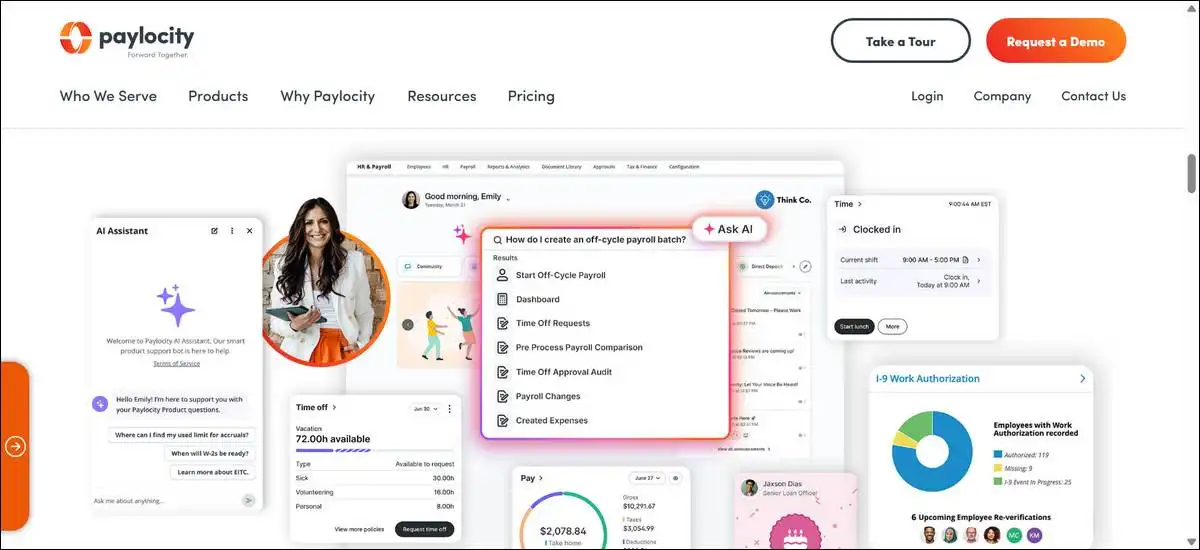
Around 16,000 to 19,000 verified companies use it right now. Pricing usually comes through custom quotes, and you’ll often see numbers in the $18 to $40 per employee per month range, plus possible add-ons.
A lot of users like its compliance strength and reporting depth. That said, the interface can feel a bit complex if your team is very small, and those modular add-ons sometimes push the total cost higher than you expected.
That’s why many companies start exploring alternatives when they want simpler pricing or an easier entry point.
Comparison Table of 15+ Alternatives
This table gives you a quick side-by-side view of the options that offer free elements or low-cost entry. I’ve kept the columns light so it reads better on mobile — you can scroll horizontally if you’re on a smaller screen.
The ratings reflect real value for the free or entry tier based on features, ease of use, and the limits that actually show up in practice.
| No. | Alternative | Free or Low-Cost Details | Rating | Best For |
|---|---|---|---|---|
| 1 | Zoho People | Free for up to 5 users | 8.7/10 | Very small teams |
| 2 | Homebase | Free basic scheduling and time clock | 8.0/10 | Hourly shift businesses |
| 3 | MintHCM | Free open source self-hosted | 7.5/10 | Teams with IT resources |
| 4 | OrangeHRM | Free open source starter | 7.8/10 | SMBs needing performance tools |
| 5 | Odoo Community | Free basic HR in open source ERP | 7.6/10 | Odoo ERP users |
| 6 | Bitrix24 | Free plan with unlimited users | 7.9/10 | Small collaboration-focused teams |
| 7 | Gusto | Free until first payroll run | 8.3/10 | Simple US payroll starters |
| 8 | BambooHR | 7-day trial then affordable plans | 7.4/10 | Teams valuing clean UX |
| 9 | Connecteam | Free trial, paid from ~$29/mo | 7.2/10 | Frontline mobile teams |
| 10 | WebHR | Free sign-up then ~$2/employee/mo | 7.7/10 | Budget small teams |
| 11 | Factorial | Free trial, paid from $8/user/mo | 7.5/10 | Self-service focused SMBs |
| 12 | HRLocker | Free for small teams initially | 7.0/10 | Micro teams testing HR |
| 13 | Apptivo | Free trial, paid from $15/user/mo | 6.8/10 | Custom workflow needs |
| 14 | Deel | Free demo, paid from $29/employee | 7.3/10 | Global contractor teams |
| 15 | Patriot Software | 30-day trial then low fees | 7.1/10 | Very small US payroll focus |
If the quick comparison above caught your eye, here’s a closer look at each option.
I’ve broken them down one by one with the features you can actually use, the upsides, the limits, and a personal rating. Each one stays focused, so you can scan or read straight through without feeling overwhelmed.
1. Zoho People
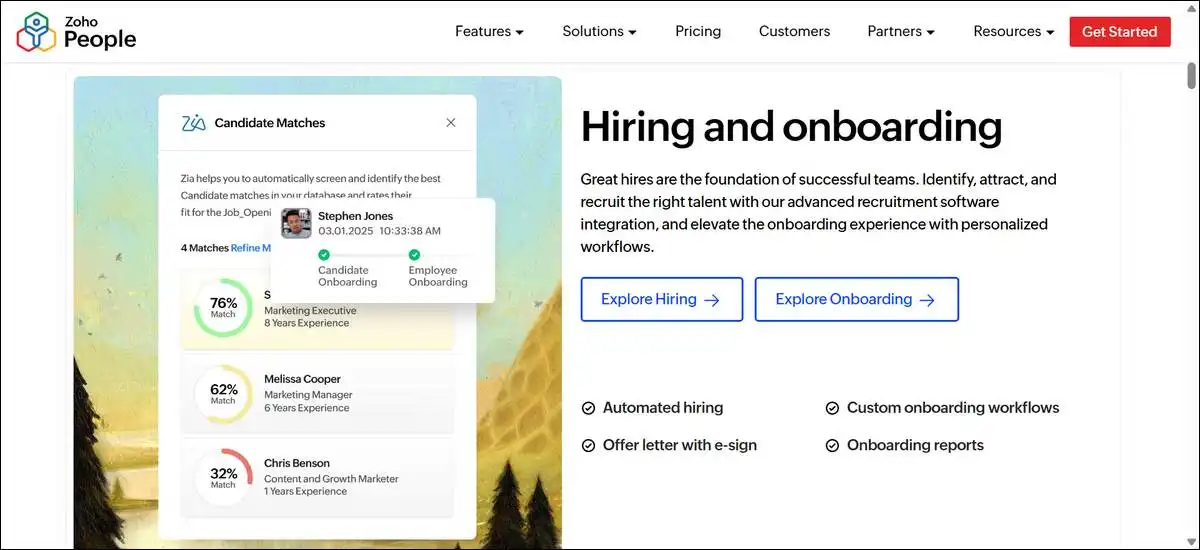
Zoho People works well as a free Paylocity alternative if your team stays at five or fewer, because you get a permanent free plan with the core HR tools most small groups need. You can manage employee databases, track leave and attendance, handle basic onboarding, and store documents.
Self-service portals are there too, so your team can request time off or check schedules without extra steps. It also connects nicely with other Zoho apps like CRM or Books if you’re already in that ecosystem.
On the plus side, there’s zero ongoing cost as long as you stay under the limit, and setup feels quick — I’ve seen it take under 15 minutes in testing. The dashboard stays simple and loads fast on both desktop and mobile.
That said, reporting stays pretty basic in the free version, and payroll options are limited. Advanced workflows and extra storage push you into paid plans that start around $1.25 per user per month. Payroll support also varies by country and doesn’t replace a full US multi-state tax filing tool on its own.
I’d give this one 8.7/10 for micro-teams. It fits really well until growth forces an upgrade.
2. Homebase
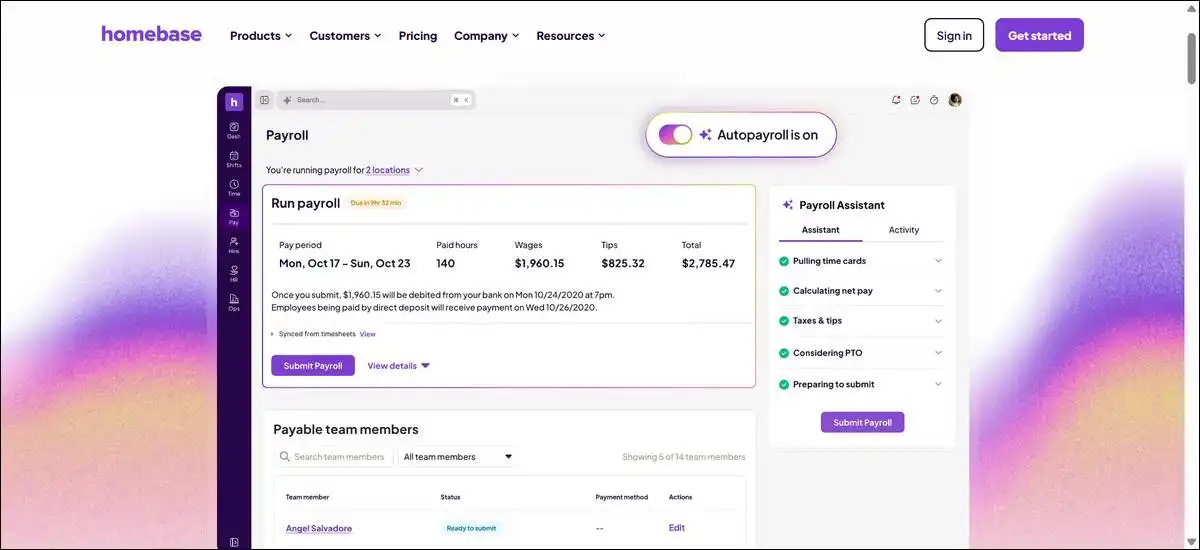
Homebase makes a practical free choice for hourly shift businesses because you can use basic scheduling and time clock tools at no cost for a single location. You have the option to drag and drop shifts, track punches in real time, send team messages, and view simple labor costs. The mobile apps help staff swap shifts or clock in easily, and you can connect it with tools like Square, QuickBooks, or certain payroll processors.
What’s nice is how well it cuts down on manual scheduling headaches for restaurants or retail spots. Testing showed the time clock updates instantly and makes shift changes straightforward.
On the downside, full payroll sits behind a paid add-on. Multi-location support and deeper HR features also require upgrades that start around $24 per month plus fees. You may also hit employee caps or reporting limits in the free tier.
I’d rate this one 8.0/10. It delivers solid value for single-location hourly teams, but you’ll probably want to budget for payroll if that’s a daily need.
3. MintHCM
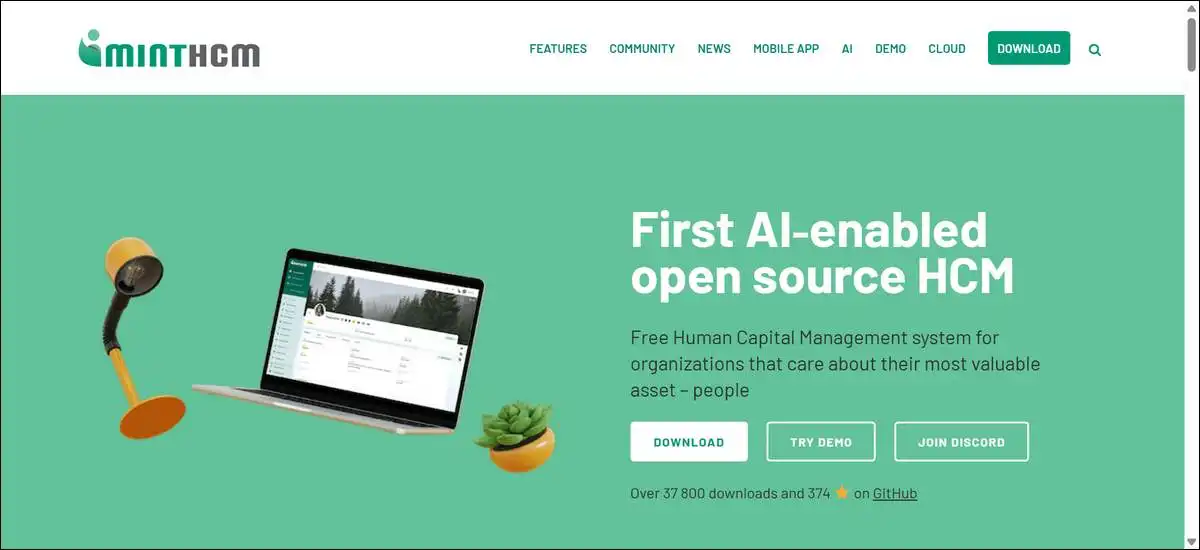
MintHCM stands out as a completely free open-source option if you have some technical resources because you can self-host it with no license fees at all.
You can manage employee records, run recruitment, track attendance and leave, handle performance reviews, and pull basic reports. Open APIs let you customize things, and there are mobile-friendly elements for everyday access.
The big win here is full control and zero recurring license costs. Customization runs deep if you’re comfortable tweaking the code, and community guides make basic setups doable for smaller groups. Over 37,800 downloads show it’s got staying power.
Here’s the catch, though — you handle server setup, updates, and maintenance yourself. Payroll usually needs a third-party tool or manual work. Support mostly comes from forums or paid services when you need it fast.
I’d give this one 7.5/10. It works great for teams that already have IT help and want to avoid vendor lock-in.
4. OrangeHRM
OrangeHRM serves as a solid, free, open-source starter for small to medium teams because you can cover the full employee lifecycle without paying for a license.
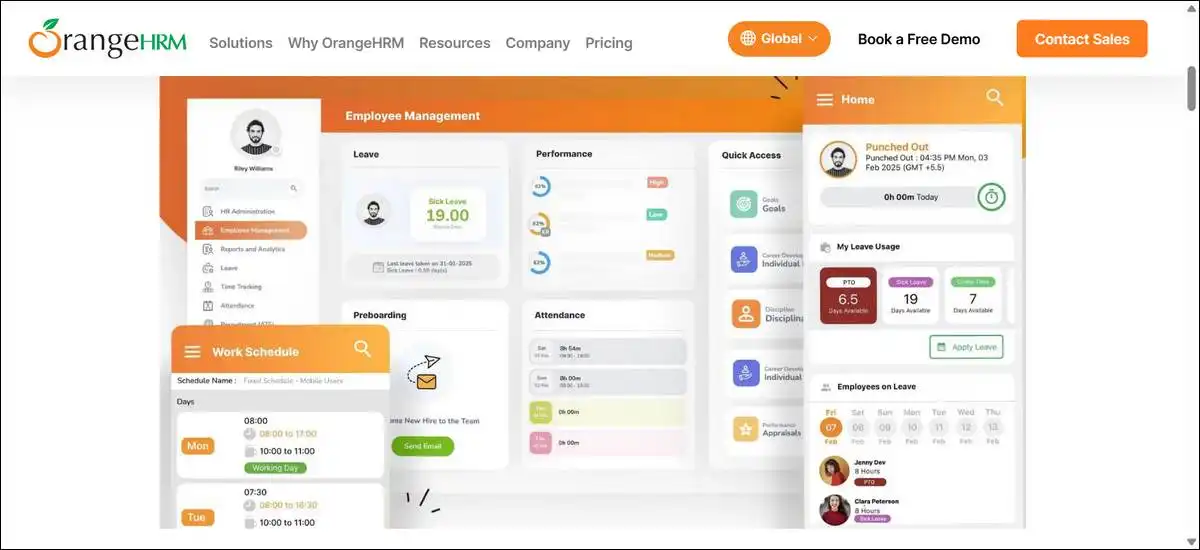
You have the option to manage employee information, track attendance and time, handle leave, run basic recruiting, and use performance review tools. A mobile app supports PTO requests and clock-ins, and it runs on cloud or on-premise setups.
What’s helpful is how it pulls together the main stages of the employee journey in one place. Review templates and goal tracking add practical value without extra cost, and core setup stays fairly straightforward.
That said, advanced features move to paid editions. Payroll often needs an integration instead of built-in automation, and you’ll manage your own updates.
I’d rate this one 7.8/10. It fits teams that want performance and attendance tools without jumping straight to paid software.
5. Odoo Community
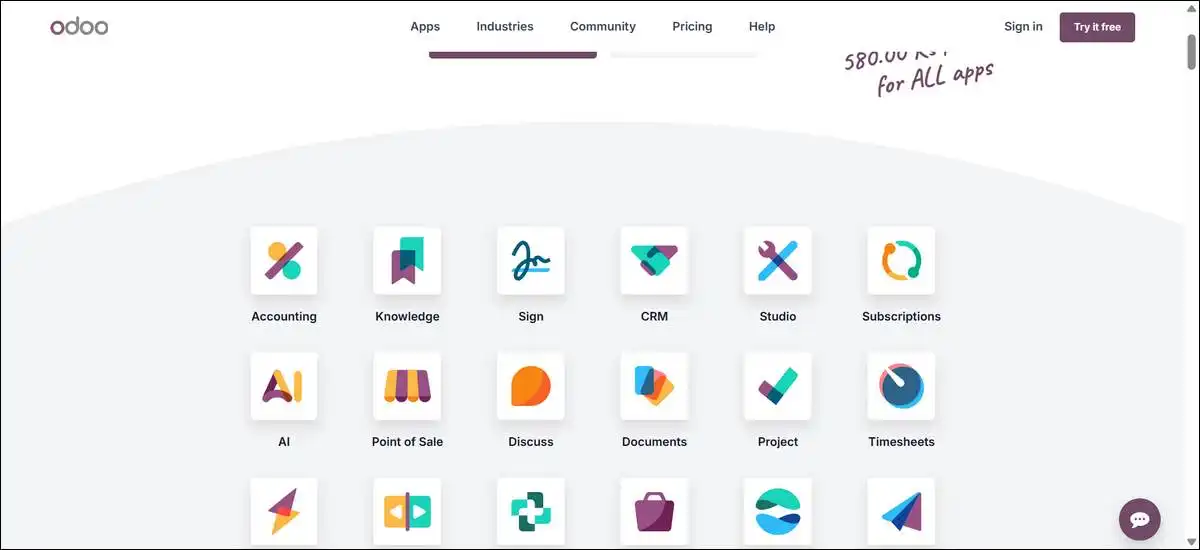
Odoo Community gives you free basic HR tools inside an open-source ERP because it connects employee records directly with accounting and other modules. You can manage employee records and org charts, handle contracts and recruitment, track time off and attendance, and work with basic payroll structures through manual or simple tools.
The strength here is consistency if you’re already using or planning to use Odoo. Data flows smoothly across HR and finance, and testing showed clean contract handling plus easy applicant-to-employee moves.
On the other hand, advanced payroll and some enterprise HR features aren’t in the free edition. Complex tax rules usually need paid upgrades or extra development, and the learning curve can feel steeper than standalone HR tools.
I’d give this one 7.6/10. It shines for businesses already in the Odoo world but may feel heavy if you just want simple HR.
6. Bitrix24
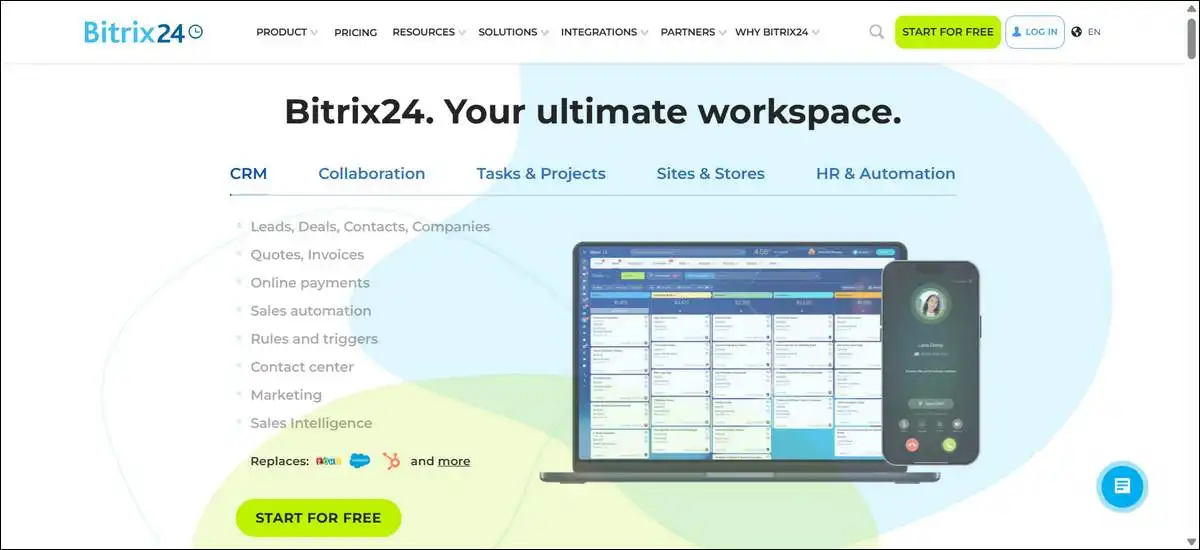
Bitrix24 offers a genuinely free plan with unlimited users because you can access core collaboration and basic tracking tools without paying anything. You have the option to manage tasks, use team chat and calendars, handle basic CRM, and track some employee hours. Storage starts at 5 GB, and inviting users stays simple.
What’s nice is the zero cost for as many people as you need and how easily it supports internal coordination. Testing the free account showed straightforward invites and task flows that help small teams stay organized.
That said, advanced HR automation and higher storage limits sit in paid plans. The platform leans more toward general teamwork than deep, specialized HR features.
I’d rate this one 7.9/10. It gives solid entry value when collaboration matters as much as HR basics.
7. Gusto
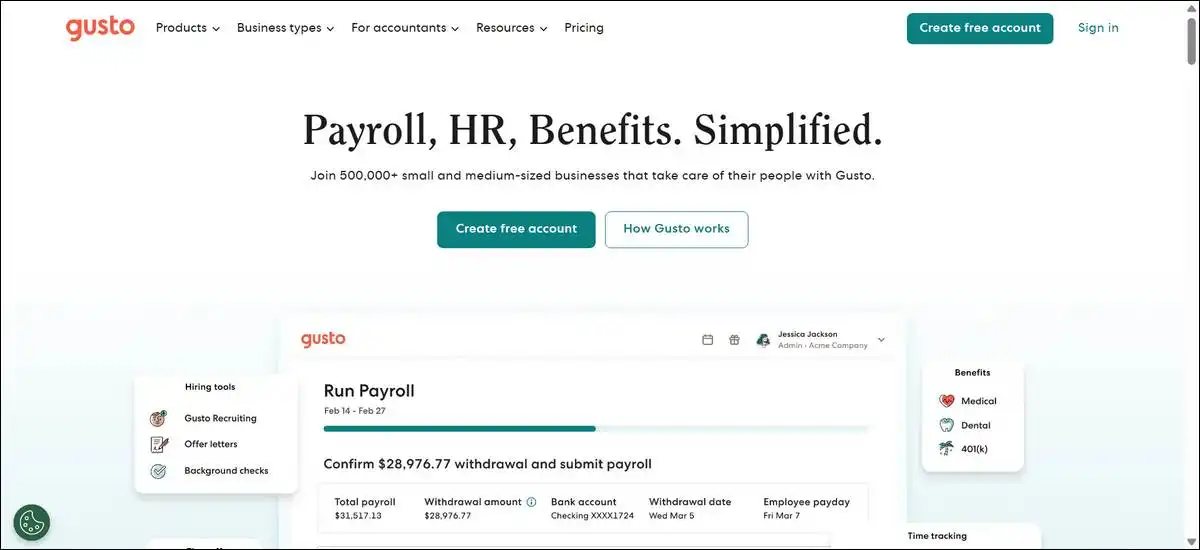
Gusto acts as a practical free-start option for small US payroll because you can set everything up and test it before running your first paid payroll.
After that, plans begin around $49 per month plus per-employee fees. You have the option to use automated tax filing, benefits tools, and basic HR features with guided onboarding that helps keep things compliant.
The upside is how transparent the pricing feels and how clean the interface stays. A lot of users notice fewer payroll errors on simple cases, and testing confirmed the setup flows are straightforward.
Here’s the reality, though — full features require paid plans once you start processing payroll regularly. Global contractor tools come with separate costs, and it works best for straightforward US setups.
I’d give this one 8.3/10. It offers a low-pressure way to test before you commit to ongoing payments.
8. BambooHR
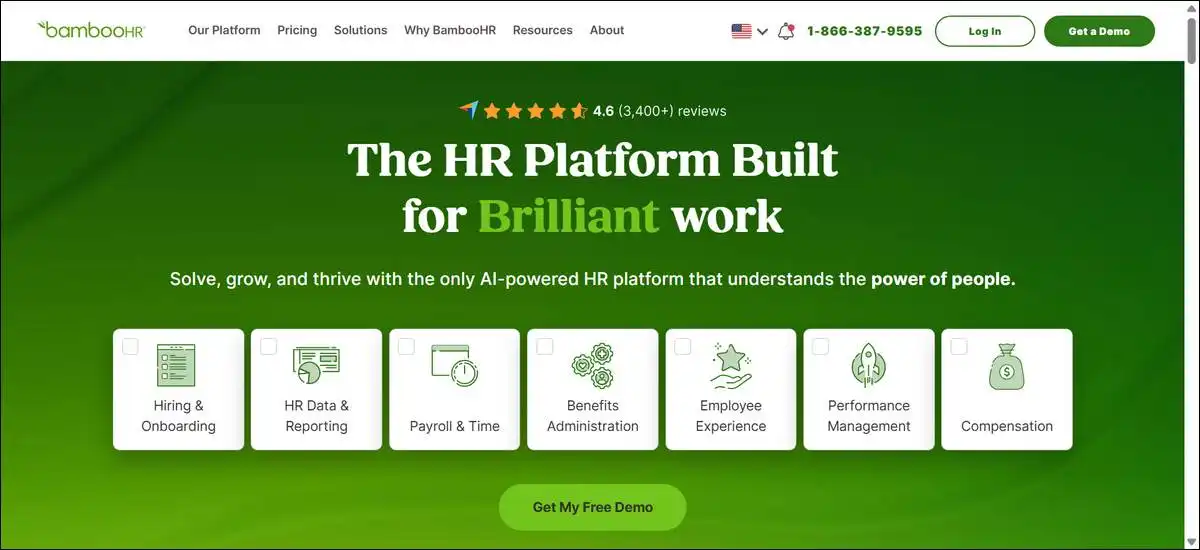
BambooHR delivers a clean, employee-friendly experience after the trial because you can focus on tools that make adoption easy for small teams.
You have the option to manage employee records, automate onboarding, handle time-off requests, run engagement surveys, and use basic performance tracking. Self-service portals help reduce back-and-forth for your staff.
What’s helpful is how quickly teams get comfortable with it. Self-service cuts down on admin work, and feedback often highlights smooth performance tracking.
On the flip side, there’s no permanent free tier. Payroll sits outside the core or needs add-ons, and international support is more limited than some other platforms.
I’d rate this one 7.4/10. It suits teams that value a polished experience and can budget for ongoing access after testing.
9. Connecteam
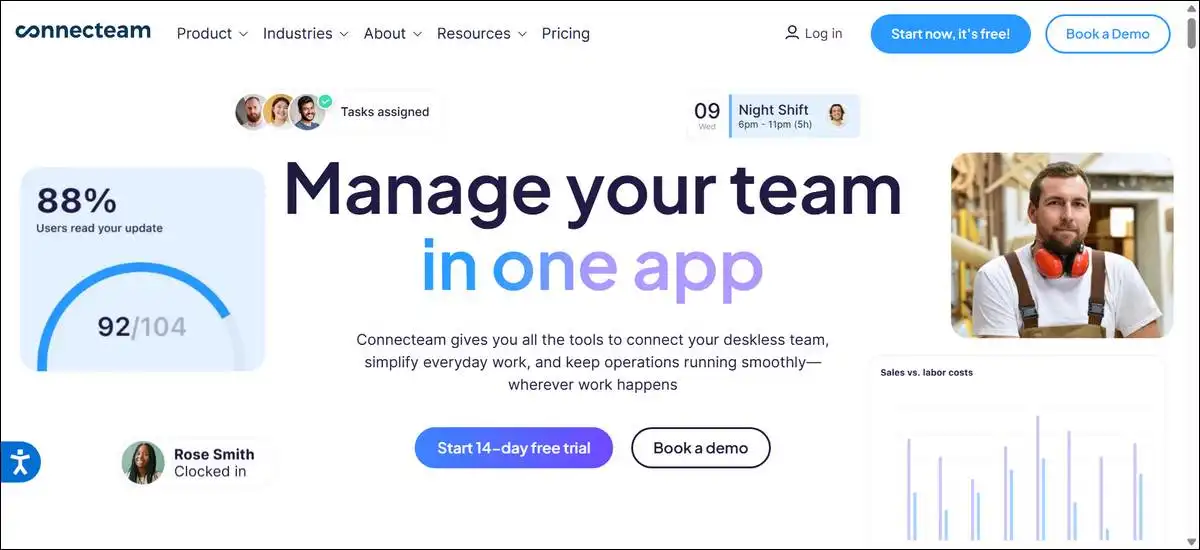
Connecteam works especially well for frontline and remote hourly teams during the trial because you can use mobile-first time and scheduling tools.
You have the option to track time with GPS, manage smart scheduling, create digital forms, and handle training plus recognition. Real-time updates and integrations with QuickBooks or Zapier are available, too.
The strength shows up in how well it fits hourly workers who aren’t always at a desk. Testing showed easy shift management and instant updates that cut down on confusion.
That said, most core features move behind paid plans after the trial. Advanced reporting and fuller HR depth require an upgrade, and it may not feel as useful for salaried or office-only groups.
I’d give this one 7.2/10. It delivers real value for mobile-heavy operations once you move past the trial.
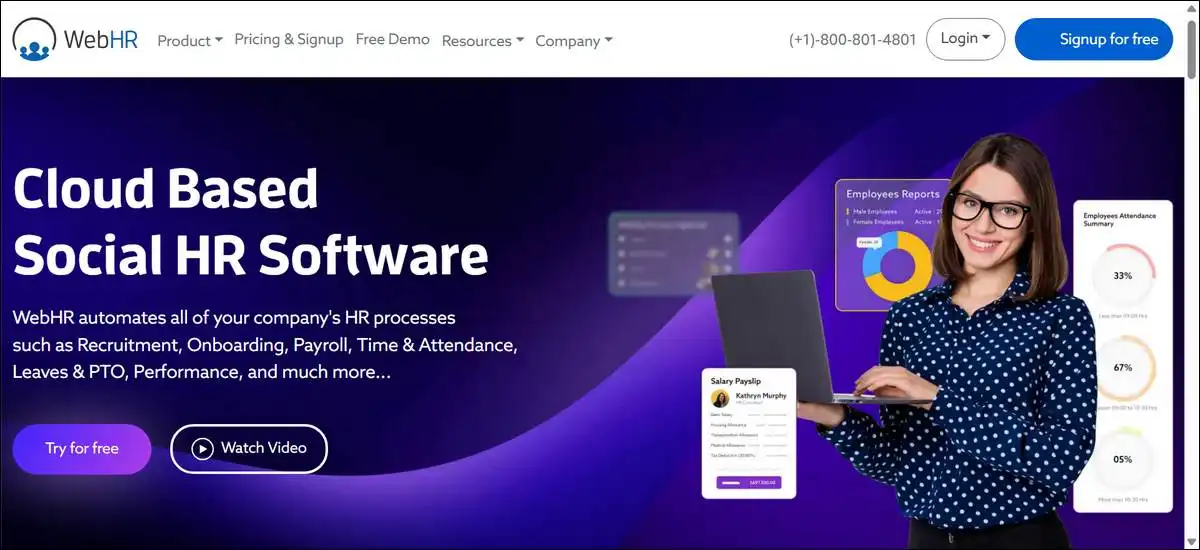
10. WebHR
WebHR offers an affordable, low-cost entry after the free sign-up because you can access core HR tools starting around $2 per employee per month.
You have the option to manage employee records, track time and leave, handle onboarding, store files, and use social-style engagement features. Mobile access supports basic daily tasks.
What’s useful is the low per-employee pricing and how the free exploration period lets you test before committing. Mobile tools help with everyday needs.
On the other hand, it isn’t fully free long-term. Advanced analytics and some integrations require higher plans, and payroll depth stays fairly basic without add-ons.
I’d rate this one 7.7/10. It gives budget-conscious teams a reasonable starting point that scales affordably.
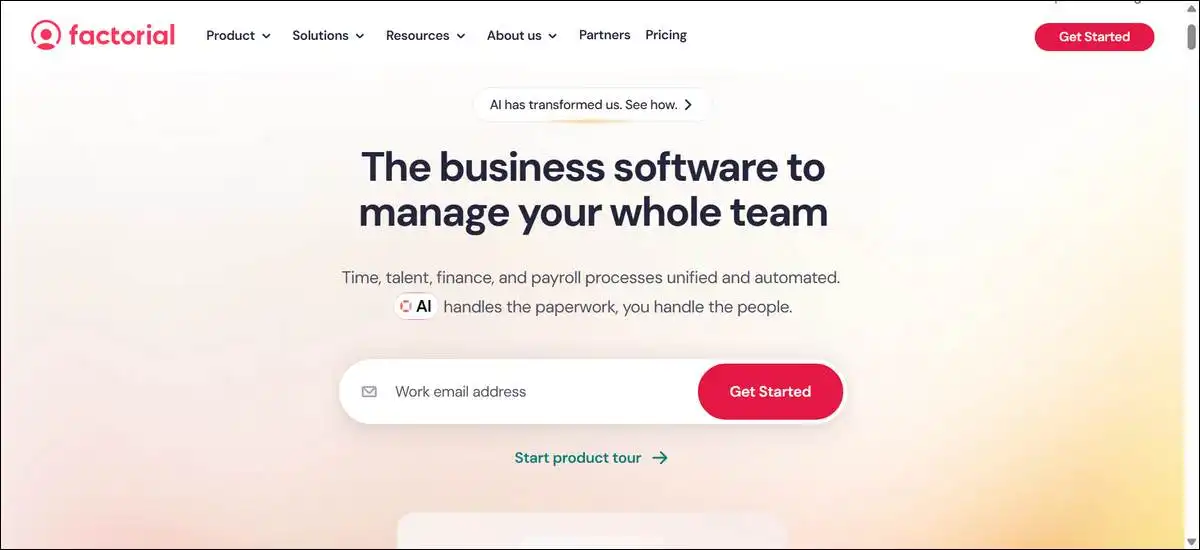
11. Factorial
Factorial provides a strong self-service focus after the trial because you can automate time-off tracking and document tasks for growing teams.
You have the option to use employee self-service portals, automated leave tracking, document management with digital signatures, and basic performance tools. A mobile app keeps things accessible.
The win here is how much time it saves HR on routine requests. Testing showed quick leave handling and smooth document signing in the available plans.
However, payroll and advanced performance tools sit behind paid access. Reporting depth stays more limited than some competitors, and it may suit certain regions better than others.
I’d give this one 7.5/10. It offers good self-service value once you move past the trial period.
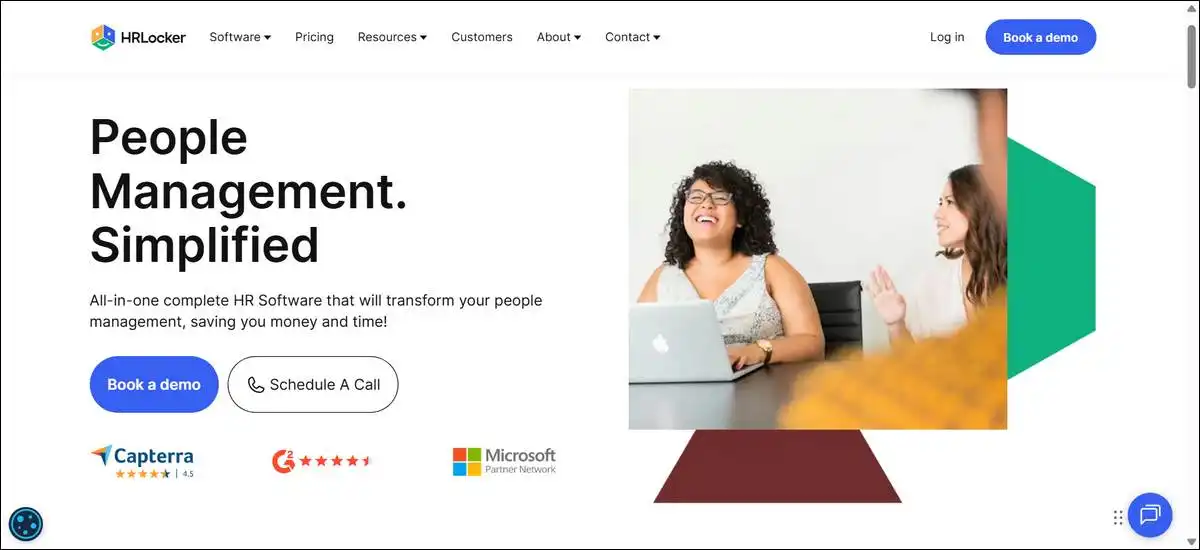
12. HRLocker
HRLocker helps very small teams get started without spending because you can use an initial free period for core document and review tools.
You have the option to manage holidays and absences, track timesheets, keep training records, run performance reviews, and handle documents with signatures.
What’s helpful is how practical the document and review tools feel for tiny groups. The free window gives you real time to test, and setup stays simple for the basics.
Here’s the limit, though — the free period ends and paid plans begin around $6 per employee. Advanced features scale with cost, so it works best before your team grows.
I’d rate this one 7.0/10. It lowers the barrier for micro-teams but shows limits fairly quickly as headcount rises.
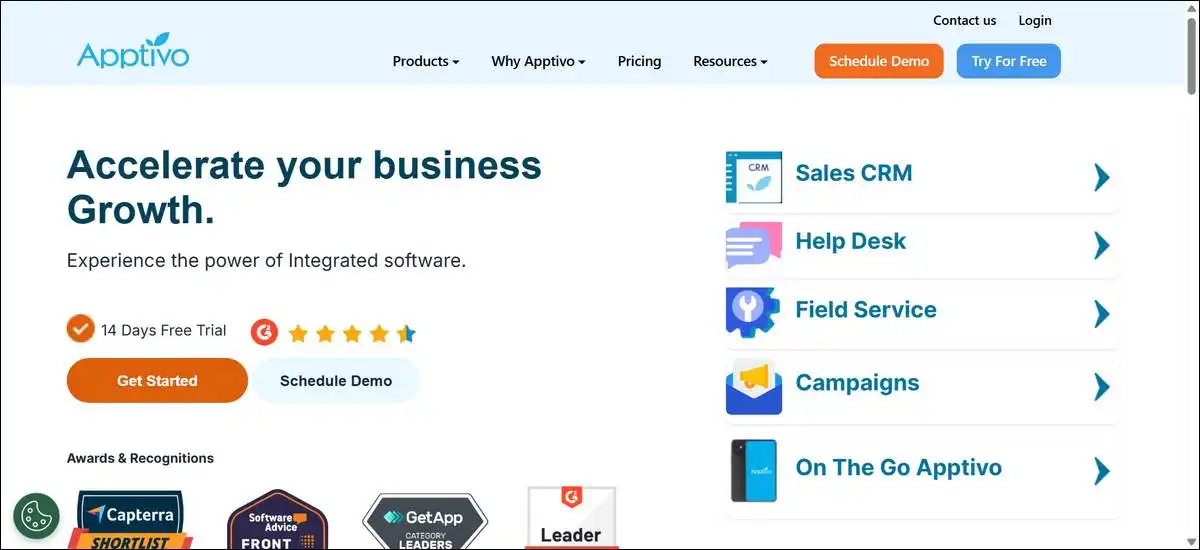
13. Apptivo
Apptivo fits businesses that need custom workflows because you can blend HR help desk tools with broader business features during the trial. You have the option to use HR ticketing, custom dashboards, task assignment, workflow automation, and integrations with tools like QuickBooks.
The strength shows up in how well it adapts to specific processes. The help desk approach improves accountability, and integrations add flexibility.
On the other hand, HR features feel secondary to the wider business tools. Mobile admin depth stays lighter, and it may not feel as focused as pure HR platforms.
I’d give this one 6.8/10. It works when custom workflows matter alongside HR, but dedicated HR users may prefer something more specialized.
14. Deel
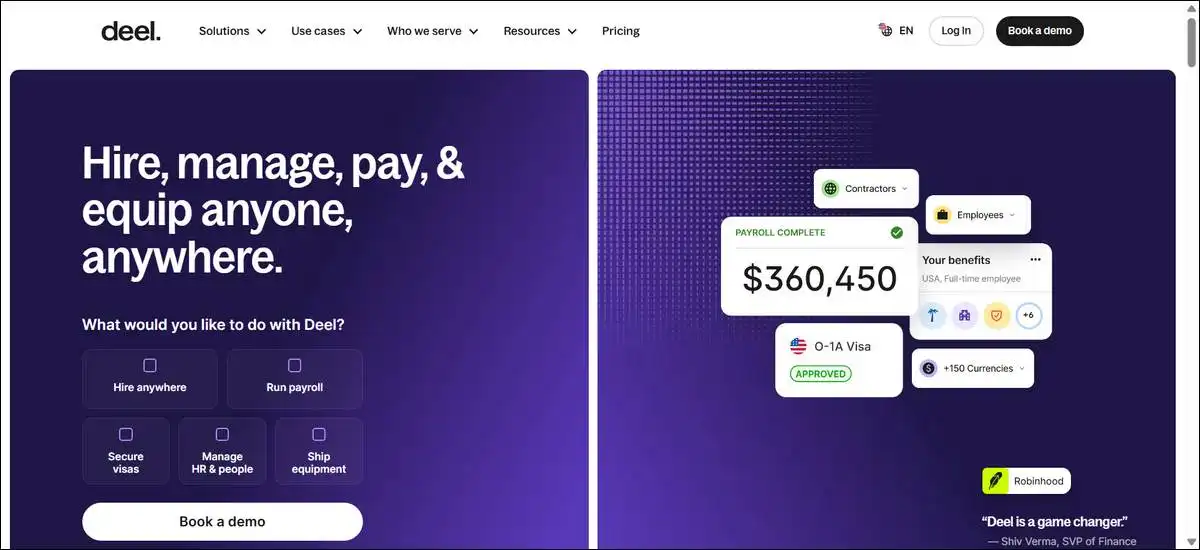
Deel serves distributed or international teams well after the demo because you can handle global contractor payments and compliance across many countries. You have the option to use localized contracts, compliance monitoring, EOR services, and a unified dashboard for multi-country data.
What’s useful is how it pulls international contractor work into one place with strong compliance support. Demo testing showed straightforward onboarding flows.
That said, full platform access requires paid plans. It leans more global than domestic, US-focused for some users, and costs can add up as your team grows.
I’d rate this one 7.3/10. It delivers real value for distributed teams but may feel heavier for purely domestic needs.
15. Patriot Software
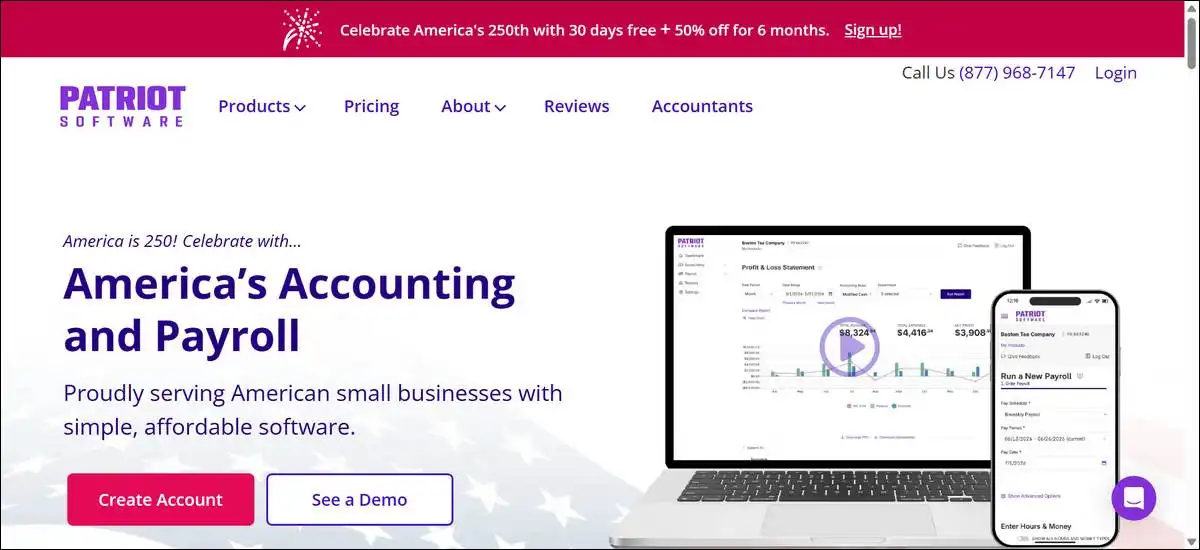
Patriot Software works for very small US payroll needs because you can keep the focus simple during the 30-day trial. You have the option to run straightforward payroll processing and tax filing, plus basic employee management. The interface stays accessible even if you’re not an HR expert.
The upside is how easy it makes core payroll for tiny teams. The trial lets you test full runs, and pricing stays reasonable afterward.
On the downside, broader HR depth stays more limited than full platforms. Advanced reporting and integrations remain basic, so it works best for simple payroll cases.
I’d give this one 7.1/10. It offers a solid, no-frills entry point for a small US payroll but may need supplementing if your HR needs grow.
How to Choose and Next Steps
You can start by matching your employee count and payroll complexity. Teams of five or fewer often do well with Zoho People or Bitrix24.
Hourly businesses frequently like Homebase’s free tools plus a payroll add-on. If you have IT support on hand, MintHCM or Odoo Community can give you more control.
It helps to test the free tier or trial with your actual workflows and data. You’ll want to check compliance fit, especially for multi-state needs.
Most free tools pair best with a separate low-cost payroll processor. Many teams end up upgrading within a year or two as they grow, so having a rough plan for that transition makes things smoother.
Quick Decision Guide: Which Free Alternative Fits You?
No? → Stick with easy cloud tools like Zoho People or Gusto
Simple decision guide graphic for choosing free HR tools based on team size and payroll complexity.
Frequently Asked Questions
Final Thoughts
Free Paylocity alternatives can genuinely lower costs for small or straightforward operations. They deliver practical value when you match them to your real constraints. Most of them trade advanced automation or dedicated support for lower (or zero) fees.
It helps to test thoroughly with your team’s actual processes. Many businesses start free and shift to paid plans as they grow. Choose based on an honest look at your compliance needs and resources — that’s usually the clearest path forward.