ADP Workforce Now 2026: Features, Pricing, Pros & Cons, and When It’s the Right Fit
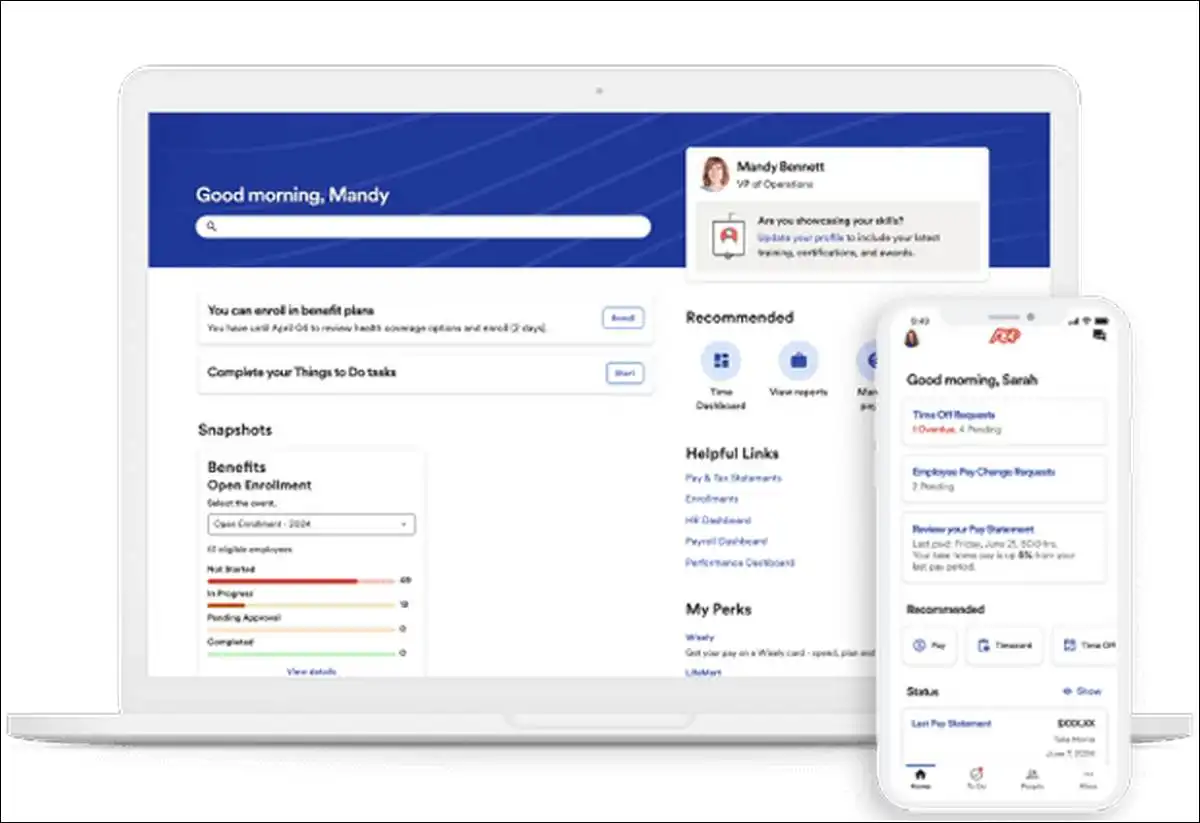
If your company has between 50 and 1,000 employees, ADP Workforce Now offers a solid all-in-one option for payroll, HR, and related tasks. It handles compliance well and pulls in useful data from millions of records. Many mid-sized teams find it reliable, though it works best when you match the right plan to your exact needs.
Key findings
- Our review shows clear strengths in tax accuracy and reporting.
- Pricing usually lands around 23 to 30 dollars per employee each month for the base system.
- AI tools help spot issues early, but full value often requires add-ons or extra setup time.
- You can get strong results if your team values integration over simple interfaces.
What ADP Workforce Now Offers and Who Benefits Most
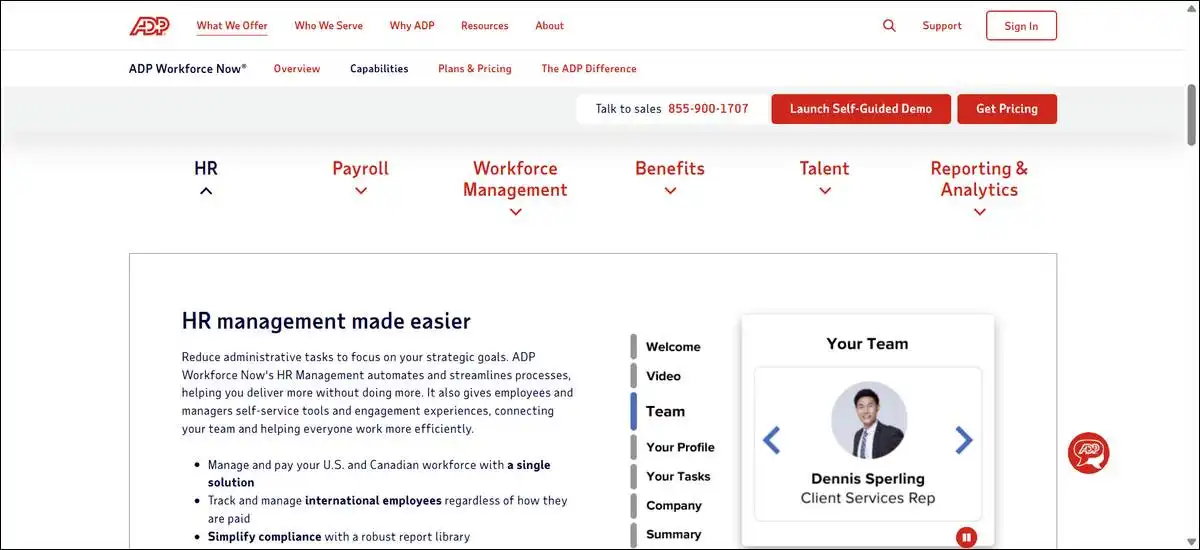
ADP Workforce Now works as a cloud platform that combines payroll, HR records, time tracking, benefits, and talent tools in one place. It targets mid-sized companies that need compliance support and data insights. Smaller teams under 50 employees often choose simpler options instead.
You can run payroll, manage employee data, and track time without switching between systems. The platform includes AI features that flag payroll problems or suggest improvements.
Larger organizations with complex needs tend to use it more successfully than very small businesses.
Main Features You Can Use Right Away
Payroll processing forms the core strength. You set up earnings and deductions once, then run paychecks with built-in tax filing.
Testing the standard payroll flow showed quick calculations for regular employee groups. Complex rules for multiple locations added extra steps, though.
Key payroll features include these options.
- Real-time processing with error checks
- Automated tax payments and filings
- Support for various pay types and deductions
Time and attendance tools help track hours and manage schedules. You can approve time sheets and calculate overtime automatically in the higher tiers. Hands-on checks revealed smooth mobile entry for hourly staff. Approval workflows sometimes slowed down when managers handled large teams.
Benefits administration lets you set up plans and track enrollments. Employees handle much of their own updates through self-service portals. Reviews confirm this reduces admin work for HR teams. Custom plan rules still need manual adjustments in some cases.
Talent and performance tools support hiring and reviews. You can post jobs, track applicants, and run goal setting in one area. AI helps generate job descriptions and score candidates. These extras work well once configured, but basic plans leave them out.
Analytics pulls data from over 39 million employee records for benchmarks. You compare your pay rates or turnover against similar companies. The reports give clear visuals on trends. Data accuracy depends on how well you keep your own records updated.
Pricing Details and What You Actually Pay
ADP does not list exact prices on its site. Most mid-sized users report costs between 23 and 30 dollars per employee per month for the core platform. This covers payroll and basic HR in the entry tier.
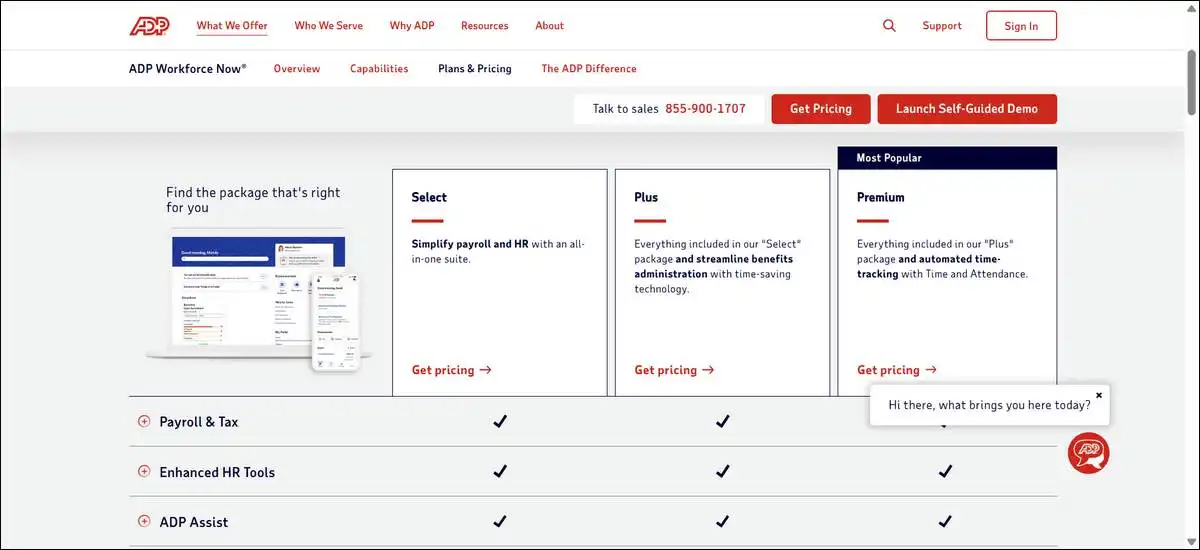
Here is a simple breakdown of the main plans.
- Select tier handles payroll, basic HR, and self-service portals
- Plus tier adds benefits management and enrollment tools
- Premium tier includes time tracking, scheduling, and stronger analytics
Add-ons for recruiting, performance reviews, or learning management cost extra. Implementation often adds 10 to 20 percent to first-year costs. You should request a custom quote based on your employee count and modules.
Total spend rises when you include outsourced payroll help or multiple add-ons. Some companies pay closer to 35 or 50 dollars per employee once everything is active. Budget for training time during the first few months as well.
Honest Pros and Cons from Real Use
Users like the strong compliance engine and reliable tax handling. The system reduces manual errors in payroll runs for many teams. Centralized data also makes reporting faster once set up.
Strengths come with these clear limits.
- Strong tax accuracy and filing support
- Good benchmarking from large data sets
- Flexible service models for different company sizes
On the other side, the interface can feel dated compared with newer tools. Support response times vary based on your plan level. Some users report glitches during peak payroll periods.
Pricing opacity creates planning challenges. You often need direct conversations to understand full costs. Add-on fees can surprise teams that start with the basic package only.
Migration from older systems takes planning and testing. Data transfer works but requires careful mapping of fields. Companies with simple needs sometimes find lighter platforms easier to adopt.
How to Get Started and Make It Work Well
Begin with a demo that matches your current payroll process. ADP teams usually walk through the setup for your specific rules. You can test key features before committing.
Follow these practical steps for a smoother rollout.
- Map your current employee data and pay rules first
- Decide which modules you need right away
- Plan training sessions for HR and managers
Integrations with tools like time clocks or accounting software help connect everything. Many teams start with payroll and add other pieces later. Test one integration at a time to avoid overload.
Ongoing support depends on your service level. Higher tiers include more dedicated help. Regular check-ins with your ADP contact keep things running smoothly after launch.
When ADP Workforce Now Fits Your Business Best
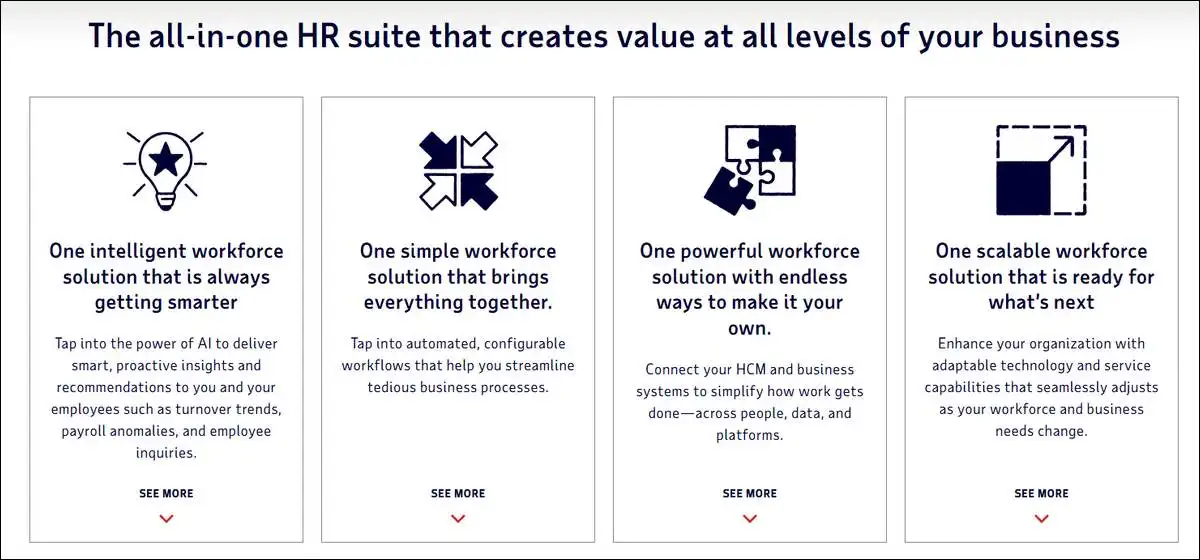
This platform works well for mid-sized companies that handle payroll in-house or want strong compliance backup. It shines when you need benchmarking data and integrated reporting across HR areas.
Consider these factors before you decide.
- Your team size falls in the 50 to 1,000 employee range
- You value tax accuracy and data insights over simple design
- You can budget for possible add-ons and implementation time
Smaller teams or those seeking very low costs often do better with lighter alternatives. Companies with heavy custom needs may face extra configuration work. Always request a tailored proposal and compare it against your current total spend.
You can start by listing your must-have features and pain points today. Then schedule a demo focused on those exact areas. This approach helps you see real fit without extra hype.
Wrapping Up!
ADP Workforce Now delivers dependable payroll and HR tools backed by solid data resources. It earns its place for many mid-market teams that prioritize compliance and integration.
Success comes from matching the plan to your needs and planning for setup and ongoing costs. Request quotes from a few options and test the core workflow before you choose.