Google Chrome Can Now Autofill Passport and License Numbers From Google Wallet on Mobile
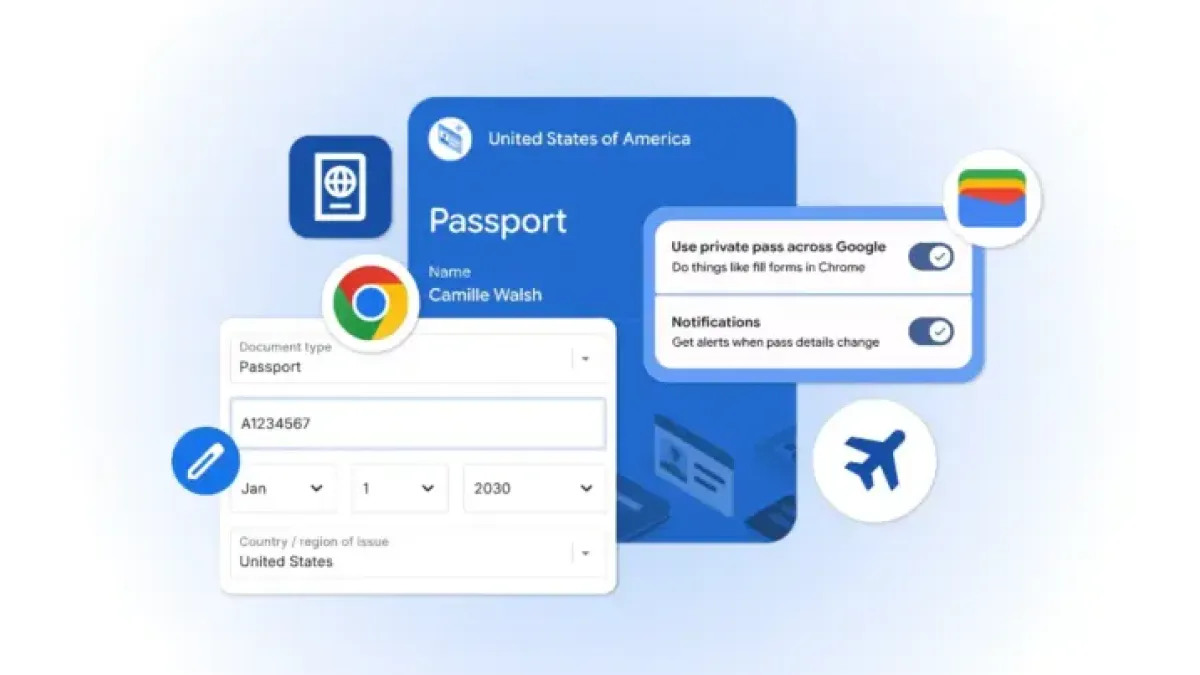
Google Chrome can now autofill government-issued ID numbers — including passport numbers, driver’s licenses, and Known Traveler Numbers — directly from Google Wallet into online forms on Android and iOS devices.
The feature Lets Users populate identity fields in a single tap, bypassing the need to manually enter long alphanumeric strings on a mobile keyboard.
How It Works
Chrome does not fill forms automatically without user input. Each time the browser pulls data from Google Wallet, it requires biometric or PIN confirmation — Face ID, fingerprint, or passcode — before transferring any information.
That authentication step blocks someone with access to an unlocked phone from submitting another person’s ID details without consent. Google said the data remains encrypted in transit.
Users do not need to load documents into the system ahead of time. The first time someone enters a passport or license number on a supported site, Chrome asks whether to save it for future sessions.
Managing Saved IDs
Government IDs sit in a separate control panel from other autofill data. Users Can remove a passport from Chrome without affecting saved addresses or payment methods.
Settings are accessible through either Google Wallet or Chrome’s autofill section, giving users two paths to manage or delete stored credentials.
Context
Google had already expanded Chrome’s autofill system to cover basic flight details and vehicle license plates. Adding official government IDs stored in Wallet represents the next step in that expansion.
The practical use case is most apparent for multi-passenger bookings. Managing separate passport or Known Traveler Numbers — a unique identifier the U.S. government assigns to pre-approved travelers through programs such as TSA PreCheck — for multiple travelers under a single reservation compounds the manual entry burden considerably.
By contrast, Apple’s Safari browser handles contact information through its own autofill system but has taken a more conservative approach to official identification documents on mobile.
Google said the rollout is global and underway now. The company did not specify a minimum Chrome version required to access the feature.