Brave officially announces Origin release for desktop and Android, iOS version coming soon
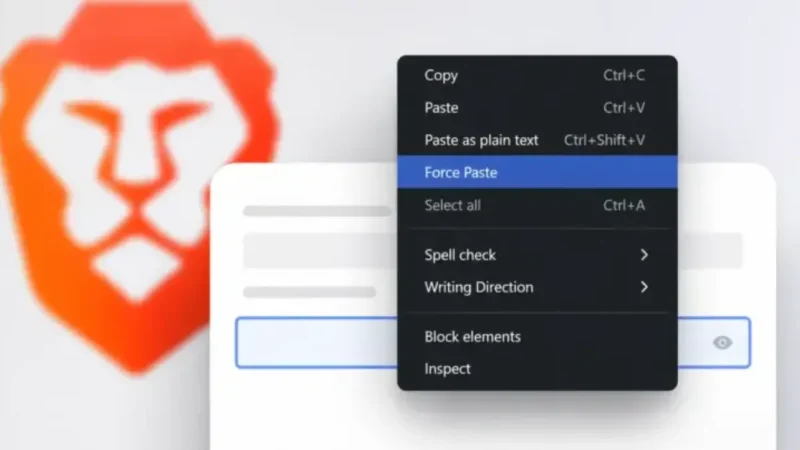
Brave has officially announced Brave Origin, a minimalist paid Browser That Strips away the company’s suite of built-in extras while keeping its core privacy tools intact.
The formal announcement came days after the first stable desktop build had already gone live. Brave likely waited to have both the desktop and Android versions ready before making the public statement.
What Origin Actually Is
Brave pitched Origin as a leaner version of its existing browser. It keeps Shields — the company’s built-in content and ad-blocking system — along with the core browsing experience. However, it removes or disables a long list of features, including Leo (Brave’s AI assistant), Rewards, Wallet, VPN, News, Talk, Tor integration, Wayback Machine access, and the Web Discovery Project.
The regular Brave Browser remains free and unchanged. Origin is aimed specifically at users who want privacy protections without the revenue-generating features that help fund the free product.
Pricing and Availability
Brave charges $59.99 as a one-time purchase. Linux users get Origin for free, though they can still pay voluntarily to support the company. A full refund is available within 30 days of purchase.
Platform availability varies. Desktop users on macOS, Windows, and Linux can install Origin either as an upgrade to an existing Brave installation or as a standalone download from brave.com/origin/. Separate Nightly, Beta, and Release channels are available for the standalone version.
Android and iOS users can only access Origin as an in-app upgrade inside Brave version 1.91 or later — not as a separate app. Android support is already available. The iOS version is expected to arrive roughly one to two weeks from the announcement date, once Brave 1.91 reaches Apple’s App Store.
How to Get It
On desktop: Navigate to Settings → System → Brave Origin, then select “Buy now” or enter an existing Purchase ID. After restarting Brave, users can toggle features off through the new Origin panel.
As a standalone desktop app: Download Origin directly from brave.com/origin/, install it, complete the purchase during onboarding, and use the Origin panel to manage features. Linux users can select “Proceed with Origin for free” at that same step.
On mobile: Tap the menu icon — three dots on Android, an ellipsis on iOS — then go to All Settings → General → Origin. From there, tap “Buy now” through the Play Store or App Store, or select “Verify Brave Origin purchase” if payment was already completed elsewhere. A restart is required before the Origin panel becomes accessible.
The Broader Context
Brave spent time earlier this year addressing misinformation about Origin. Some users had assumed the project meant Brave was replacing its free browser or removing core features from it. Neither turned out to be true.
A paid browser remains an unusual proposition in a market dominated by free products. Brave is wagering that a cleaner interface, strong privacy defaults, no cryptocurrency features, and no embedded AI tools — combined with a single upfront fee — will appeal to enough users to make the model viable.