10 Filmy4wap Alternatives: Free and Legal Movie Websites

If you want free movies without legal or security risks, you do have real choices. Instead of chasing unstable links, you can use legitimate platforms that stream films legally, fund content through ads or libraries, and protect your device and data.
Below, we walk through ten reliable Filmy4wap alternatives, explain what each service offers, and help you decide which one fits your viewing habits.
Along the way, we compare features, note limitations, and share practical tips so you can stream with confidence.
Here’s a quick comparison of Filmy4wap Alternatives:
| Service | Free? | Best for | How you watch |
|---|---|---|---|
| Tubi | Yes (ads) | Large, general library | Web, apps, smart TVs |
| Pluto TV | Yes (ads) | Live channels + on-demand | Web, apps, smart TVs |
| The Roku Channel | Yes (ads) | Curated picks | Roku devices, web |
| Plex | Yes (ads) | FAST channels + on-demand | Web, apps, smart TVs |
| Kanopy | Yes (library) | Indie, classics, docs | Library/university login |
| Hoopla | Yes (library) | Newer releases | Library card; app/web |
| Crackle | Yes (ads) | Hollywood catalog | Web, apps |
| Popcornflix | Yes (ads) | Simple indie picks | Web, apps |
| Vudu (Free) | Yes (ads) | Mix of recent + catalog | Web, apps |
| Samsung TV Plus | Yes (ads) | Free channels, legal | Samsung’s smart TV |
Now, let’s go in details about each alternative one by one:

1. Tubi — a big, free on-demand library
Tubi is often the first stop for free, legal streaming. It offers thousands of movies and TV shows, all supported by ads. Because the catalog spans many genres, you can usually find something to watch without digging too deep.
Better still, Tubi works on nearly every device. You can watch without an account, although signing in helps you save progress and build a watchlist. While ads do interrupt playback, they are predictable and far safer than pop-ups on risky sites.
- Pros: Huge catalog, broad device support
- Cons: Ads; titles rotate by region
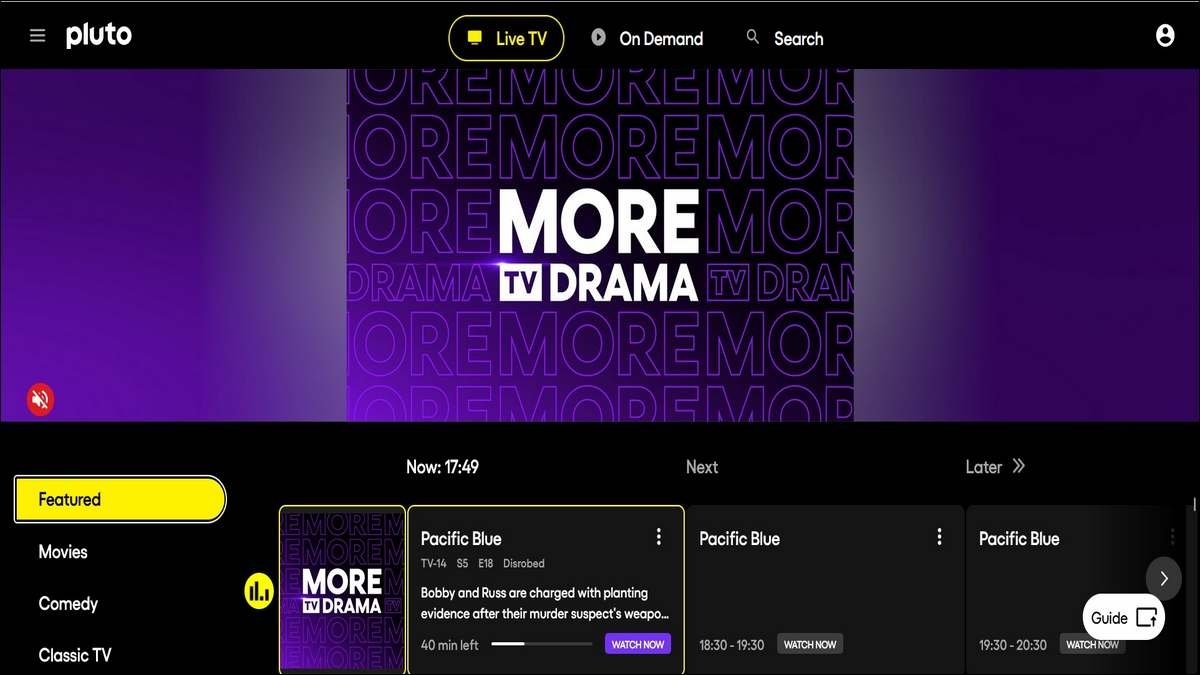
2. Pluto TV — live channels plus on-demand movies
If you like the feel of traditional TV, Pluto TV fits well. It combines free live channels with an on-demand library, which means you can either browse titles or let a channel play in the background.
Pluto organizes content into themed channels, such as action or comedy. That makes discovery easy, especially when you are not sure what to watch. On the downside, the channel format means you cannot always pick an exact start time.
- Pros: Live channels, easy browsing
- Cons: Ads; less control over scheduling
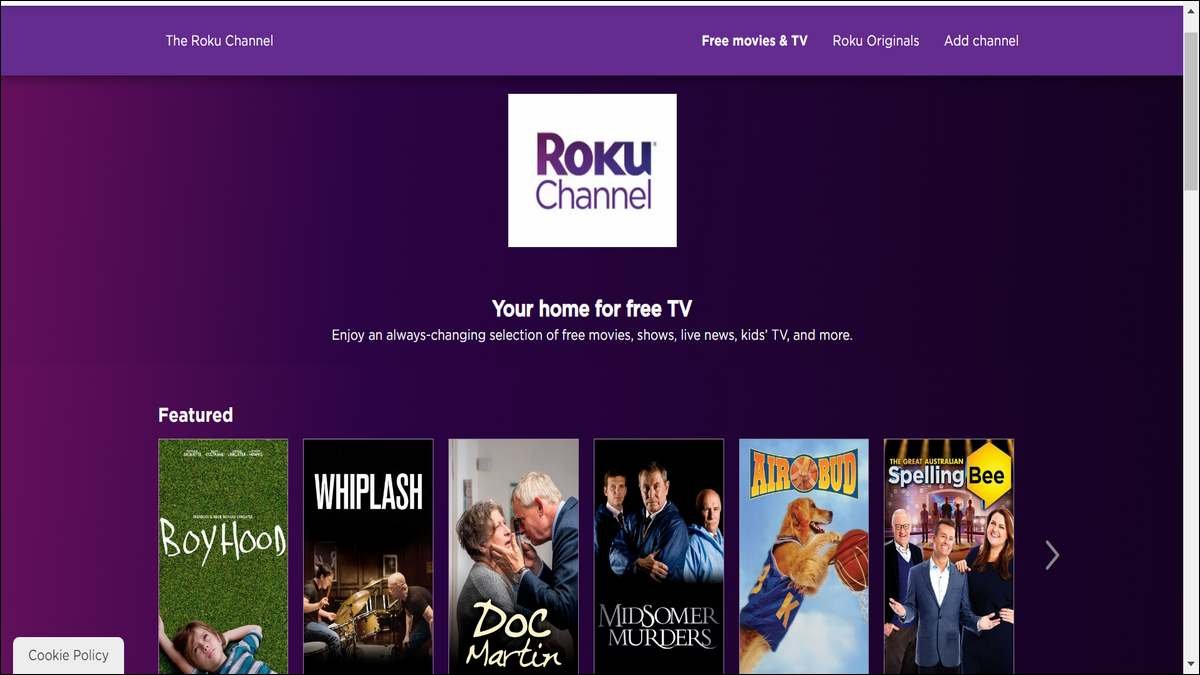
3. The Roku Channel — curated and device-friendly
The Roku Channel is built into Roku devices and also available on the web. It offers a curated selection of free movies, TV shows, and live channels.
Because Roku integrates this service directly into its interface, access feels seamless. If you already own a Roku device, this option requires no extra setup. However, outside the Roku ecosystem, the experience is more limited.
- Pros: Smooth Roku integration, solid curation
- Cons: Best experience requires Roku hardware
4. Plex — on-demand streaming plus FAST channels
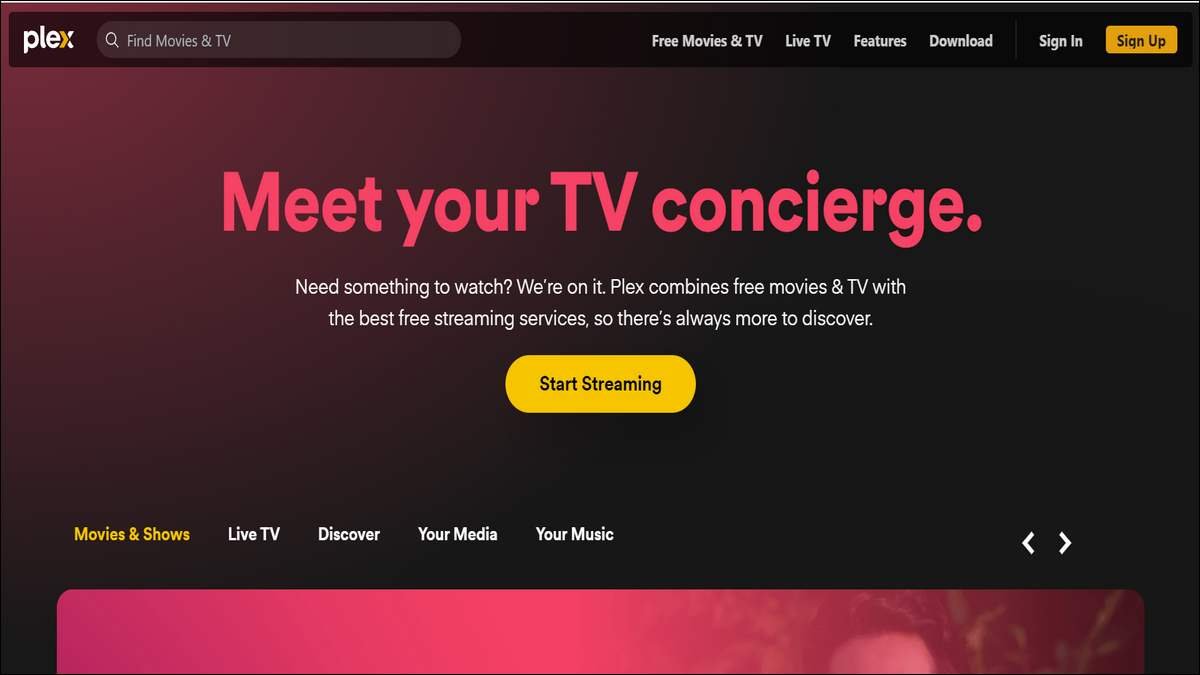
Plex started as a personal media tool, yet it has grown into a major free streaming platform. Today, Plex offers both on-demand movies and hundreds of FAST channels, all supported by ads.
What sets Plex apart is flexibility. It runs on almost every platform and combines different viewing styles in one place. While ads are part of the experience, Plex keeps them manageable.
- Pros: Broad device support, live and on-demand options
- Cons: Ads; premium features cost extra
5. Kanopy — free with a library or university login
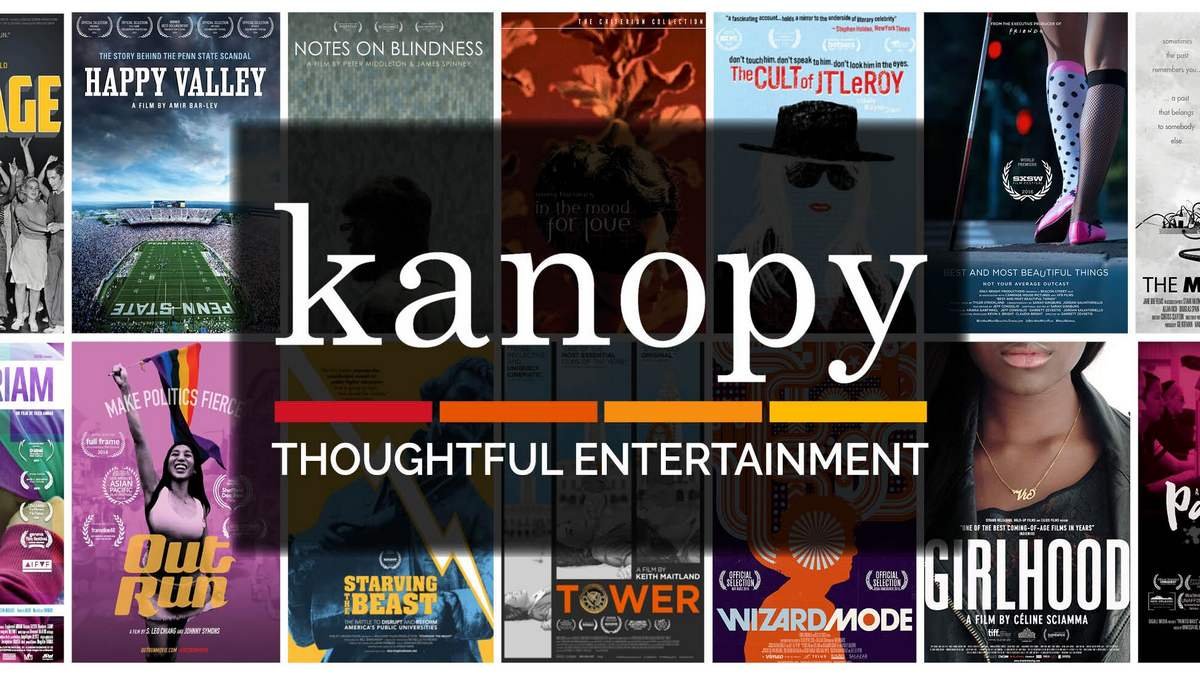
Kanopy works differently from most ad-supported services. Instead of ads, it partners with libraries and universities. If your library participates, you can stream a curated catalog at no cost.
Kanopy focuses on quality. You will find classic cinema, independent films, and award-winning documentaries. Because access depends on your library, availability varies by location.
- Pros: High-quality films, often ad-free
- Cons: Requires library or university access
6. Hoopla — borrow movies with your library card
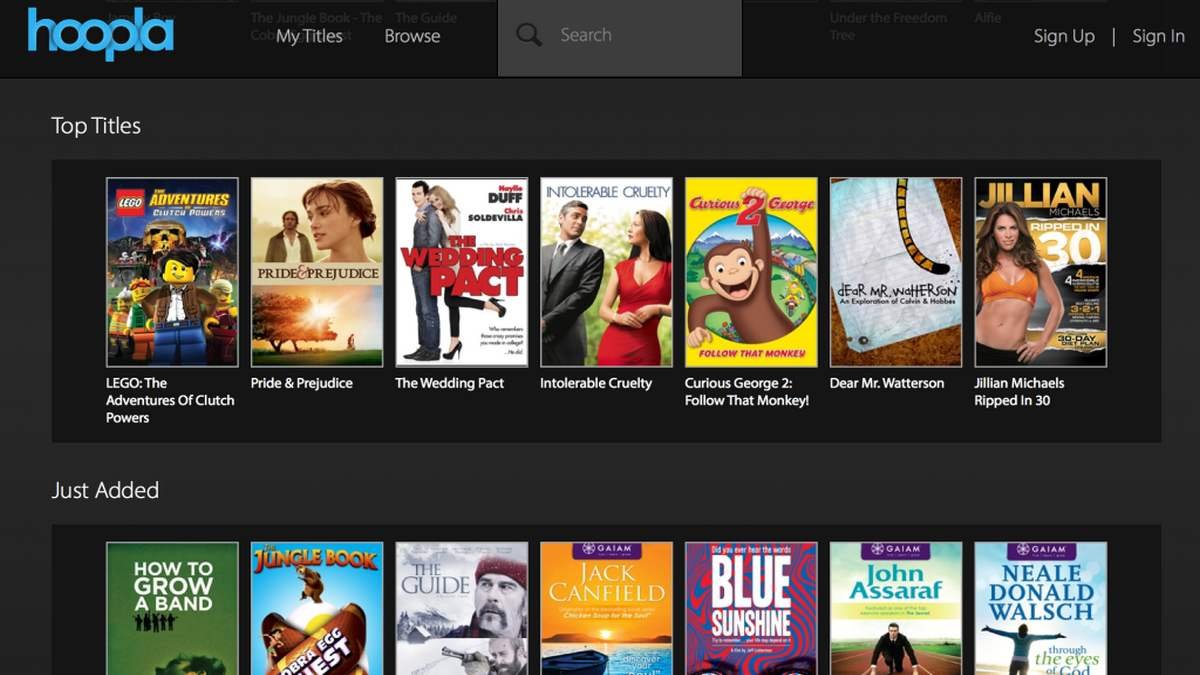
Like Kanopy, Hoopla uses your library card. However, Hoopla leans more toward mainstream titles and often includes newer releases.
Each library sets monthly borrowing limits, which means you must plan your viewing. Still, the ability to download some titles for offline watching makes Hoopla especially useful for travel or limited internet access.
- Pros: Newer titles, offline viewing
- Cons: Borrow limits; library participation required

7. Crackle — free movies and originals
Crackle has been around for years, and that longevity matters. It offers a steady catalog of Hollywood films, older franchises, and a small set of original programs.
While Crackle’s library is smaller than Tubi’s, it remains a dependable option for casual viewing. Ads are present, but the service itself is straightforward and stable.
- Pros: Reliable, simple to use
- Cons: Smaller catalog

8. Popcornflix — simple and straightforward
Popcornflix keeps things minimal. You open the app, pick a movie, and watch. That simplicity appeals to viewers who do not want complex menus or features.
The catalog focuses on indie films and older titles. Although updates are less frequent, Popcornflix still serves as an easy, legal alternative.
- Pros: Very easy to navigate
- Cons: Limited updates and variety
9. Vudu (Free with Ads) — free section plus rentals
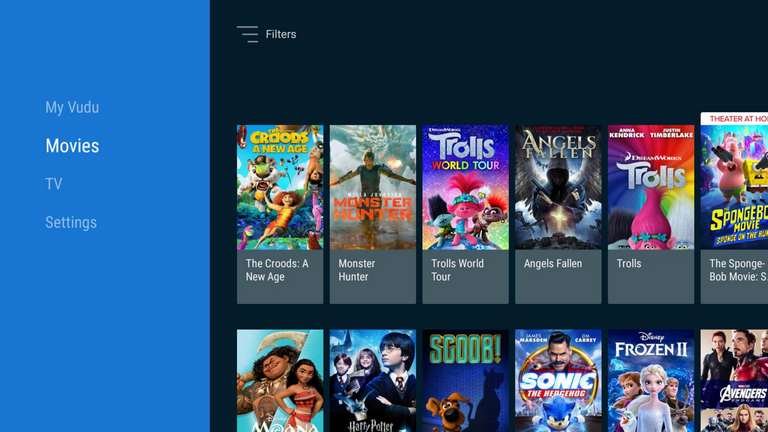
Vudu is best known for rentals and purchases. However, it also includes a free, ad-supported section called “Movies on Us.”
This makes Vudu a flexible option. You can watch free titles when available or rent newer releases when needed. The free catalog is smaller, but playback quality is consistently high.
- Pros: Reliable streaming, mixed options
- Cons: Free library smaller than dedicated platforms
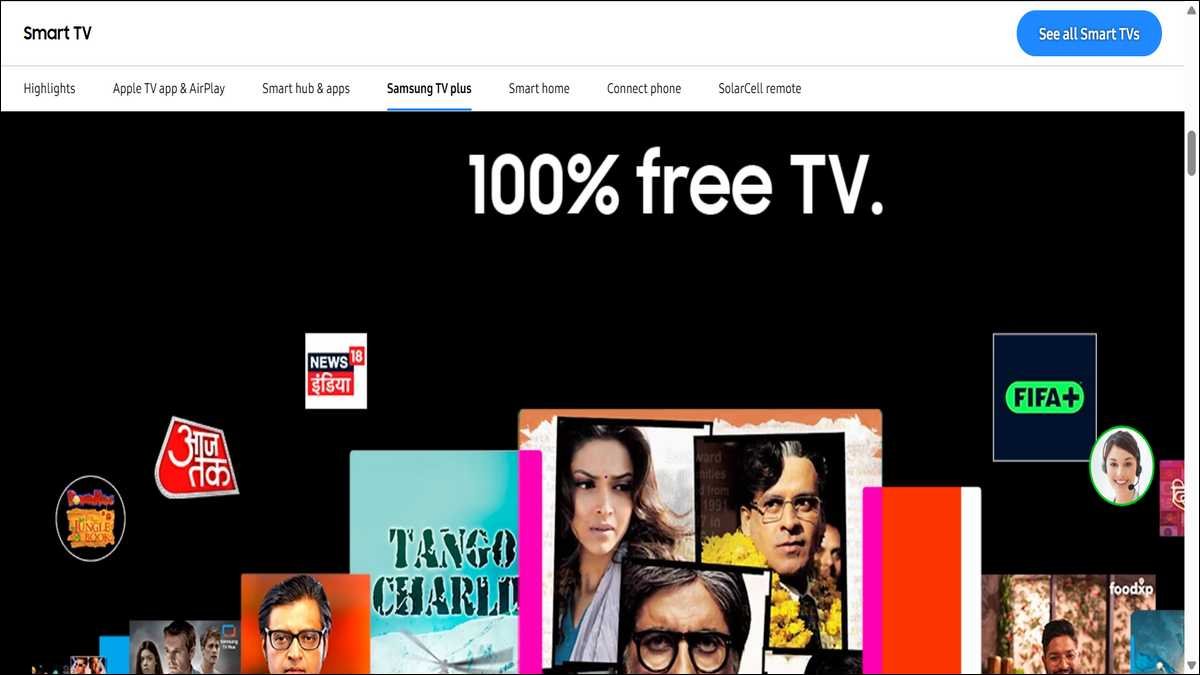
10. Samsung TV Plus — Free Streaming on Smart TVs & Devices
Samsung TV Plus is a free, ad-supported streaming service available on Samsung smart TVs and select mobile/streaming platforms.
Instead of a single on-demand catalog, it offers hundreds of 24/7 themed channels, including movie channels, where films play on an ongoing schedule. You don’t need an account, and content is legally licensed.
Because channels are curated and shaped like classic TV lineups, this is a good choice if you enjoy exploring movies without titles disappearing suddenly. The selection includes a mix of classics, contemporary films, and genre-based channels.
- Pros: Completely free and legal
- Cons: Channel format means you can’t always pick an exact start time
Why these options beat risky sites like Filmy4wap:
First, they are legal. That means no copyright concerns and no stress about notices or blocks.
Second, they are safer.
Official apps avoid fake downloads, hidden scripts, and malicious ads.
Finally, they are reliable. Streams load consistently, subtitles work, and support exists if something breaks.
In short, these platforms trade uncertainty for stability.
Tips to get more value from free streaming
Start by mixing services. No single platform has everything, but two or three together cover a wide range.
Next, use library access if available.
Kanopy and Hoopla often surprise viewers with strong catalogs.
Finally, create watchlists. Saving titles prevents endless browsing and missed finds.
A quick safety checklist
- Install apps only from official app stores.
- Avoid browser extensions or “custom players.”
- Keep devices updated.
- Expect ads, but leave immediately if prompts seem suspicious.
Building a safer viewing habit
Free and legal streaming no longer means limited choice. With the services listed above, you can watch movies confidently, without malware or legal risk. While ads are part of the trade-off, they fund content and keep platforms accessible.
By choosing licensed alternatives, you gain peace of mind and a better overall experience.
Frequently Asked Questions
The best alternatives are free, licensed platforms such as Tubi, Pluto TV, Plex, Kanopy, Hoopla, Crackle, Popcornflix, Vudu (Free with Ads), The Roku Channel, and Samsung TV Plus.
Yes. Most are free and supported by ads, while library-based services are free with a valid library or university card.
Yes. Legal platforms are safer than piracy sites because they use official apps, avoid malicious ads, and follow data protection rules.
Not always. Some services allow instant streaming without sign-up, while others require a free account or library card.
You may find recent titles on some services, but most focus on catalog films, classics, indie movies, and rotating selections.
Piracy sites carry legal risk, malware threats, and privacy concerns. Free legal platforms provide safer and more reliable access to movies.
Most services support smart TVs, mobile apps, and web browsers, making them easy to use across devices.